
IT Operations Management (ITOM) Explained: How Smart IT Operations Drive Business Success
Updated: May 19, 2026
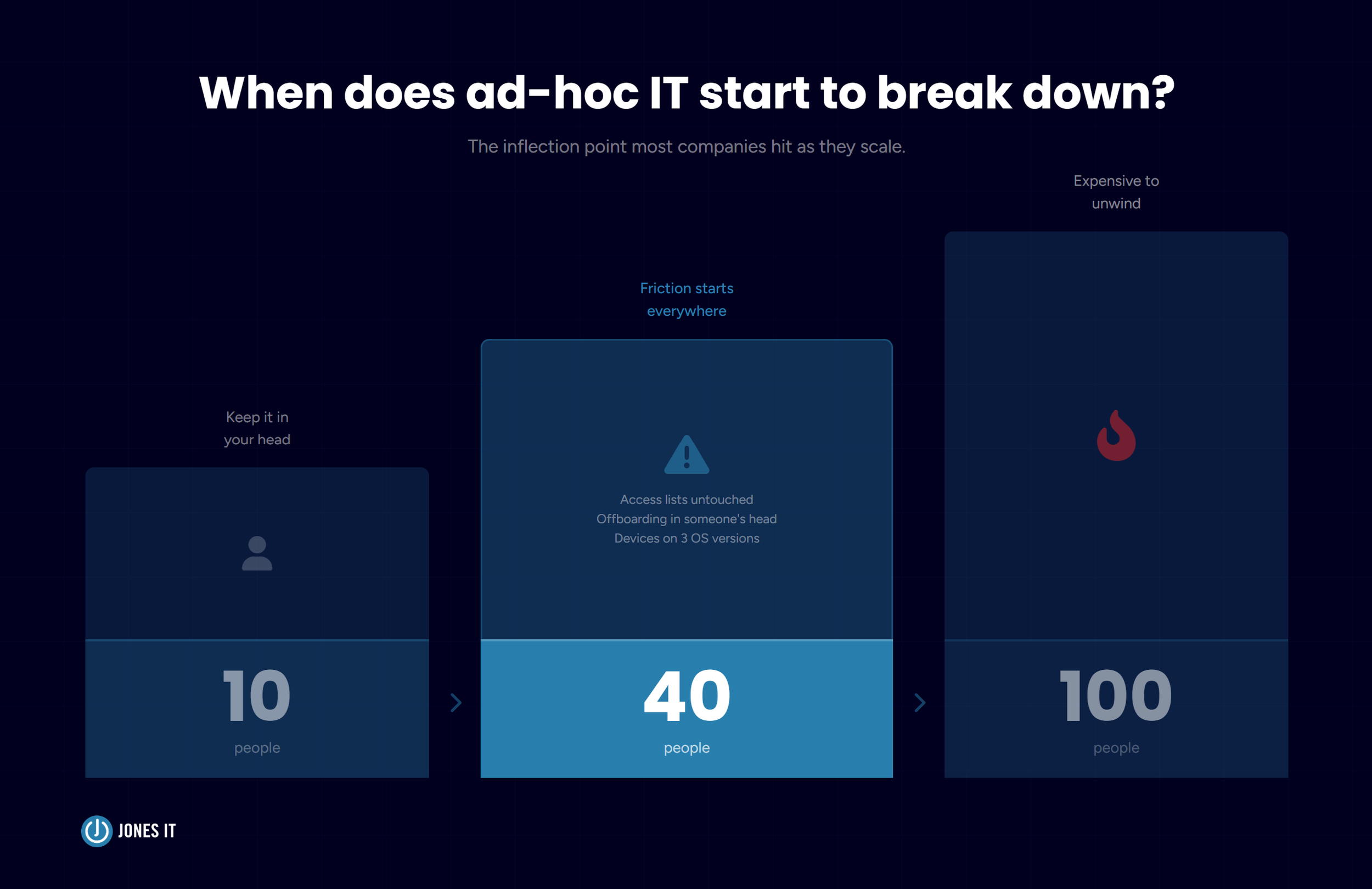
Your company just hit 40 people. You have engineers on three different laptops with three different operating systems, a Slack integration that keeps breaking, an access control list nobody has touched since the original hire, and an offboarding process that lives entirely in one ops manager’s head. Nothing is catastrophically broken. But nothing is quite right either, and you can feel the friction everywhere.
Most of the founders and COOs we work with in SoMa and Mission Bay recognize this moment. It’s the point where what worked fine at 10 people starts quietly failing at 40. The problem isn’t any single thing. It’s the absence of a framework for running IT as a coherent system rather than a pile of individual tools and workarounds.
That framework has a name: IT operations management, or ITOM. Here’s what it actually means, what it covers, and how to make it work at your stage of growth.
What Is IT Operations Management?
IT operations management (ITOM) is the set of processes, tools, and practices an organization uses to monitor, manage, and maintain its IT infrastructure and services. ITOM covers everything from keeping your devices provisioned and your network running to managing software licenses, handling incidents, and making sure the right people have access to the right systems.
The goal of ITOM is uptime, reliability, and efficiency: your technology works when people need it, problems get caught before they become outages, and your IT environment scales with your business rather than against it.
ITOM sits within the broader ITIL (Information Technology Infrastructure Library) framework, which defines ITOM as a discipline focused on the day-to-day operational activities required to deliver IT services. In practice, at a startup or scaling company, that means the difference between an IT environment that enables people to do their best work and one that routinely gets in their way.
What Does ITOM Actually Cover?
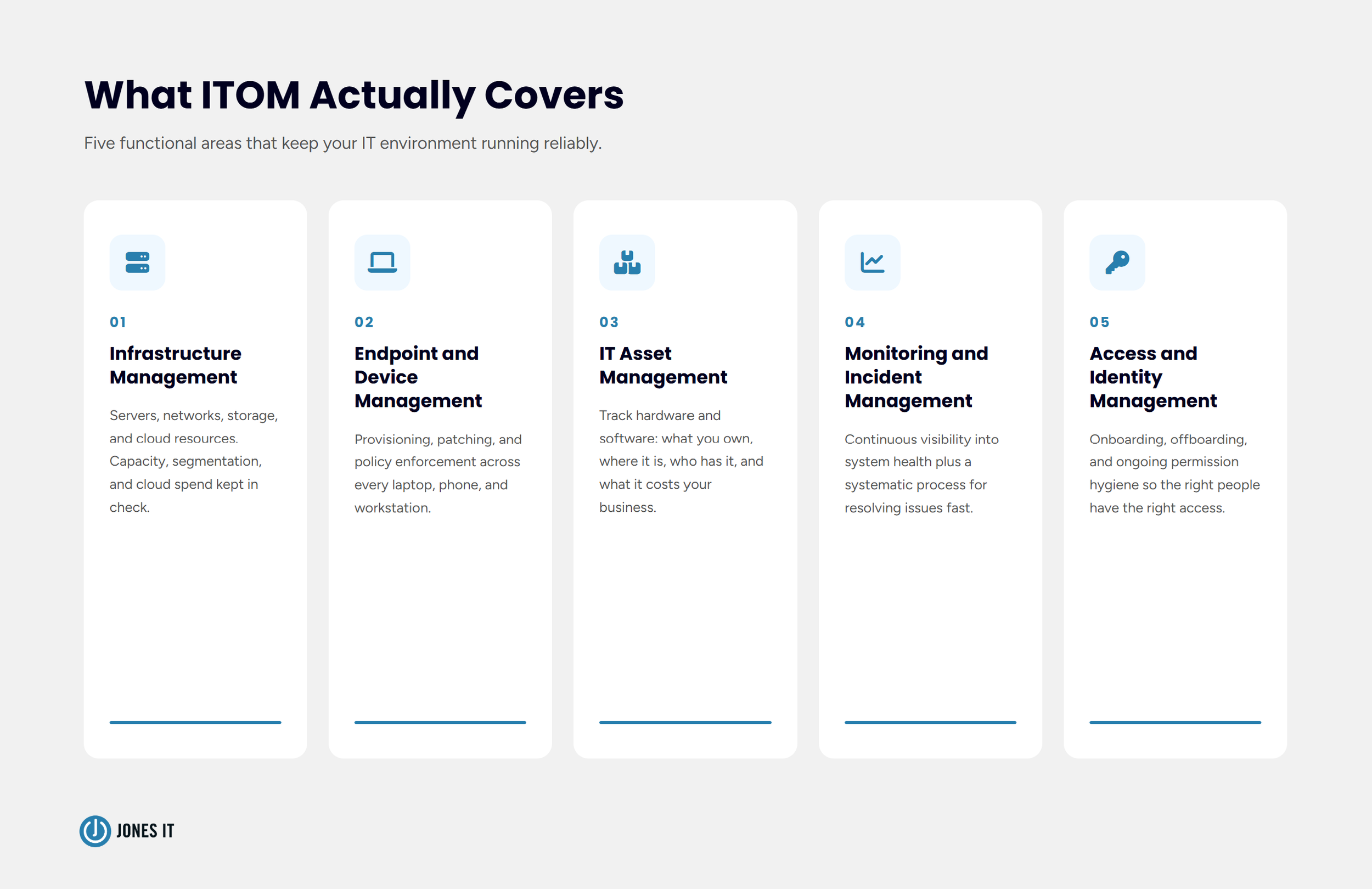
ITOM’s scope is broader than most people initially assume, and it goes well beyond keeping the lights on. The main functional areas include:
Infrastructure Management
This covers the physical and virtual backbone of your IT environment: servers, networks, storage, and cloud resources. Infrastructure management ensures your systems have the capacity they need, your network is properly segmented and secured, and your cloud spend isn’t quietly ballooning in the background.
Endpoint and Device Management
Every laptop, phone, and workstation connected to your environment is an endpoint. Managing those endpoints means provisioning new devices consistently, keeping operating systems and software patched, enforcing security policies, and having a reliable process for when someone joins or leaves the company. Poor endpoint management is one of the most common sources of both security incidents and IT friction that we see. It’s also one of the most fixable.
IT Asset Management
IT asset management (ITAM) tracks what hardware and software your organization owns, where it is, who has it, and what it costs. Without a solid ITAM practice, companies routinely overpay for software licenses, lose track of devices, and have no clear picture of what’s actually in their environment. We’ve written about IT asset management in depth if you want to go further on that piece.
Monitoring and Incident Management
IT monitoring is the continuous observation of system health metrics to detect and resolve issues before they cause failures. In practice for a startup or growing business, that means having visibility into CPU utilization, disk space, network latency, application availability, and security events in real time. Incident management is what happens when something goes wrong. A well-run operation combines both: monitoring surfaces issues early, and incident management resolves them quickly and systematically, with a record of what happened and why.
Access and Identity Management
Who has access to what, and why? Access management covers onboarding (getting new hires set up with exactly the tools they need), offboarding (revoking access the moment someone leaves), and the ongoing hygiene of making sure permissions don’t accumulate over time. At companies without a formal ITOM practice, we routinely find former employees with active accounts, contractors with broader access than their role requires, and no clear owner for any of it.
Why IT Operations Management Gets More Critical as You Scale
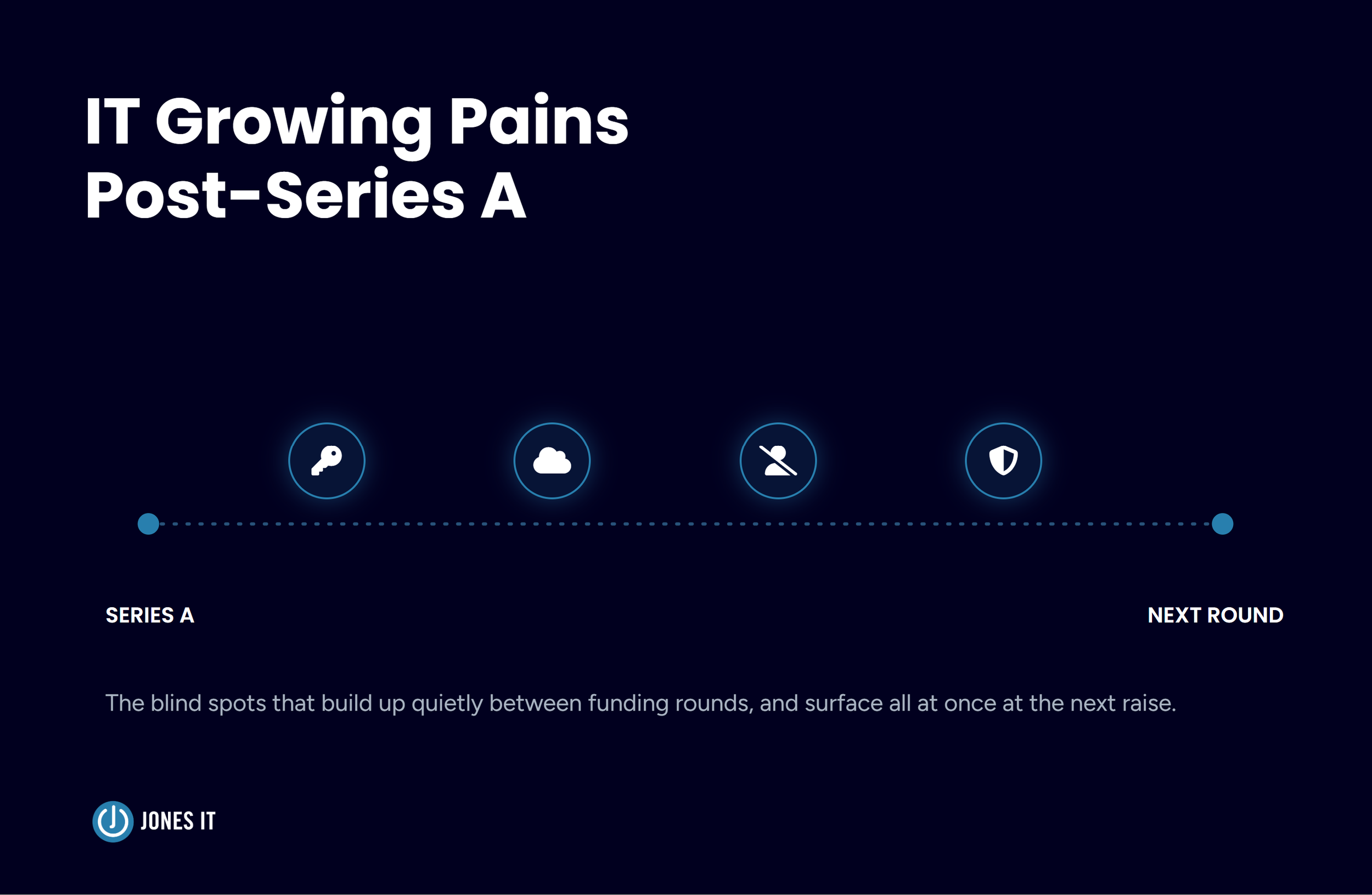
At 10 people, you can keep most of this in your head. At 40 people, you can’t. At 100 people, the absence of structured IT operations creates compounding problems that are expensive to unwind. This is why IT operations management for startups and scaling companies is worth taking seriously earlier than most founders expect.
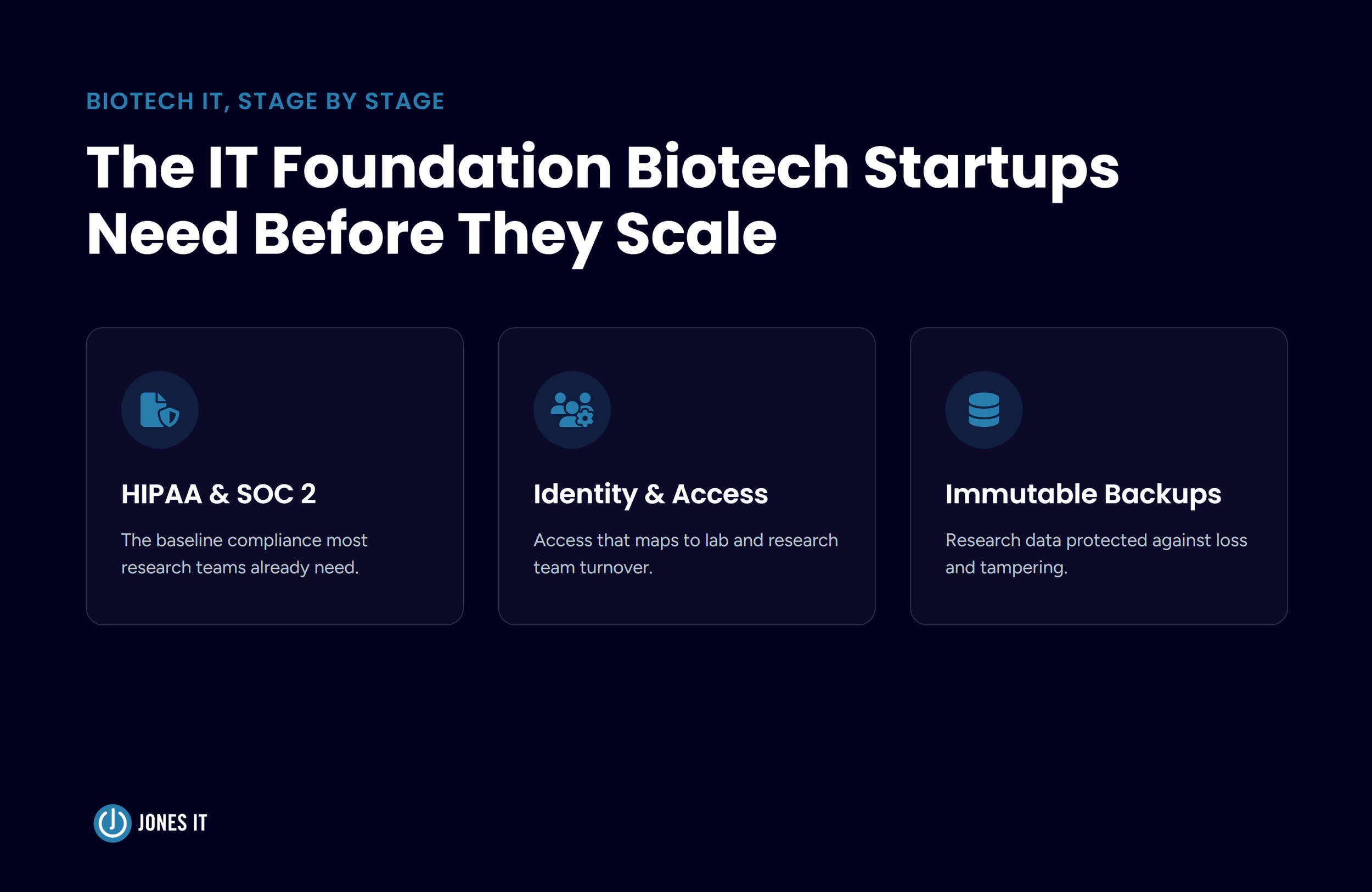
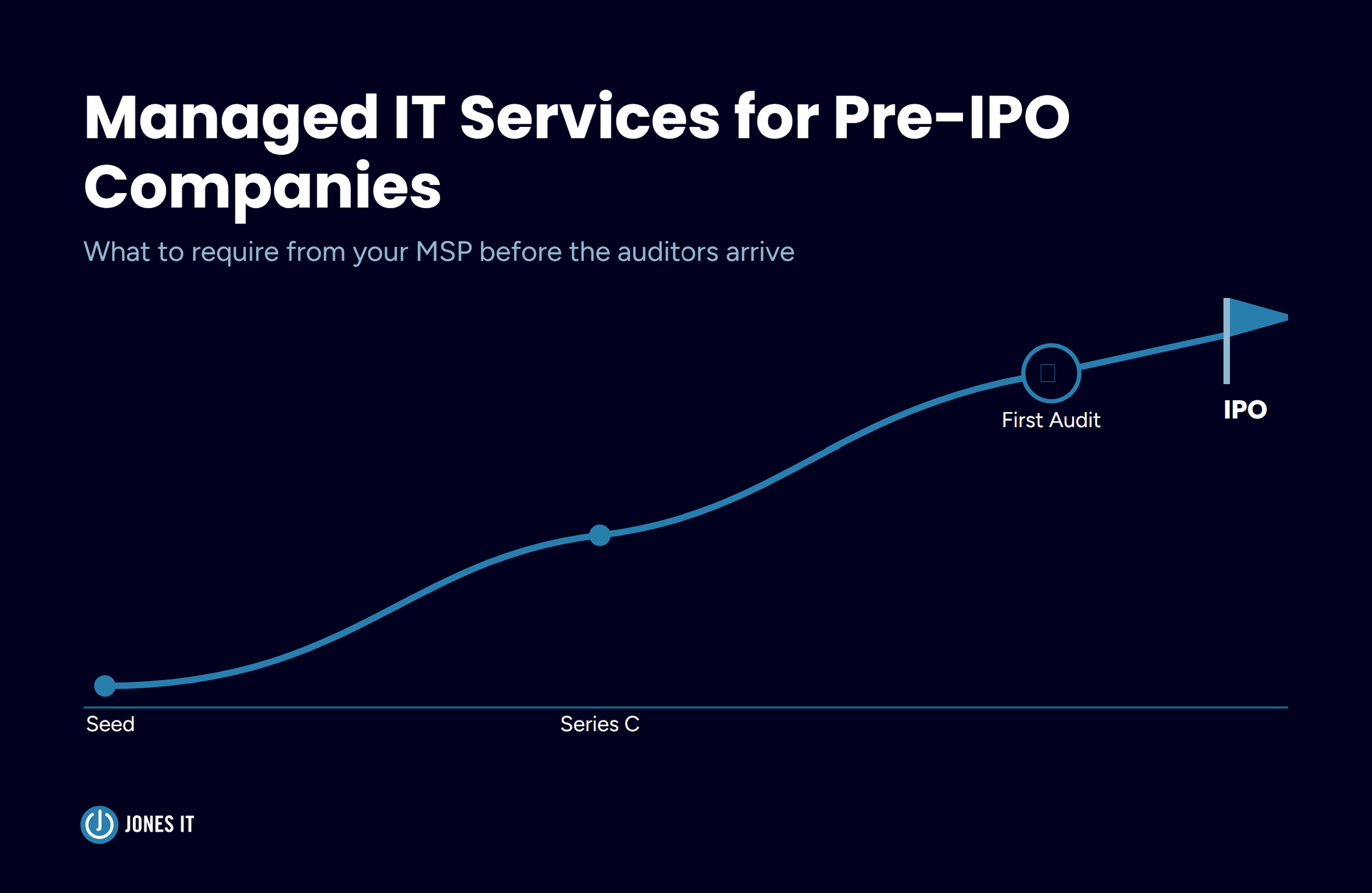
Here’s what that looks like in practice. Security audits and compliance certifications like SOC 2 require evidence of consistent IT controls: access reviews, patch management records, device policies. If you’ve been running IT on an ad-hoc basis, pulling that evidence together can take months. Companies we’ve helped through their first SOC 2 audit often discover that the hardest work isn’t implementing the controls themselves. It’s reconstructing the history of what they were doing before they had formal controls.
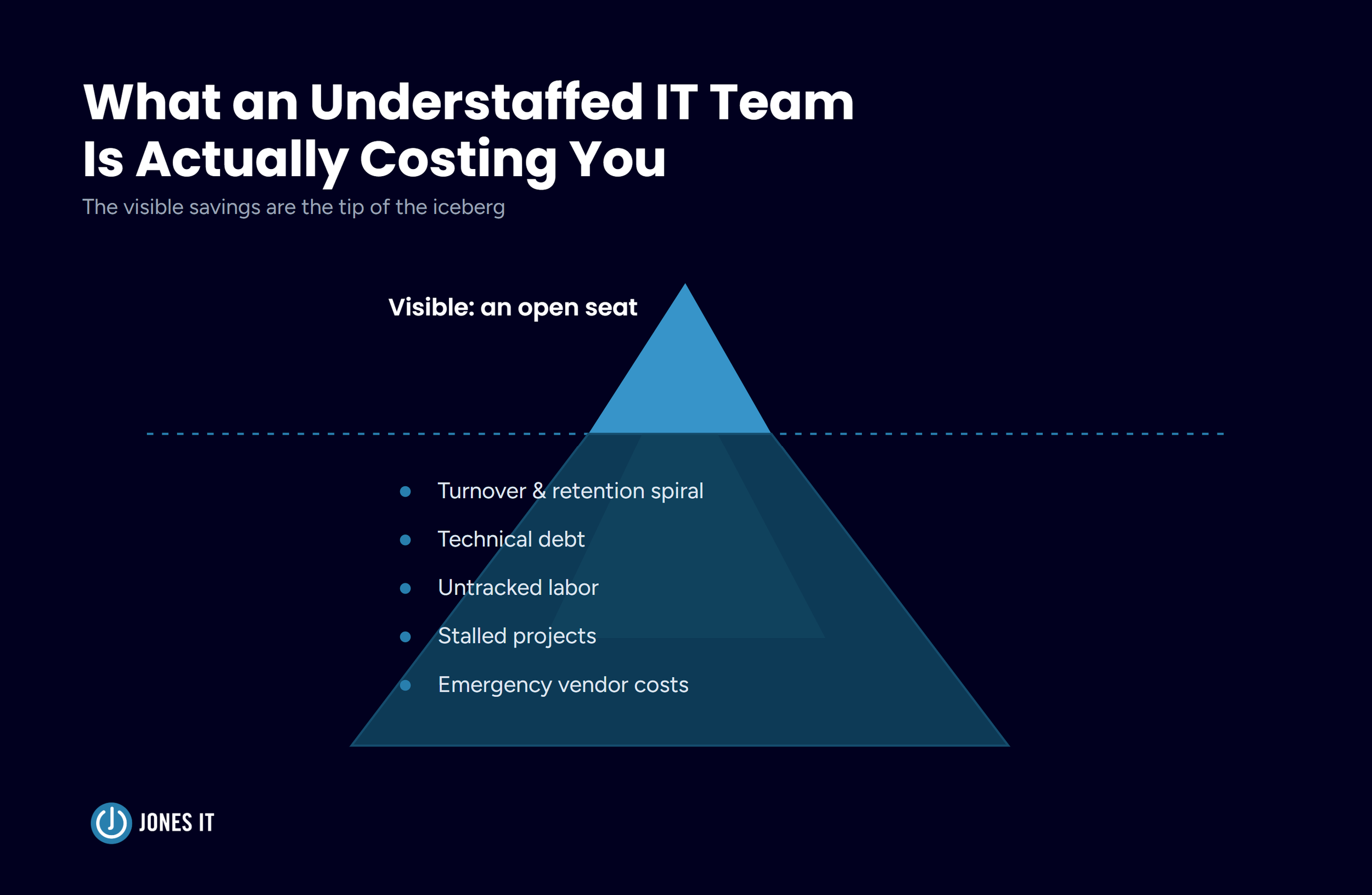
Good ITOM practice also has a direct effect on productivity. The pattern is consistent across the startups and scaling companies we work with: reactive IT costs substantially more to fix than proactive IT costs to maintain. For a 50-person company, an unplanned outage that takes down your core tools for two hours costs real money. Multiply that across a year of reactive firefighting and the number gets uncomfortable.
And there’s a talent dimension too. Engineers and operators notice whether the IT environment they work in is well-run. Slow provisioning, inconsistent tooling, and unresolved friction are the kinds of things that don’t show up in exit interviews but absolutely influence whether people stay.
The Difference Between Reactive and Proactive IT Operations
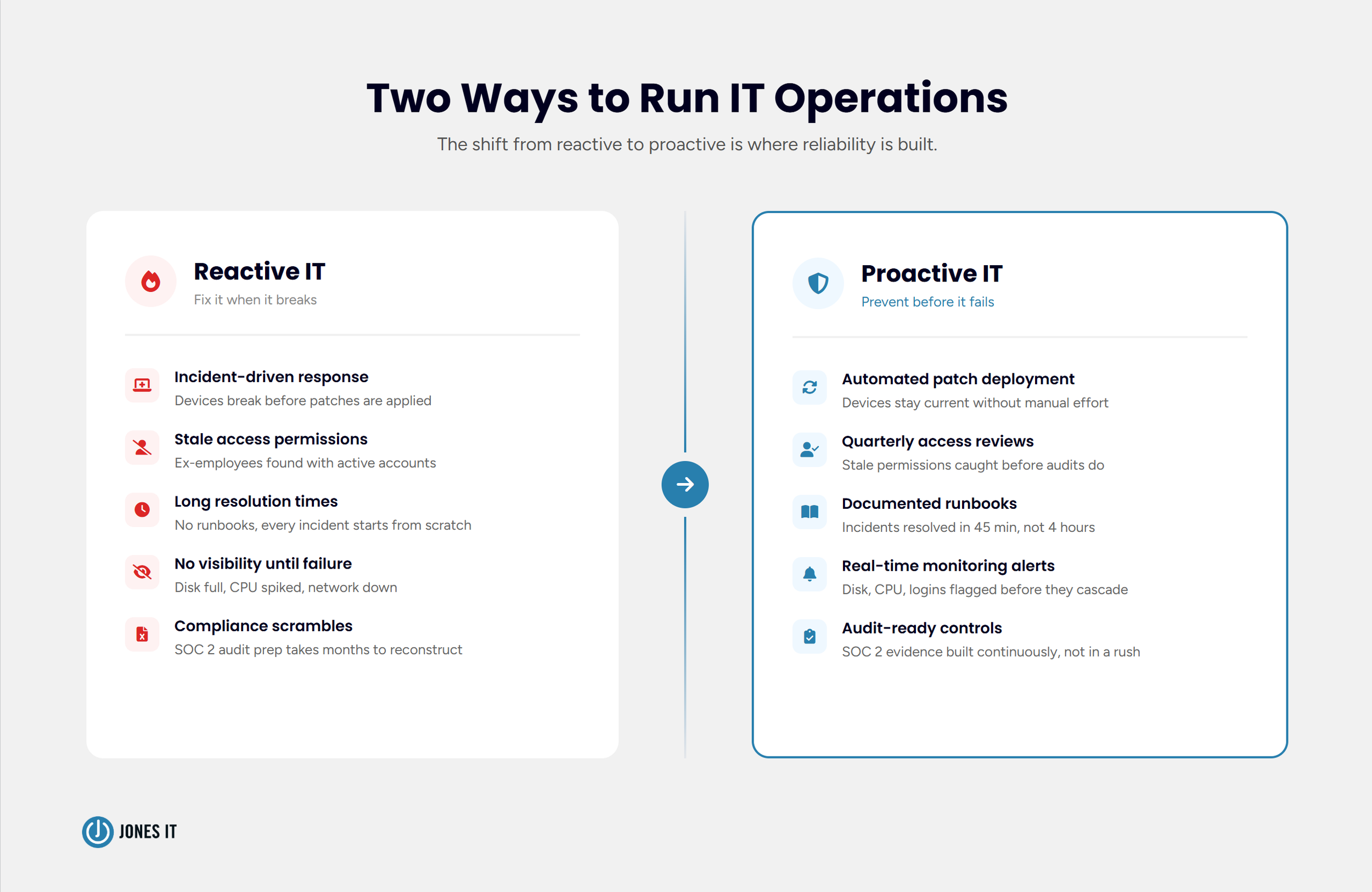
Most companies start in reactive mode. Someone’s laptop breaks and you fix it. The VPN goes down and you investigate. A former employee’s account is still active and you deactivate it after someone notices. None of this is negligent. It’s just the natural default when you don’t yet have the infrastructure for anything else.
The shift to proactive IT operations means getting ahead of problems rather than responding to them. In practice that looks like: automated patch deployment so devices don’t fall behind, monitoring that alerts you to disk space issues before they cause failures, quarterly access reviews so you catch stale permissions before an audit does, and documented runbooks so incidents get resolved consistently regardless of who’s on call.
We’ve written about how managed IT services approach proactive issue prevention. The short version: monitoring without response plans doesn’t help you. The value is in the combination of visibility and process.
I want to be honest about something here: the transition from reactive to proactive doesn’t happen overnight, and it’s not always glamorous. A lot of it is documentation work, process definition, and building habits that feel slow at first. The payoff comes later, when an incident that would have taken four hours to resolve takes forty-five minutes because someone already wrote the runbook.
IT Operations Management Best Practices
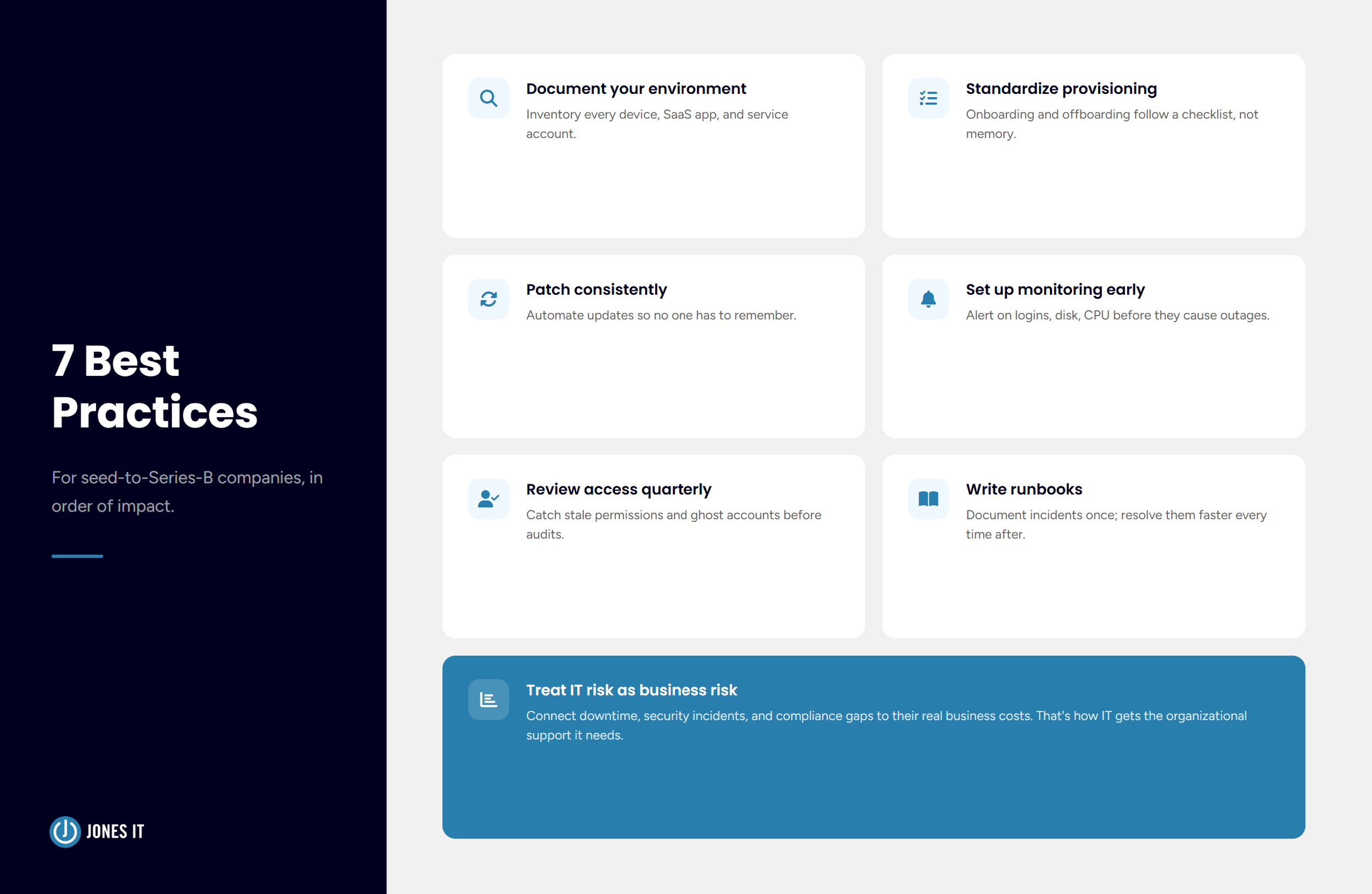
These are the practices that make the biggest difference for companies at the seed-to-Series-B stage, in rough order of impact:
Document your environment. You cannot manage what you cannot see. Start with an inventory of every device, every SaaS application, and every service account. It doesn’t need to be perfect. It needs to exist.
Standardize provisioning and offboarding. New hire onboarding and offboarding should follow a checklist, not a memory. Every new employee should get the same baseline configuration; every departure should trigger the same sequence of access revocations. This is one of the highest-leverage things you can do for both security and consistency.
Patch consistently. Unpatched devices are the entry point for most endpoint compromises. Automated patch management takes the discipline question out of the equation. Your team shouldn’t have to remember to update things.
Implement monitoring before you need it. Set up alerting for the things that matter: device enrollment status, failed logins, disk and CPU thresholds, application availability. The cost of setting this up when nothing is wrong is low. The cost of not having it during an incident is high.
Review access regularly. Quarterly access reviews don’t have to be onerous. A structured review of who has admin rights, which service accounts exist, and which former employees still have active credentials takes a few hours and catches problems you didn’t know you had.
Write runbooks for recurring incidents. The first time you resolve an incident, document what you did. The second time, follow the document and update it. After a few iterations, you have a runbook that any competent person can follow, and your mean-time-to-resolution drops significantly.
Treat IT risk as a business risk. Downtime, security incidents, and compliance failures all have business costs. Connecting those costs to specific IT practices makes it easier to prioritize investment and get organizational support for the work.
How Jones IT Handles IT Operations
We’ve been doing this in the Bay Area for more than 20 years, and our client base has always skewed toward fast-growing tech companies: startups in the Dogpatch, fintech companies in the Financial District, SaaS teams in Mid-Market. The pattern we see again and again is that IT operations get deprioritized during early growth, then become a source of real pain at the scale-up stage.
Our approach is to build the operational infrastructure that your IT environment needs to run reliably and securely without requiring constant firefighting. That means getting the fundamentals right: device management, identity and access controls, patch management, monitoring, and documentation. It means building processes that scale rather than ones that depend on any individual’s knowledge. And it means thinking ahead to what compliance or security requirements are coming so you’re not scrambling when a customer asks for your SOC 2 report.
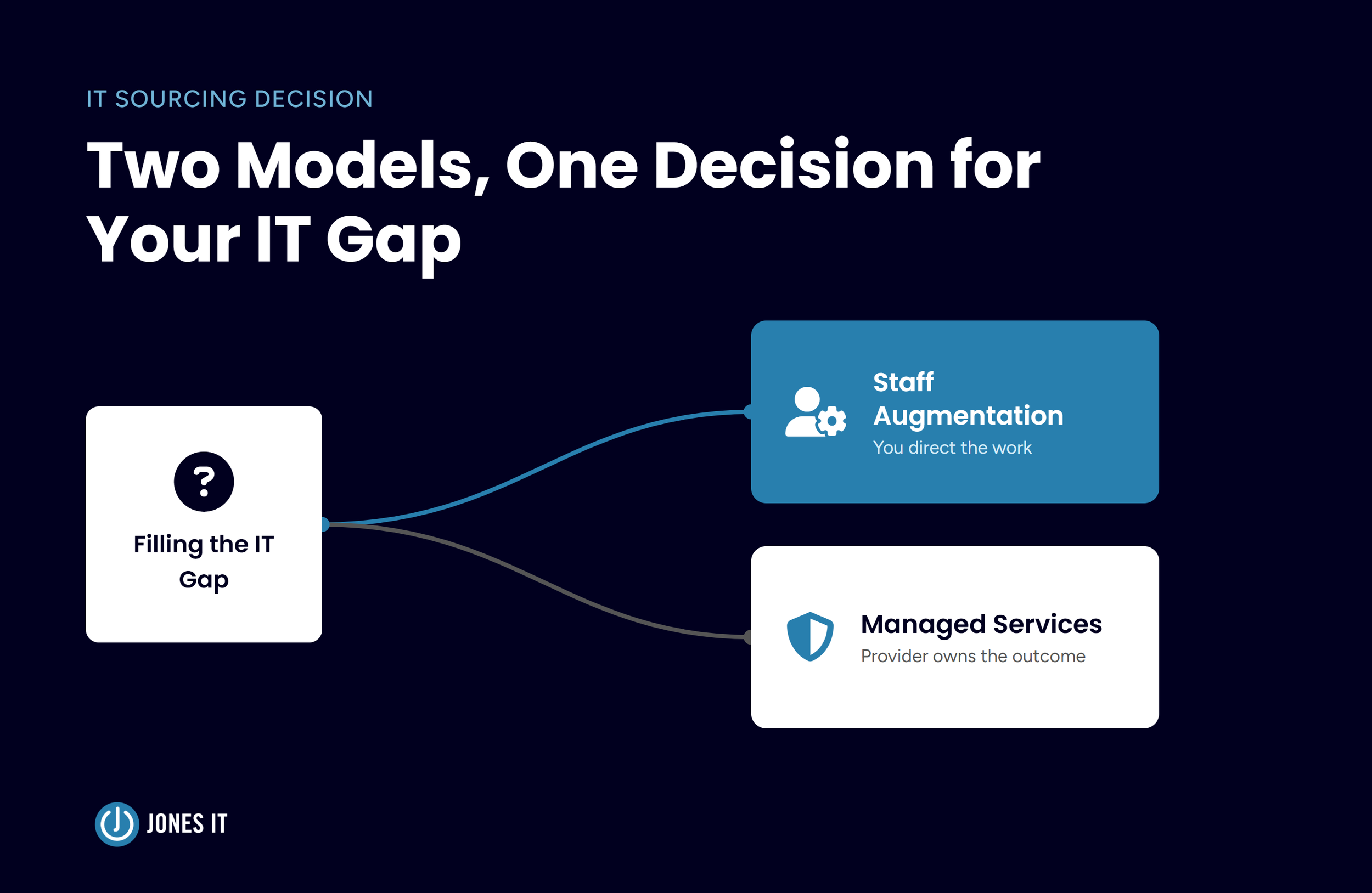
For companies at the earlier stages, our fully managed IT services handle the full ITOM function. For companies that have an internal IT team but want additional coverage or expertise, our co-managed model fills the gaps. Either way, the goal is the same: an IT environment that works well and that you don’t have to think about constantly.
What Good IT Operations Management Looks Like in Practice
ITOM is one of those things that’s invisible when it’s working and extremely visible when it isn’t. Companies that invest in getting these foundations right early spend less time dealing with IT friction, have an easier path through compliance certifications, and create an environment where their teams can focus on actual work rather than working around IT problems.
If you’re not sure where your IT operations stand or if you’d like to talk through what structured IT operations would look like for your company, we’re happy to have that conversation.
Reach out to us to discuss how we can help you build an IT environment that scales with your business.

About The Author

Hari SubediMarketing Manager at Jones IT
Hari is an online marketing professional with a focus on content marketing. He writes on topics related to IT, Security, and Small Business. He is also the founder and managing director of Girivar Kft., a business services company located in Budapest, Hungary.

Considering a vCIO? Avoid the hidden 'structural lock-in' that destroys ROI. Learn how to protect strategic hours and ensure you get IT leadership, not support.