
What Is IT Support and How Your Business Can Benefit From It
Updated: May 18, 2026
It's 9 a.m. on a Tuesday, your team has a full day of customer calls, and then the Wi-Fi goes down. Not just for one person. For everyone. The office goes quiet in the way that only happens when the internet dies, and suddenly, fifteen people are staring at each other, wondering who to call. If you have a solid IT support setup, someone is already on it. If you don't, someone is Googling the router manual on their phone.
We see this scenario play out more than you might expect. And every time, the difference between a ten-minute fix and a half-day outage comes down to whether the business had real IT support in place before the problem happened.
So what exactly is IT support, what does it cover, and how do you get the right kind for your business? Here's a thorough look.
What Is IT Support?
IT support is the technical assistance provided to users and organizations when they run into issues with their devices, software, networks, or technology services. The scope ranges from quick fixes like password resets and software installations to more involved work like resolving system crashes, managing cloud environments, and keeping networks secure.
From a business perspective, the purpose of IT support is to keep your team productive. When technology breaks, people stop working, and IT support exists to minimize that gap.
You will also hear IT support referred to as a help desk, service desk, or tech support. These terms are often used interchangeably, though there are some nuances. A help desk typically handles reactive, user-facing issues. A service desk tends to include more strategic, process-oriented work alongside that reactive support. For most small and mid-sized businesses, the practical distinction is less important than having a reliable team or provider you can actually call.

What Are The Different Types Of IT Support?
IT support comes in several forms, and understanding the options helps you figure out what your business actually needs.
In-House vs. Outsourced
In-house IT support means hiring your own staff to handle technology issues. For many small businesses, this starts with a single person (or the founder's most tech-comfortable employee) fielding requests from colleagues. The problem with that model is well-known: the person becomes a bottleneck, spends all their time on reactive tickets, and never gets to the higher-value work the business needs.
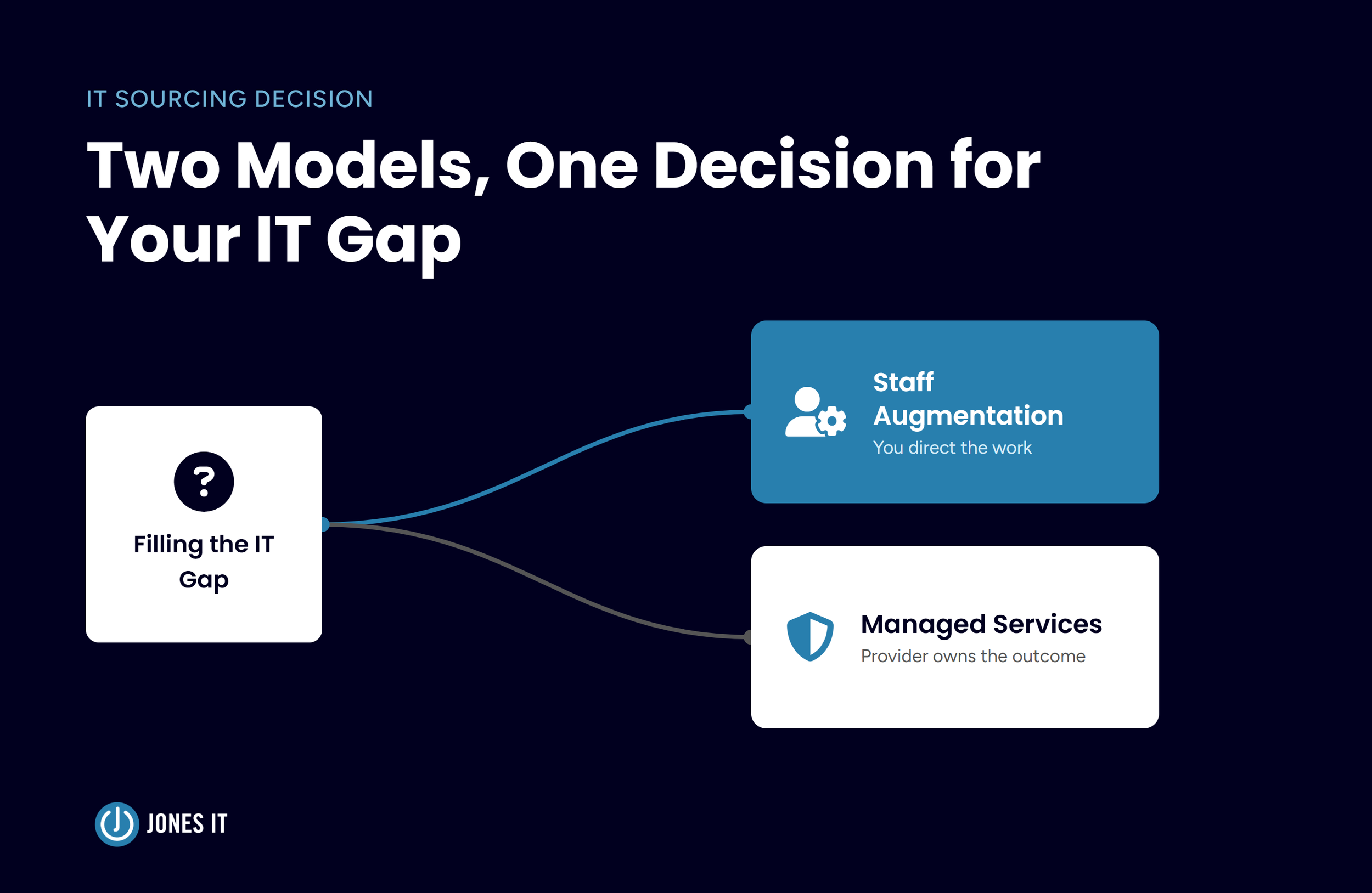
Outsourced IT support means partnering with a managed services provider (MSP) to handle some or all of your IT needs. For most early-stage and scaling companies, outsourcing makes sense because IT requires deep, current expertise across networking, security, compliance, and cloud platforms. Building that in-house takes years and significant investment. An MSP brings it day one.
Break-Fix vs. Fully Managed
The break-fix model is exactly what it sounds like: something breaks, you call someone to fix it, and you pay for that call. It works for very simple environments, but it creates unpredictable costs and no proactive protection.
Managed IT support is a model in which an external provider takes ongoing responsibility for monitoring, maintaining, and securing your technology environment, typically for a fixed monthly fee. Instead of waiting for things to break, your provider monitors systems continuously, handles routine maintenance, and addresses issues before they become outages. Most businesses that take IT seriously operate this way.
On-Site vs. Remote
On-site support means a technician physically comes to your office. This is useful for hardware work, network installations, and situations where you want someone who can walk the floor and understand your environment firsthand.
Remote support covers everything that can be handled without being physically present, which is most things. With good tooling, a remote technician can resolve the vast majority of software and configuration issues without visiting your office. For companies with distributed or hybrid teams, remote support is often the default.
What Does IT Support Do?
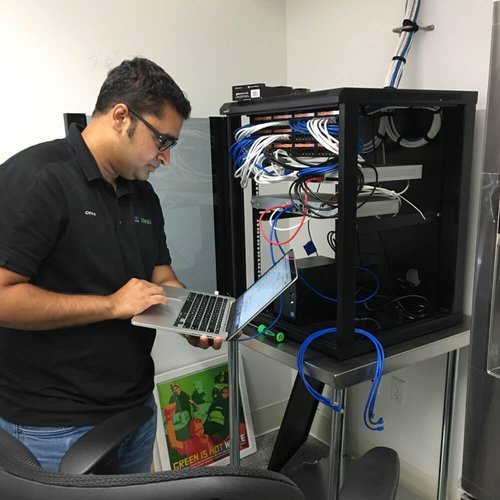
The scope of IT support services varies by provider and by what a business needs. Here are the most common service areas.
Help Desk Support
Day-to-day technical assistance for your team: password resets, software questions, device setup, printer issues, and app access problems. These are the high-frequency, lower-complexity requests your team generates constantly, and handling them well matters more than it might seem. Every unresolved ticket is someone sitting blocked.
Network Management
Monitoring and maintaining your office network and Wi-Fi. This includes troubleshooting connectivity issues, managing routers, firewalls, and switches, and ensuring your infrastructure is configured for both performance and security. A network problem that goes undetected can take down your entire office.
Data Backup and Recovery
Implementing and monitoring a plan to protect your data. This typically includes both local and cloud-based backup, with tested recovery procedures. If your business ever experiences data loss from hardware failure, ransomware, or accidental deletion, backup and recovery is what gets you back up and running. Without it, some scenarios have no good outcome.
Cloud Services
Selecting, migrating to, and managing your cloud infrastructure. Public, private, or hybrid, the right setup depends on your team size, compliance requirements, and how your applications are built. Ongoing cloud support covers user access management, cost optimization, security configuration, and the sprawl that accumulates when no one owns the environment.
IT Security
Protecting your systems from threats. On the surface, this means dealing with malware, phishing attempts, and unauthorized access. Below the surface, it means security audits, endpoint protection, identity management, security awareness training, and compliance support. For companies handling sensitive data or pursuing frameworks like SOC 2 or HIPAA, security is the foundation of your IT plan, not a feature of it.

What Does An IT Support Technician Do?
An IT support technician is a specialist responsible for diagnosing and resolving technology issues, maintaining systems, and helping employees use their tools effectively. Their day-to-day responsibilities typically include:
Diagnosing and resolving hardware and software issues;
Managing and responding to support requests through a ticketing system;
Handling device setup, service, and maintenance;
Coordinating with third-party vendors and software providers;
Recommending improvements to systems, processes, and tools;
Delivering training on applications, security practices, and company policies;
Maintaining documentation of issues, resolutions, and configurations.
Good technicians do more than fix things. They help the people around them get better at using technology, which means fewer fires over time. For a closer look at what the role actually involves day to day, see our post What Is an IT Support Job Like?
How Do Businesses Benefit From IT Support Services?
Here is where the investment pays off.
1. Fewer Interruptions, More Productive Days
When issues get resolved quickly and recurring problems get addressed at the source, your team spends more time doing what they were hired to do. Continuous monitoring and proactive maintenance catch problems before they become outages. Less downtime means a noticeably smoother workday, and that compounds.
2. Stronger Security Posture
Most small and mid-sized businesses are not immune to cyberattacks. They are just less defended. Good IT support closes those gaps: patching vulnerabilities, enforcing security policies, training your team to recognize phishing, and staying ahead of compliance requirements. For companies in regulated industries or pursuing certifications, structured security work is the baseline, not the bonus.
3. Predictable Costs
The break-fix model creates unpredictable IT costs. You never know when something will fail or what it will cost to fix. A managed services model replaces that unpredictability with a consistent monthly cost covering a defined scope of services, which makes budgeting easier and eliminates the financial shock of a major incident.
4. Access to a Full Team Without the Overhead
Even if you have an in-house IT person, they have a finite set of skills and hours. An outsourced provider brings a team with specialists across networking, security, cloud, and compliance, without you having to hire, train, manage, or backfill any of them. You get depth across a broader range of needs than any single hire could cover.
5. Scalability
IT needs to change as companies grow. Adding headcount, opening a new office, expanding your cloud environment, or pursuing a compliance certification all have IT implications. A good managed IT partner adjusts as you grow, taking on projects outside your day-to-day scope so you don't have to staff up for them.
How to Choose the Right IT Support Provider
Not all providers are the same, and the wrong choice creates more problems than it solves. Here is what to evaluate.
Experience and Track Record
Look for a provider with verifiable experience serving companies at your stage and in your industry. An MSP that has worked with dozens of fintech startups or SaaS companies will understand your compliance landscape, your tooling preferences, and the kinds of issues that come up at your scale. Ask for references and check their public reviews.
Depth of Expertise
Make sure the provider has real depth in the areas that matter most to you, not just general help desk coverage. Network infrastructure, cloud platforms, security frameworks, onboarding and offboarding workflows, compliance readiness: ask specifically how each provider handles the ones on your list. If you are pursuing SOC 2, look for one that has guided other companies through it.
Security and Compliance Practices
Because your IT support provider will have access to your devices, your networks, and your data, their own security posture is directly relevant to yours. Ask whether they are SOC 2 compliant or can provide a recent security audit report. A provider that cannot answer that question clearly is a risk worth taking seriously.
Communication and Transparency
Good IT support providers communicate clearly, explain technical issues in plain language, and keep you informed about your systems without waiting to be asked. If a vendor keeps things opaque or defaults to jargon when things go wrong, that is a signal worth paying attention to.
Availability and Response Time
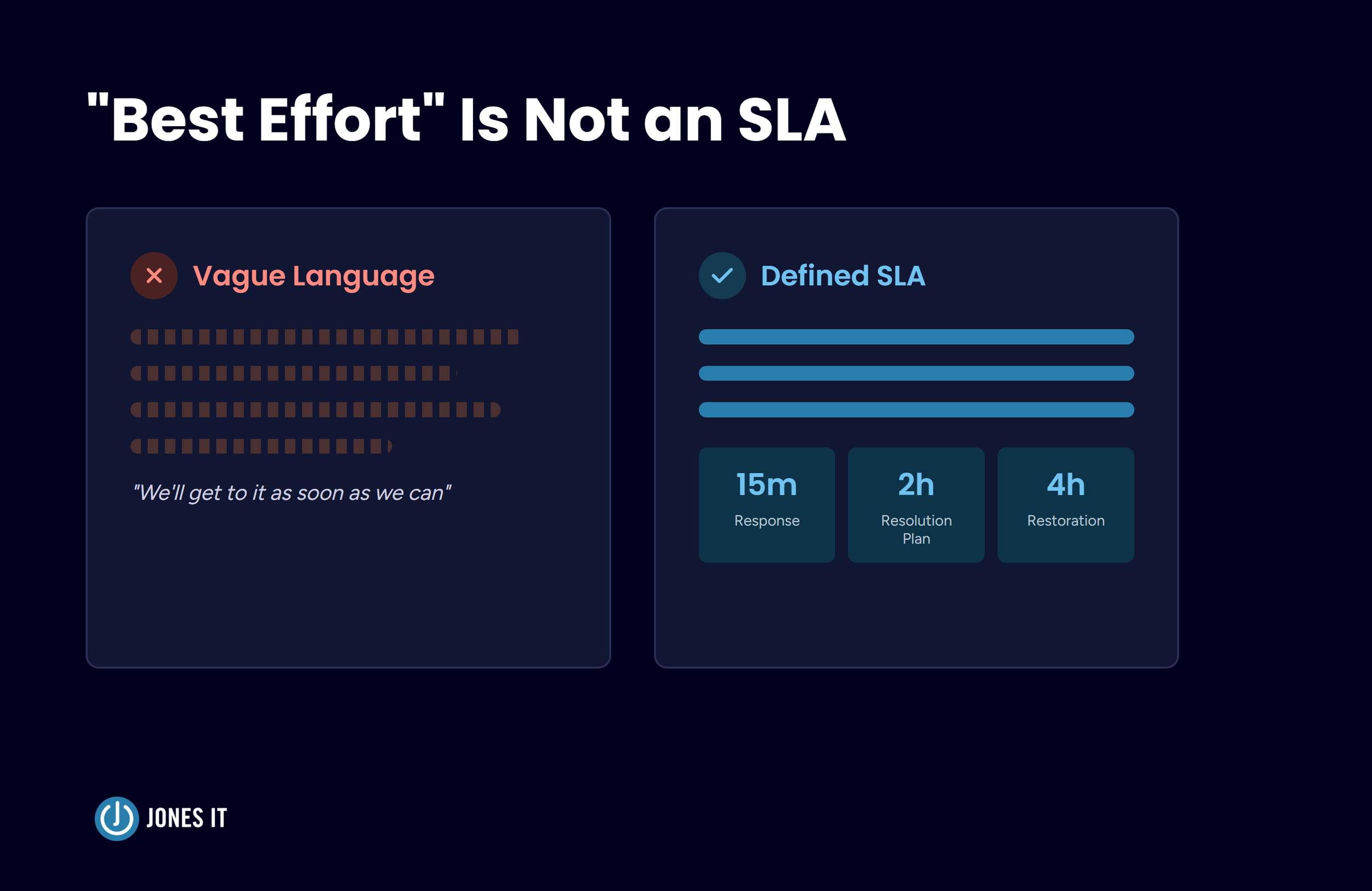
Understand exactly what you are buying before you sign. What are the response time guarantees? Is on-site support available when you need it? Does the provider cover remote employees across time zones? For businesses with distributed teams, confirm that upfront.
Cost
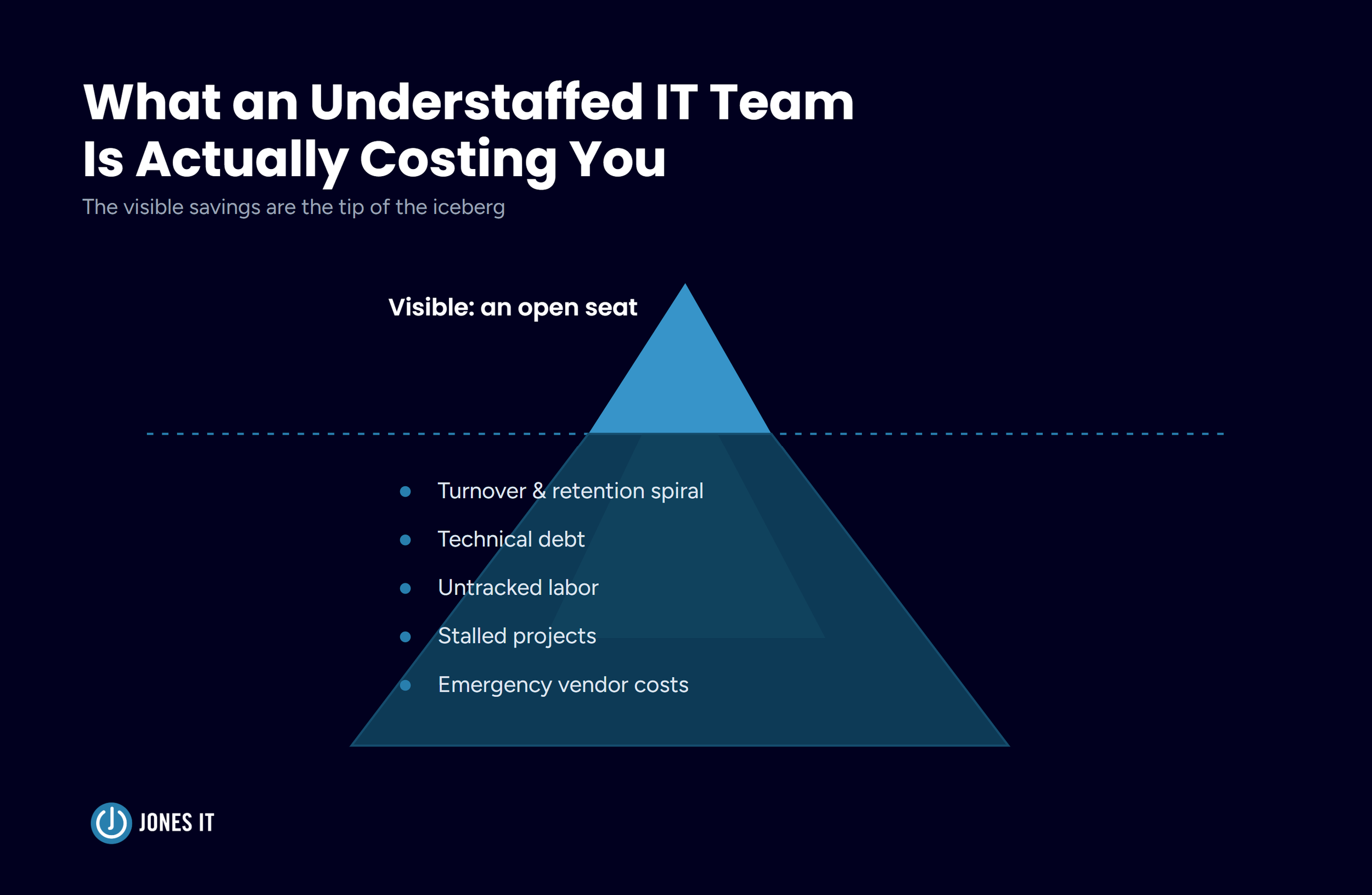
Cost matters, but weigh it against what poor technical support actually costs. Unresolved tickets, slow response times, and security gaps add up. One analysis we have cited before put the cost of inadequate IT at over $8,900 per employee per year. A provider that seems cheaper upfront can end up costing considerably more.
For a detailed framework for making this decision, see our guide: How to Choose the Right IT Service Provider for Your Business.
Getting the Right IT Support in Place
IT support is not a luxury for companies above a certain size. It is what keeps your team working, your data protected, and your infrastructure from becoming a liability. The question is not whether you need it. It is whether what you have right now is actually doing that job.
Here is a quick summary of what to look for when evaluating IT support providers:
Verified experience with companies at your stage and in your industry;
Depth beyond basic help desk: network, cloud, security, and compliance coverage;
Their own SOC 2 compliance or a current security audit you can review;
Clear communication practices and defined response time guarantees;
A pricing model that reflects the full scope of what you need.
At Jones IT, we work with startups and scaling companies across the Bay Area to build IT environments that hold up under pressure. If you are wondering whether your current setup is where it should be, we are glad to take a look.

About The Author

Hari SubediMarketing Manager at Jones IT
Hari is an online marketing professional with a focus on content marketing. He writes on topics related to IT, Security, and Small Business. He is also the founder and managing director of Girivar Kft., a business services company located in Budapest, Hungary.

Mac vs. PC for startups isn't a company-wide choice; it’s a per-role one. Use this framework to match hardware to software needs and efficiently manage a mixed fleet.