
Managed IT Services: What an MSP Is and When Your Startup Needs One
A few years ago, we received a call from a 40-person SaaS company in SoMa. Their head of engineering had just given notice, and it turned out he had been handling all of their IT on the side. Nobody knew exactly what he'd been managing, what tools were deployed, or what credentials lived only in his head. Their first week without him was, to put it generously, a mess.
This scenario is more common than founders want to admit. IT is one of those things that hums along quietly in the background when it's working well, which means it tends to go unnoticed right up until the moment it doesn't. By then, the conversation has shifted from "who should own IT" to "why is half the team locked out of their accounts."
What that company needed was a managed IT services provider: a dedicated team that takes over ongoing responsibility for your IT infrastructure, security, and end-user support, so you're never in a position where one person's departure brings operations to a halt. We've been doing this work in the Bay Area since 2002, and that SoMa scenario is far from the only time we've seen it. What follows is everything we wish the founders knew before they called us in a panic.
What Are Managed IT Services
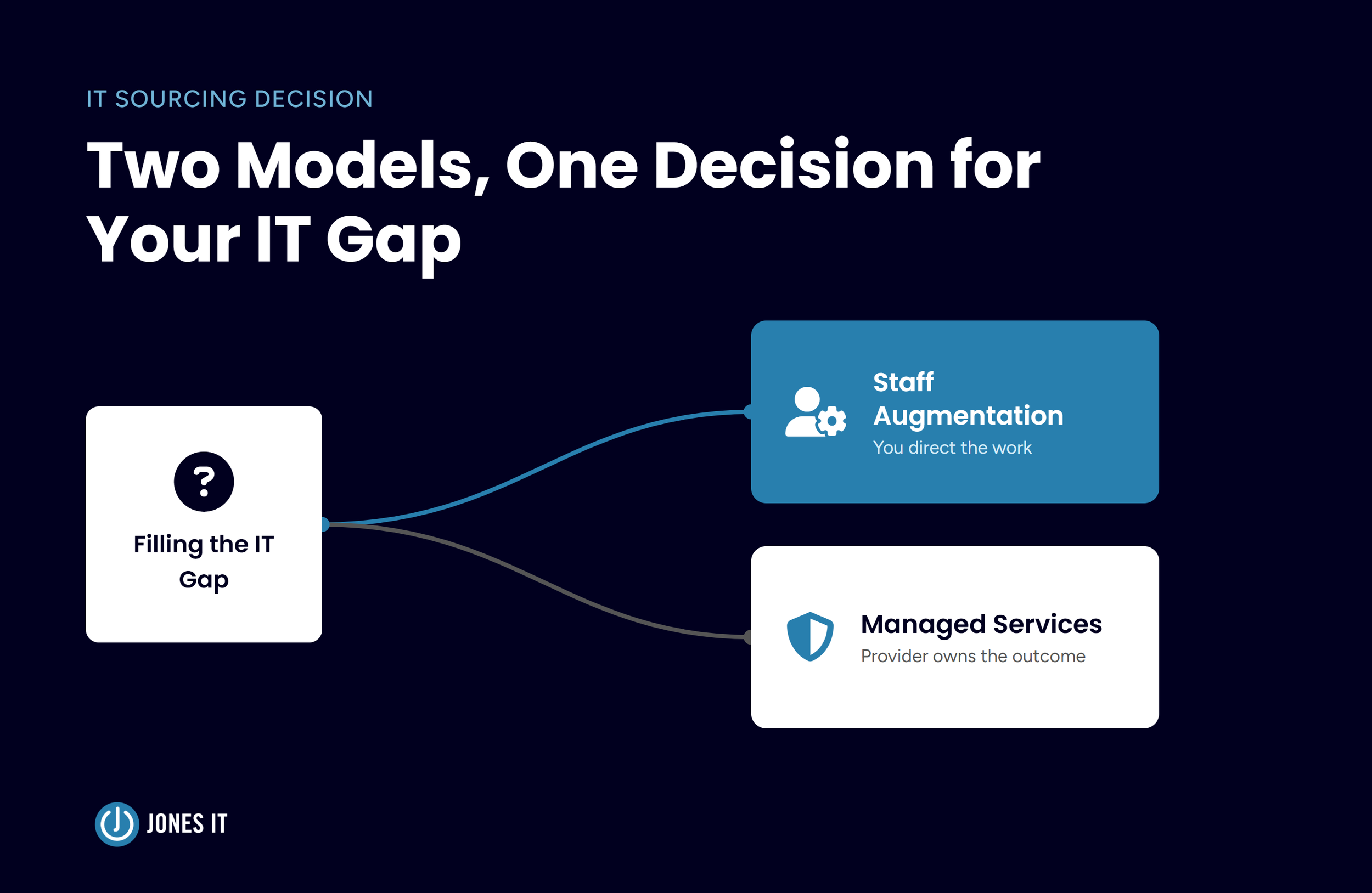
Managed IT services are a subscription-based model where an external provider takes on the ongoing management of a company's IT infrastructure, security, and end-user support. The company retains oversight of its business and technology strategy while the managed IT services provider handles the operational work of keeping systems running, secure, and up to date.
The external provider in this arrangement is a managed IT service provider (MSP), a company that takes ongoing responsibility for a business's IT under a formal service agreement. Rather than calling someone when something breaks, you're working with a team that continuously monitors and manages your environment.
The scope of services varies. Some companies hand over their entire IT operation to an MSP. Others, that already have an internal IT person or small team, bring in an MSP to extend coverage, add specialized expertise, or handle compliance and security work that the internal team doesn't have bandwidth for. That second model, co-managed IT, is increasingly common as companies grow past 50 employees and IT complexity starts to outpace what one or two in-house people can handle.
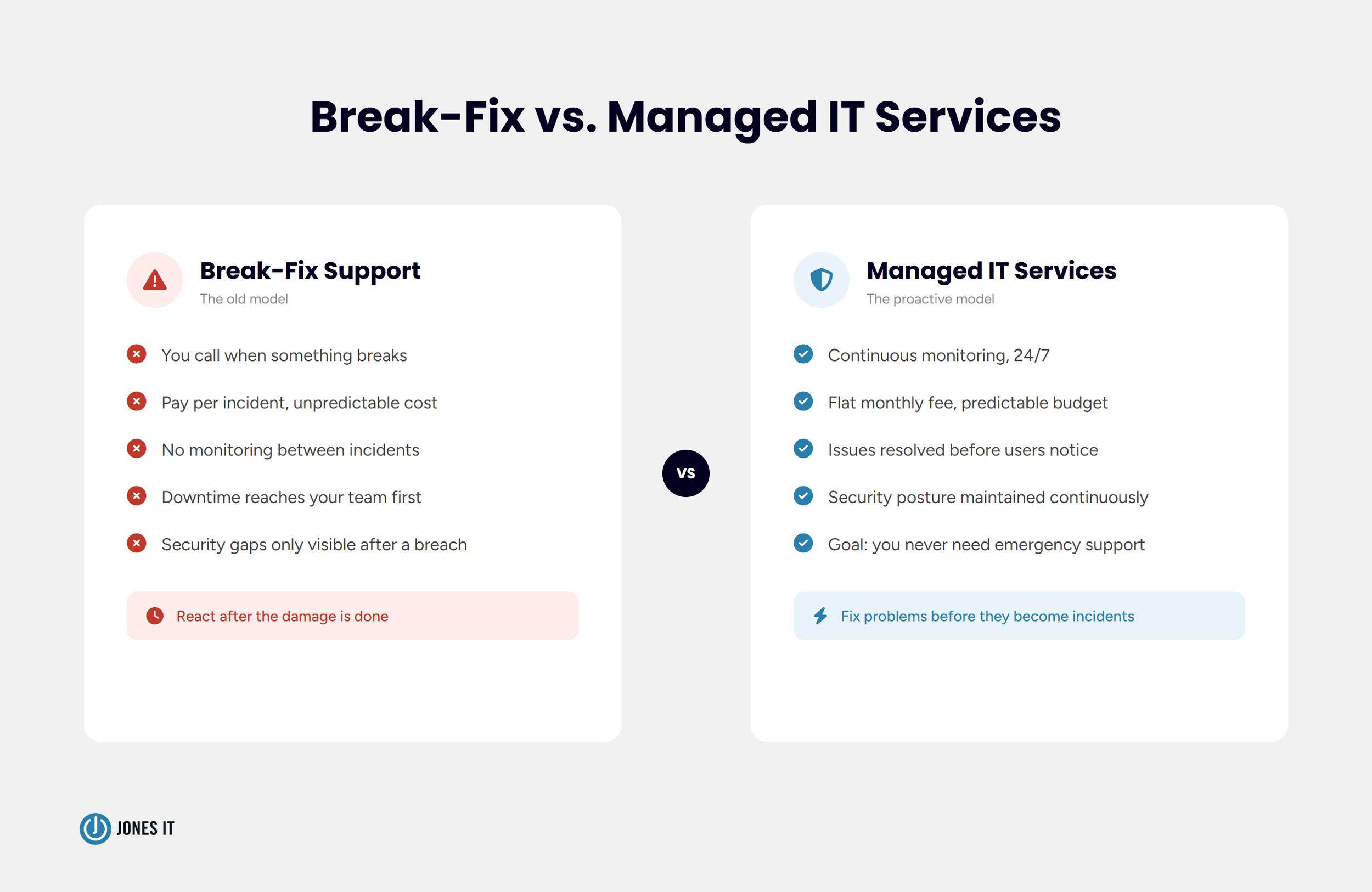
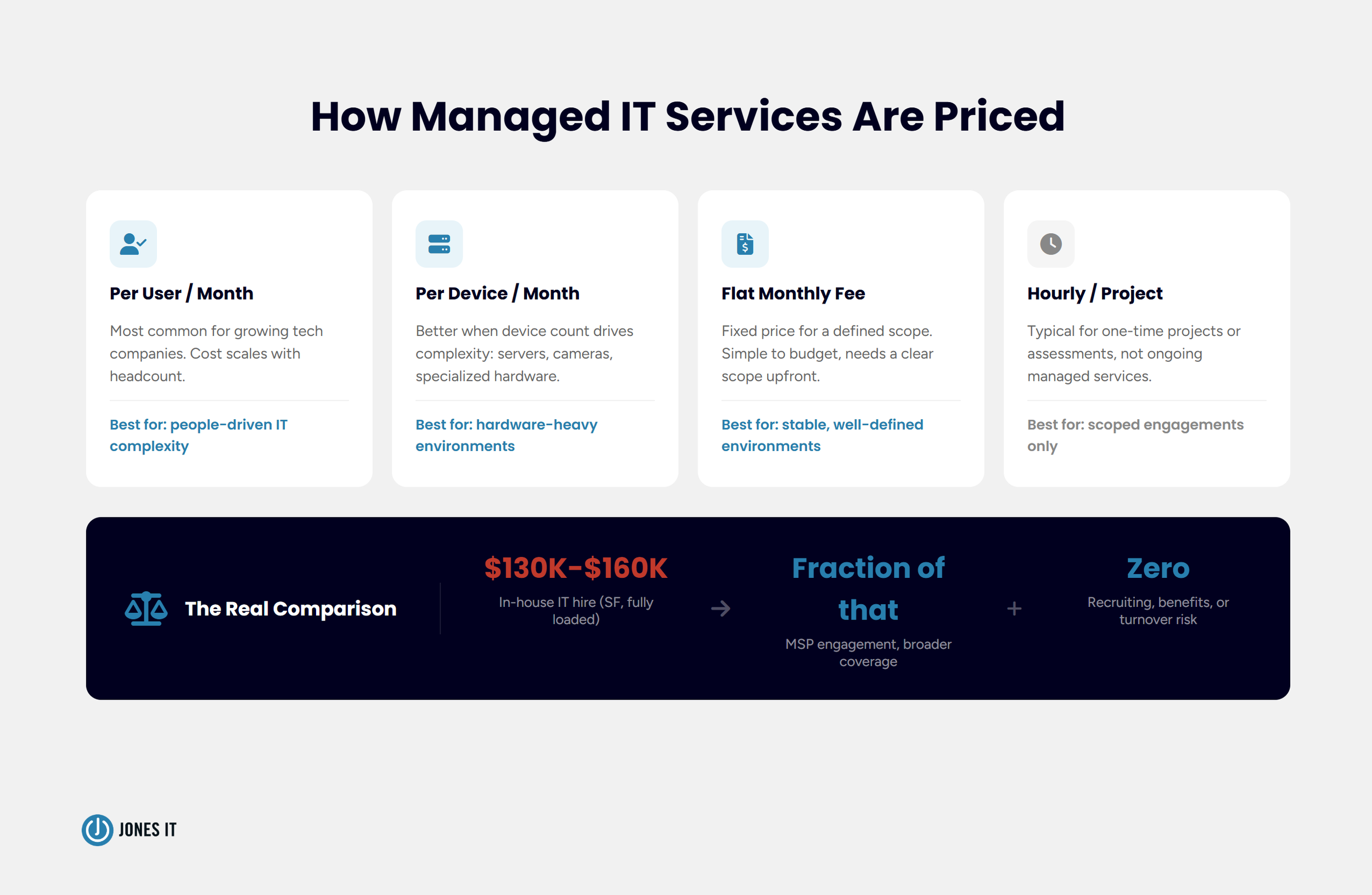
What separates managed IT services from on-demand IT support is the operating model. Traditional break-fix support means you pay when something goes wrong. An MSP works proactively, running monitoring, patching systems, managing security, and addressing issues before they cause downtime. The incentive structure is different too: a good MSP's goal is for you to never need emergency support.
One framing I come back to often is that your MSP should feel less like a vendor you call, and more like a silent infrastructure team you never have to think about. When it's working well, you don't notice it. When something goes wrong, it gets handled before it reaches you.
The Full Scope: What a Managed IT Provider Actually Manages
One of the most common misunderstandings we encounter is founders who think managed IT means "someone to call when the Wi-Fi goes down." That's help desk support, which is only one small piece of a full managed IT engagement. The actual scope is considerably broader.
Here's what a full-service managed IT engagement typically includes:
Network monitoring and management: continuous visibility into your infrastructure, with issues identified and resolved before they reach users. This includes your switches, firewalls, access points, and internet connectivity.
Device management and endpoint security: every laptop, desktop, and mobile device in your fleet deployed, configured, patched, and secured to a consistent standard. For a 50-person company, this alone is a part-time job without a system behind it.
Help desk and end-user support: the first call when someone's locked out, a tool is misbehaving, or a new employee needs their environment set up. Response time and resolution quality here are the things your team will notice most day-to-day.
Identity and access management: controlling who has access to what systems, and keeping those permissions current as people join, change roles, or leave. In our experience, this is the area most companies have in the worst shape when we first come in: stale accounts, over-provisioned access, credentials that walked out the door with a former employee.
Security and compliance: vulnerability assessments, security tooling, and audit readiness for frameworks like SOC 2, HIPAA, or ISO 27001. This has become inseparable from managed IT for most Bay Area tech companies.
Vendor and procurement management: handling relationships with your ISP, hardware vendors, and software suppliers. This is often invisible until it isn't; when a renewal gets missed, or a hardware order takes three weeks because nobody owns the vendor relationship.
IT strategy and vCIO services: helping leadership think through infrastructure decisions, technology budgets, and scaling plans. A good MSP isn't just executing tasks; they're advising on what your IT environment should look like six months from now.
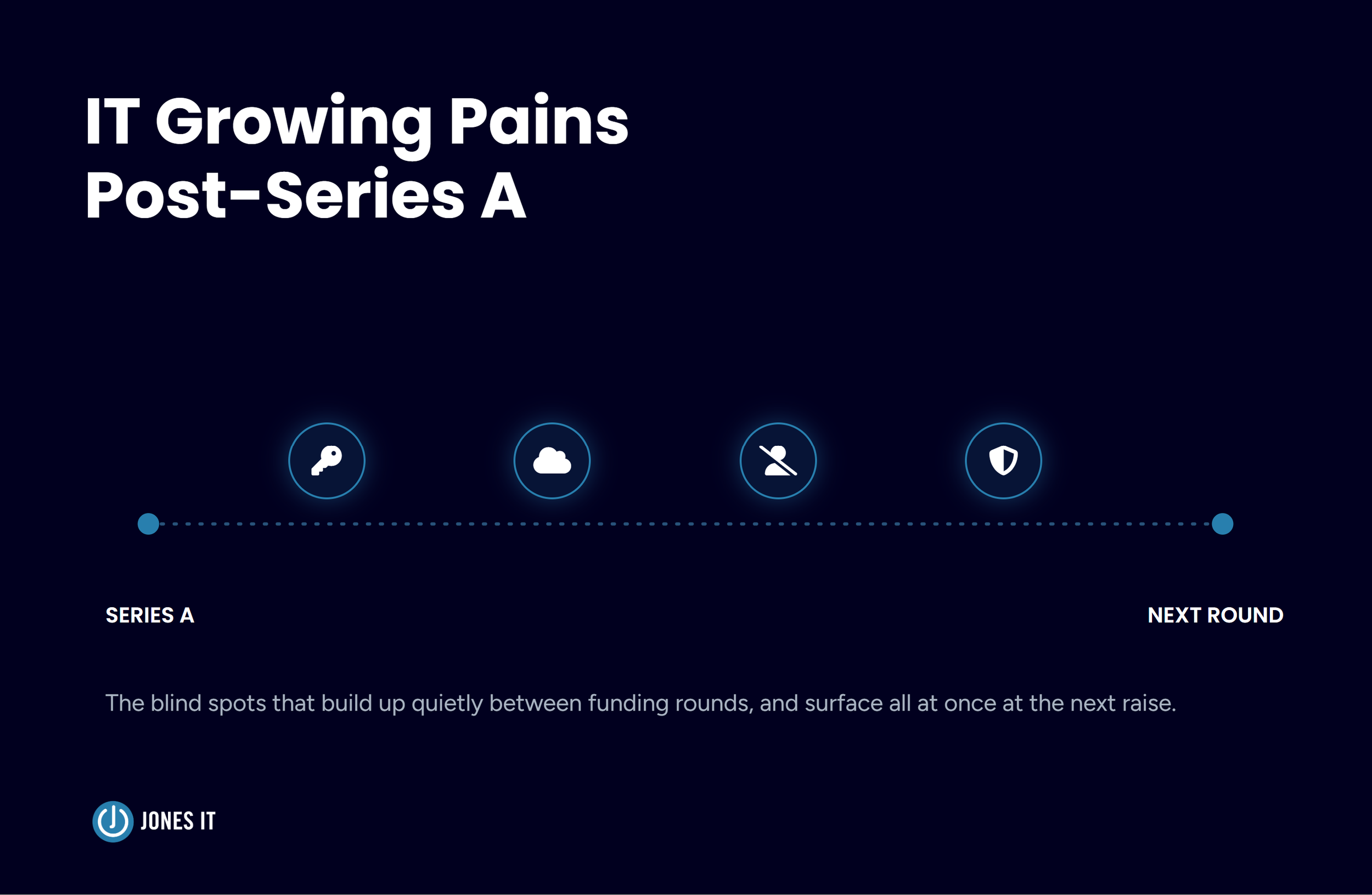
That last item is one I feel particularly strongly about. In two decades of running Jones IT, the engagements that have delivered the most value aren't the ones where we just keep the lights on. They're the ones where we're sitting in leadership conversations, helping a Series A company think through whether they need a full SOC 2 program now or can build toward it over the next 18 months, or advising a healthtech company on the right identity infrastructure before they're in the middle of a HIPAA audit wondering why they didn't set it up correctly from the start.
For startups pursuing SOC 2 or preparing for enterprise deals, the compliance component tends to be the deciding factor in whether a managed IT services relationship pays off. Your MSP should be able to support that work directly rather than handing you off to a separate vendor.
How Managed IT Services Are Priced
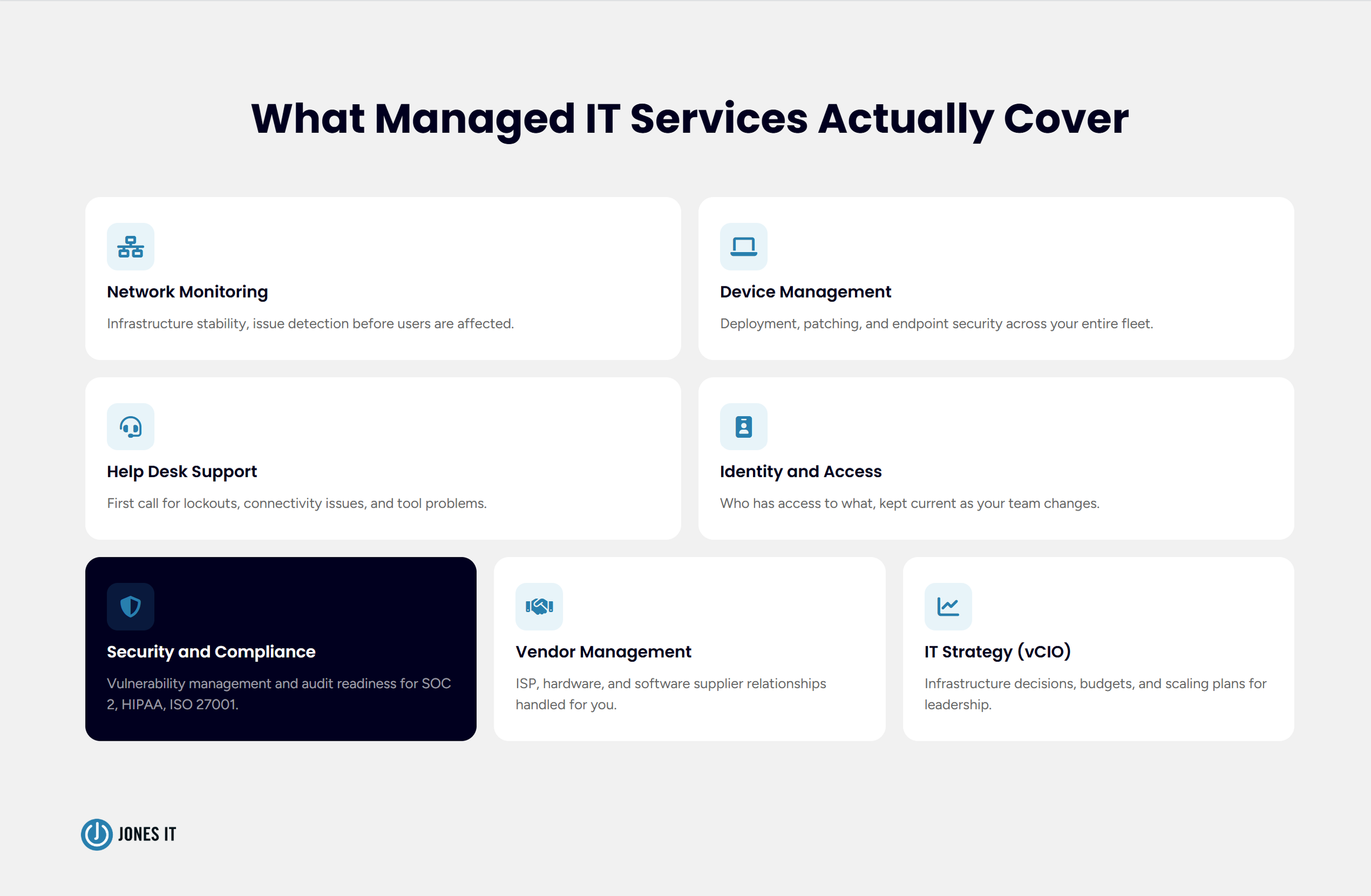
Most MSPs price on one of four models: per user per month, per device per month, a flat monthly fee, or hourly for project-based work. For growing tech companies, per-user pricing is the most common structure since headcount tends to drive IT complexity more than anything else.
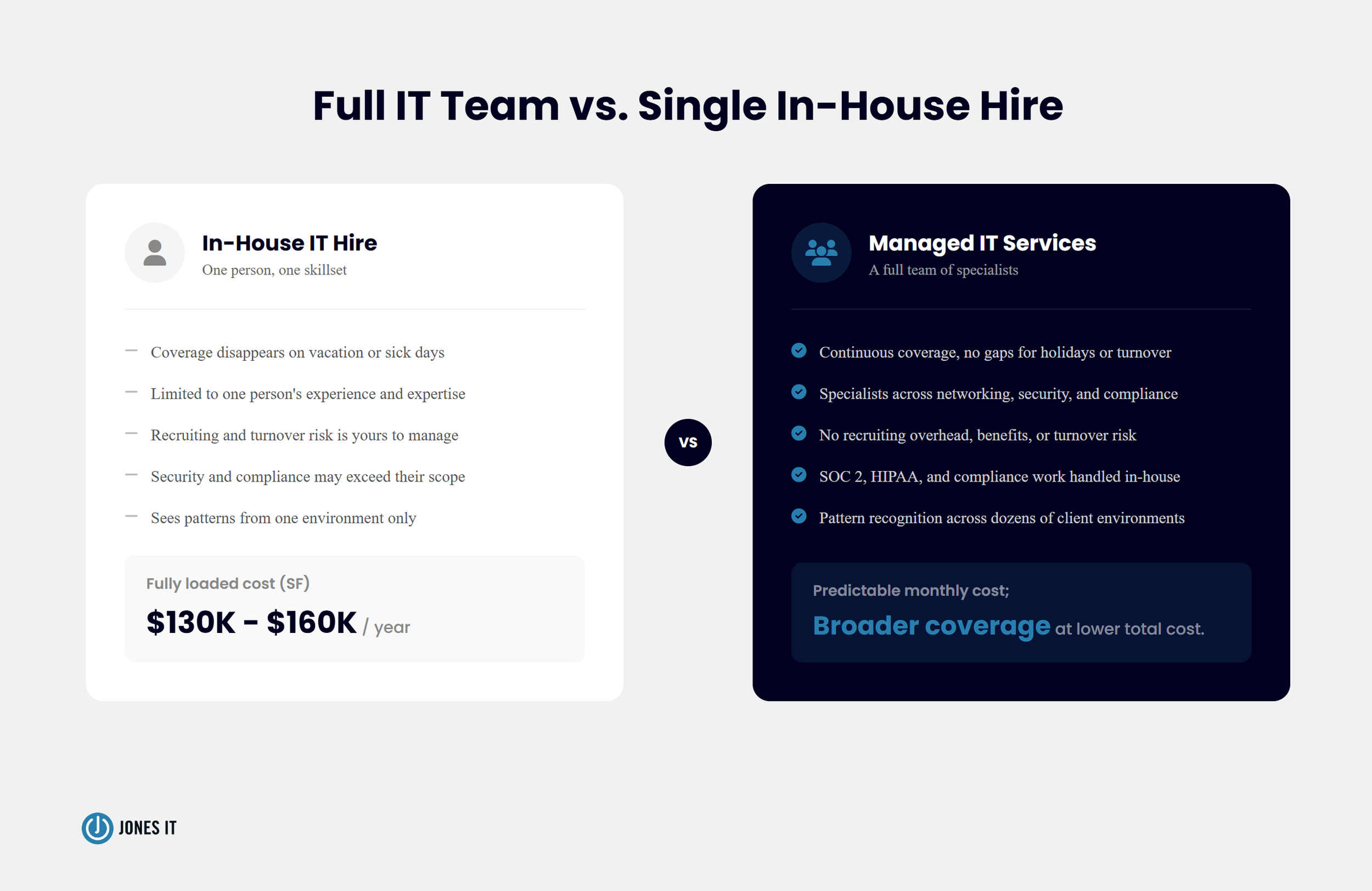
The model matters less than understanding the full cost picture. This is where I see companies make the most flawed comparisons. When you're weighing MSP cost against hiring an in-house IT person, the numbers on paper favor the hire until you account for the full cost of employment. Recruiting fees alone can run 15 to 25 percent of first-year salary. Add benefits, equipment, training time, the ramp period where they're not yet effective, and the coverage gap if they leave. A single mid-level IT hire in San Francisco often runs $130,000 to $160,000 per year. A managed IT engagement for the same 40-person company costs a fraction of that and provides broader coverage and deeper specialization, without the turnover risk.
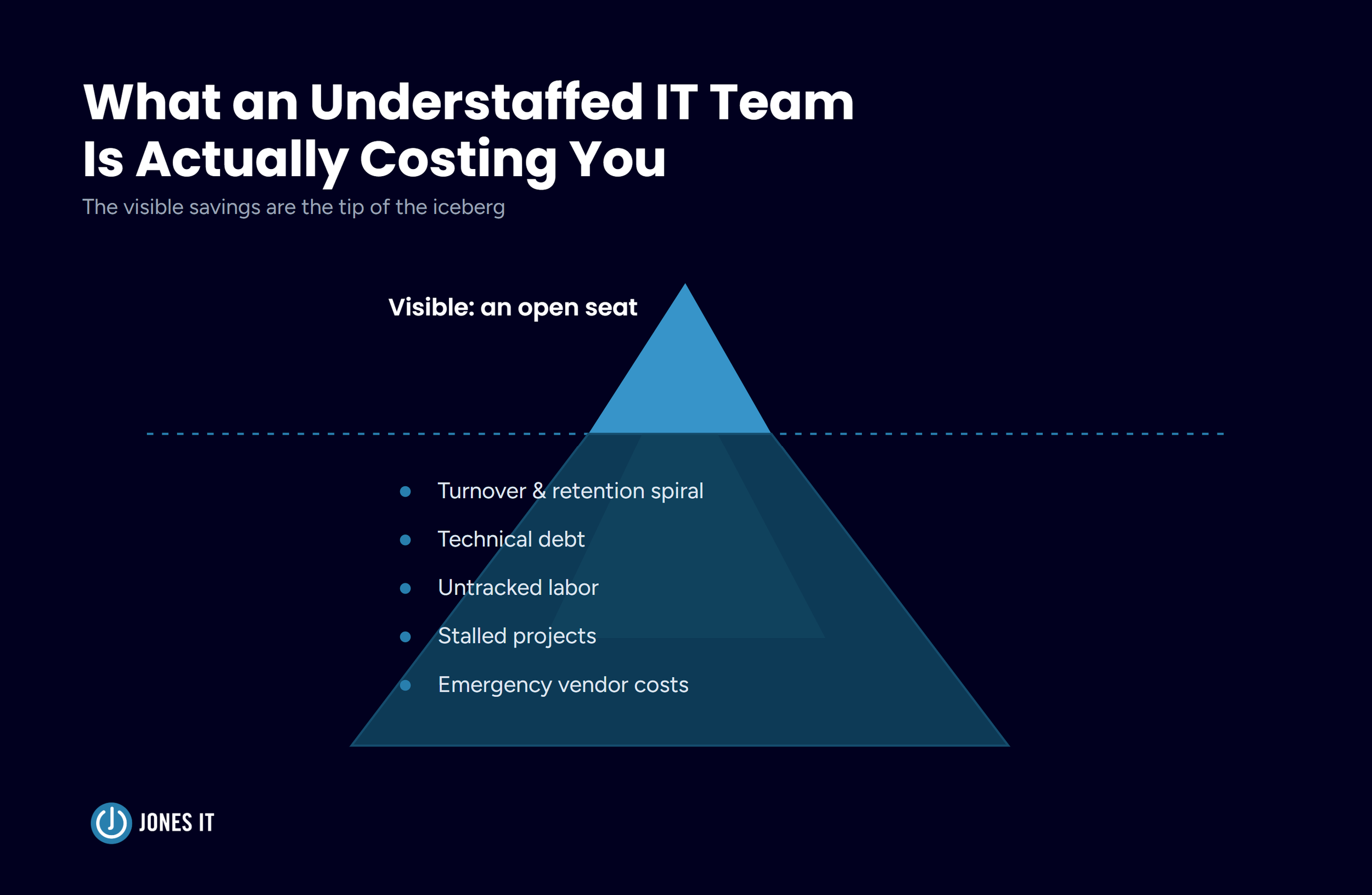
The other thing founders consistently underestimate is the cost of the status quo. When IT is being handled informally: by an engineer, an office manager, or nobody in particular, there's a real cost to that too. It's just diffused and hard to see: the hours burned on IT tickets that nobody is tracking, the security gaps that haven't caused an incident yet, the compliance work that keeps getting deferred. We've seen companies spend six figures getting emergency help after a breach that a managed IT engagement would have prevented entirely.
For a detailed breakdown of pricing models, typical ranges, and how to evaluate ROI, see our comprehensive guide to managed IT services pricing.
Benefits of Managed IT Services for Growing Companies
The case for managed IT services is often made in abstract terms: "improved efficiency," "reduced risk," "scalability." Those things are real, but they're hard to hold onto. What follows are the benefits as we actually observe them, grounded in what companies experience in practice.
1. You Get a Full IT Team, Not a Single In-House Hire
An in-house IT hire provides one person's availability, experience, and bandwidth. When that person is on vacation, sick, or pulled into a specific project, coverage disappears. For every problem that falls outside their expertise, you are left waiting while they figure it out.
An MSP, on the other hand, gives you a team. At Jones IT, when a client has a networking issue, it goes to a network engineer. A security incident goes to someone with security expertise. A compliance question goes to someone who has run a dozen SOC 2 audits. No single hire can replicate that range, and most growing companies can't justify the headcount to staff it internally.
There's also an exposure dimension that's easy to underestimate. Our team works across dozens of Bay Area tech environments simultaneously. When a new attack vector is circulating, we see it across multiple clients before most in-house IT people encounter it once. That breadth of exposure translates directly into faster pattern recognition and better judgment.
2. Problems Get Caught Before They Reach You
The break-fix model has a fundamental flaw: you only know something is wrong after it has already failed. A server becomes slow before it fails; a firewall rule is misconfigured before it creates an exposure; and a hard drive shows signs of failure weeks before it stops working. Monitoring catches these issues early, whereas reactive support catches none of them.
One example that stays with me is of a client of ours, a 60-person fintech company that had a storage array showing early degradation signals in our monitoring dashboard. We flagged it, ordered a replacement drive, and swapped it out on a Tuesday morning before anyone in the office arrived. The client's team never knew it happened. Compare that to the alternative: the drive fails on a Wednesday afternoon, a senior engineer's work is interrupted while IT scrambles, and the repair takes two to three days of disruption. The monitoring paid for itself in that single incident.
This is the shift from reactive to proactive that every MSP talks about, but it's worth being specific about what it actually means in practice. It means your team isn't the one experiencing the downtime. It means you're not in a war room at 11 pm because a server went down. It means IT problems get resolved before they become business problems.
3. Security and Compliance Stop Being an Afterthought
For SaaS and fintech companies in particular, security isn't just an IT concern; it's a business requirement. Prospects ask about it, enterprise customers require it, and investors expect it to be in order before they wire money. A good MSP brings a security program appropriate to your stage: vulnerability management, endpoint protection, email security, and the documentation needed to support a SOC 2 or compliance audit when that conversation comes up.
The compliance piece has changed significantly over the last five years. When I started Jones IT in 2002, SOC 2 wasn't a standard enterprise procurement requirement; it was something large financial institutions asked for. Now we see 30-person SaaS companies getting SOC 2 requests from mid-market customers. The bar has moved down the market, and companies that aren't ready lose deals over it.
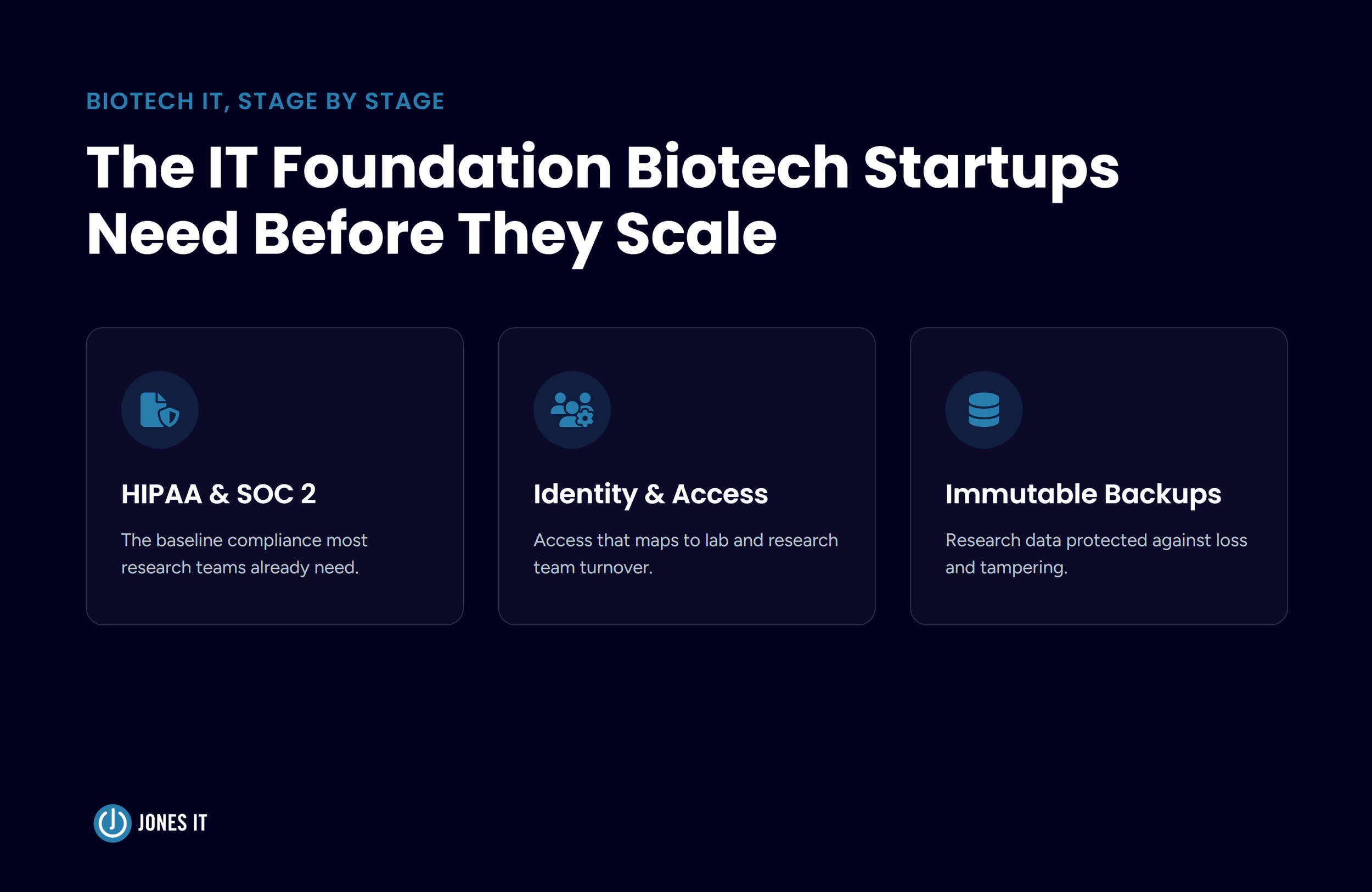
The companies that handle this best aren't the ones who scramble to get compliant when a deal requires it. They're the ones who built the right infrastructure from the beginning: identity management, access controls, logging, endpoint security, so that compliance readiness is an output of how they operate, not a project they have to run. A good managed IT services provider helps you get there before you need it.
4. IT Scales With You
Hiring 10 people in a month is a great problem to have. It's also a real operational challenge if IT isn't ready for it. Each new hire needs a device, an account, access to the right systems, and none of the access they shouldn't have. Without a defined process, this takes days per person, but with one, it takes hours.
We've onboarded dozens of new employees in a single week for clients going through rapid hiring pushes. The only reason that's possible is that the process is already built: device procurement lead times are managed proactively, provisioning workflows are standardized, and identity management is set up so that access grants follow a defined structure. When IT is someone's side responsibility, none of that infrastructure exists. Every new hire is a custom project.
The same dynamic plays out at every inflection point: a new office, a remote team in a new geography, a tool migration, a Series B that brings in 40 new employees over three months. Companies with managed IT services absorb these changes. Companies without them get buried by them.
5. Your Team Stops Losing Time to IT
This point is easy to overlook, but the numbers add up. At a 50-person company where each employee loses an average of 20 minutes per week to IT friction, such as slow logins, tool issues, or waiting for resolutions, the company burns the equivalent of one full-time employee per year. This doesn't even include the engineers, founders, and senior leaders who get pulled in to help solve problems that should never have reached them.
The hidden tax is highest for engineering teams. Every hour an engineer spends troubleshooting a VPN issue or waiting for an IT fix is an hour not spent on product. For a company where engineering is the core value driver, that's not a minor inefficiency, but a direct drag on what you're trying to build.
Signs Your Company Is Ready for a Managed IT Services Provider
There isn't a clean threshold for when to bring in an MSP, and the companies that call us don't always look the same. Some are 20 people who just closed a Series A and know they're about to scale fast. Some are 80 people who have been limping along with informal IT for years and finally hit a breaking point. A few are post-incident, calling us after a breach or a data loss event that made the cost of informal IT very concrete.
That said, a few patterns show up consistently:
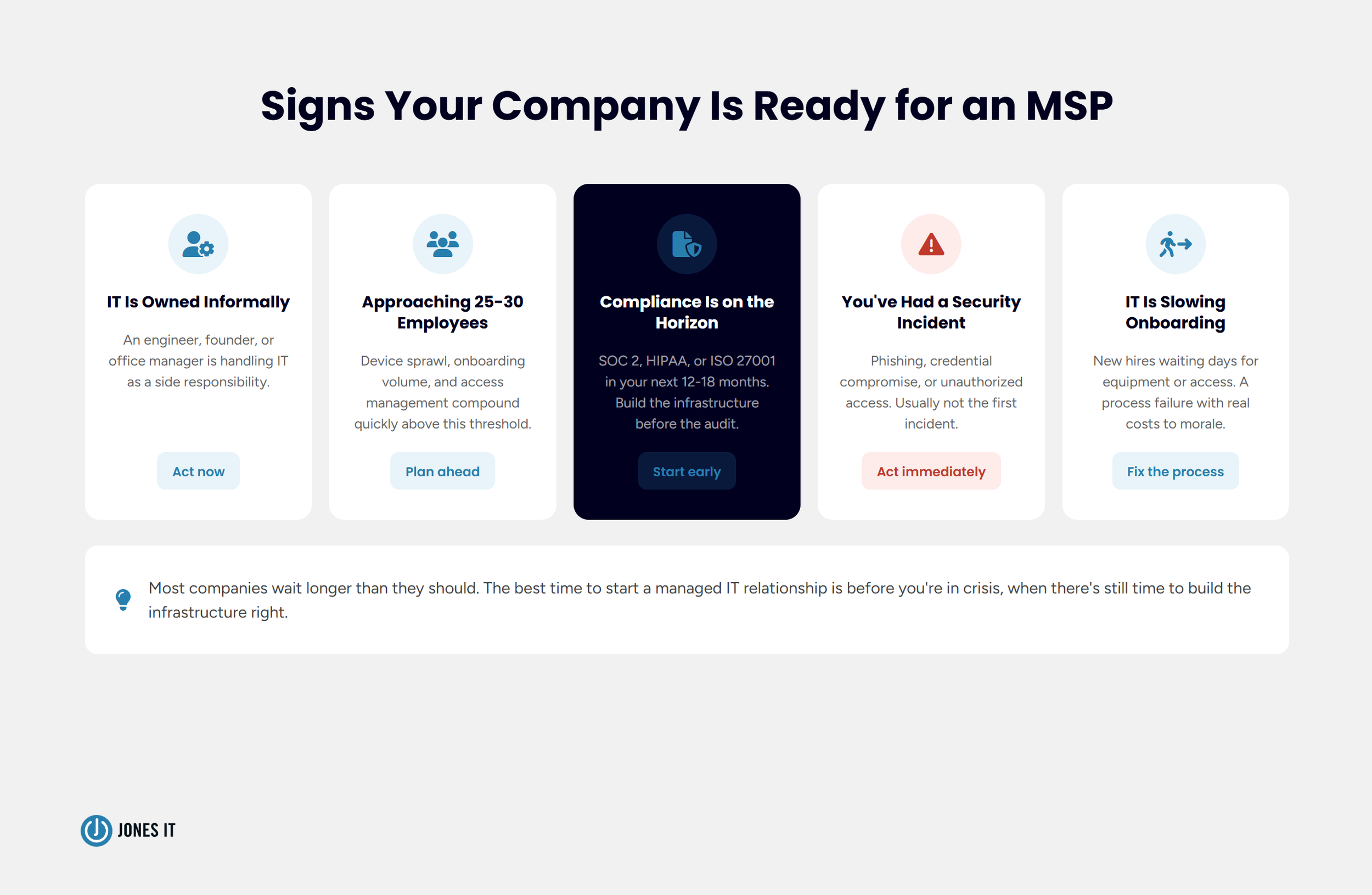
IT is owned informally: an engineer who "handles IT stuff," a founder who manages device procurement, an office manager who resets passwords. This works until it doesn't, and the longer it persists, the more technical debt it accumulates.
You're approaching 25 to 30 employees. Below that, lightweight IT support is often sufficient. Above it, device sprawl, onboarding volume, and access management complexity compound quickly. Most companies feel the friction around 25 to 30 people, but ignore it for too long.
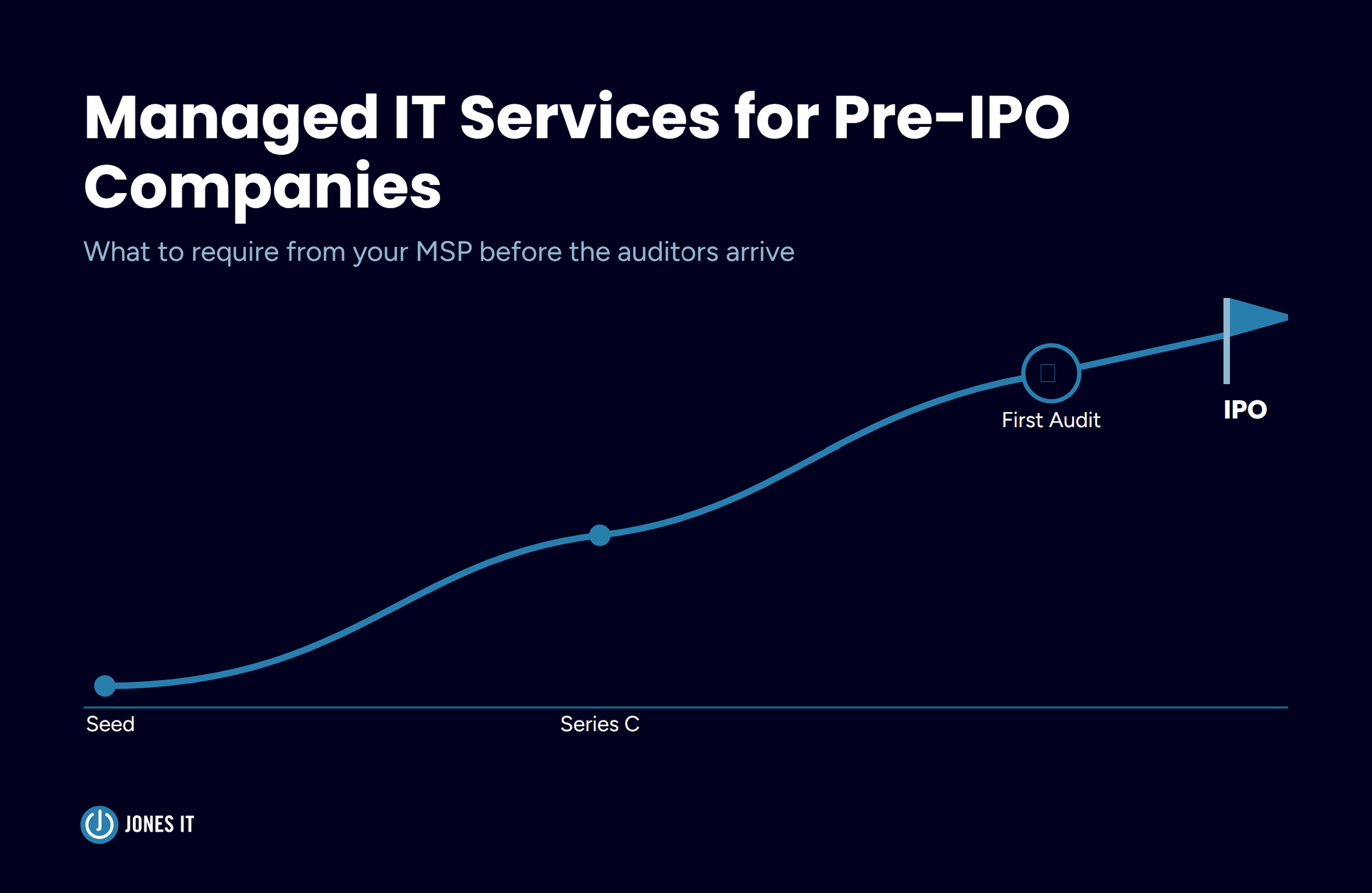
Compliance is on the horizon. If SOC 2, HIPAA, or ISO 27001 is in your next 12 to 18 months, whether because of a deal, a fundraise, or a board requirement, you want IT infrastructure built to support that before the audit starts, not during it.
You've had a security incident. Phishing, a credential compromise, an unauthorized access event. These are the clearest signal that the informal security posture has a gap. They're also usually not the first incident; they're the first one bad enough to notice.
IT is creating friction at hiring or onboarding. If new employees are waiting days for equipment or access, or leaving onboarding without the tools they need, that's a process failure with a real cost to morale and productivity.
One honest observation from 20-plus years of doing this is that most companies wait longer than they should. The call usually comes after something has already gone wrong. We're glad to help when that happens, but the companies that get the most value from a managed IT relationship are the ones who start it before they're in crisis; when there's time to build the infrastructure right, rather than patch it under pressure.
If you're trying to work out the timing for your company specifically, we've written a detailed guide to when a startup needs a managed IT provider that walks through each signal and what waiting tends to cost.
How to Evaluate a Managed IT Services Provider
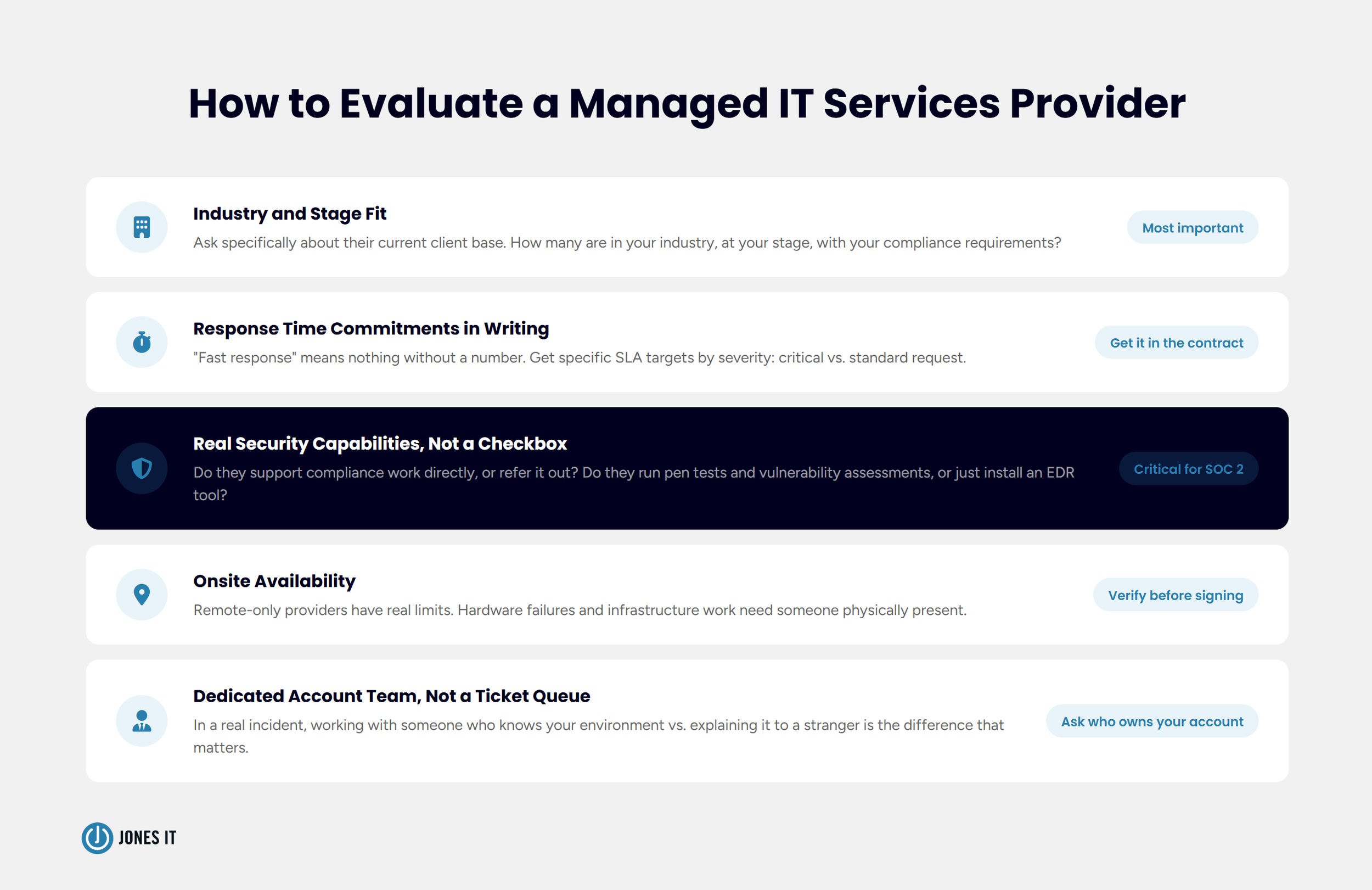
Choosing the right managed IT services provider comes down to a handful of criteria that matter more than price. We're obviously biased here, but having watched companies evaluate MSPs for over two decades, including clients who left other providers to work with us, and a few who went the other way, the following are the things that actually determine whether a relationship works.
Industry and stage fit. A provider that primarily serves retail or healthcare companies will have different tooling, compliance expertise, and operational instincts than one built for Bay Area tech startups. Ask specifically about their current client base: how many are in your industry, at your stage, and with your compliance requirements. The answer tells you more than any sales pitch.
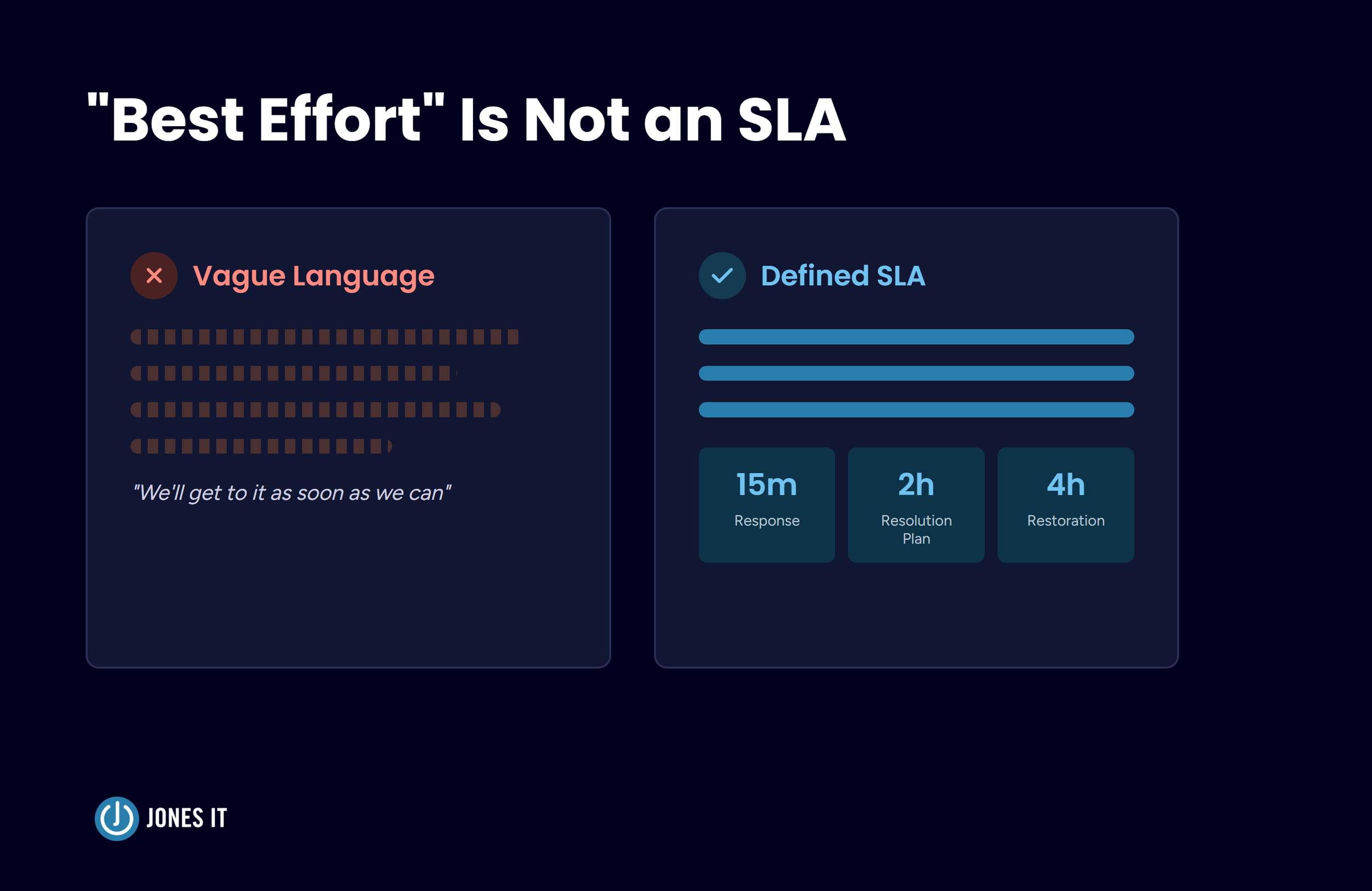
Response time commitments in writing. "Fast response" means nothing without a number attached. Your SLA (Service Level Agreement) should specify target response times by severity: what constitutes a critical incident, what the response target is, and what happens if it isn't met. A provider who hedges on this in the sales process will hedge on it in an incident.
Security capabilities, not just a security checkbox. Ask whether the provider can support compliance work directly or refers it out. Ask whether they run vulnerability assessments, penetration testing, and security awareness training, or whether their security offering is essentially "we installed an EDR tool." The difference matters significantly for companies with compliance requirements.
Onsite availability. Remote-only providers have real limitations. Hardware failures, network infrastructure work, conference room issues, and onboarding in a physical office environment all benefit from having someone physically present. If your office is in San Francisco and your MSP is fully remote, you'll feel that constraint eventually.
Team continuity and dedicated ownership. Ask whether you'll have a named account team who knows your environment, or whether every request goes into a ticket queue handled by whoever is available. In a real incident, the difference between working with someone who knows your infrastructure and explaining it to a new person every time from scratch is enormous.
Beyond the criteria above, ask for references specifically from companies at your stage and in your industry. How a provider performs for a 200-person enterprise with a full IT budget looks very different from how they perform for a 40-person Series A company where they're the entire IT function. Make sure the reference is actually comparable. Your ideal IT partner would be one that can seamlessly scale with you as your company grows.
One thing I'd add: pay attention to how the provider talks about your business during the sales process. Are they asking about your roadmap, your compliance requirements, your growth plans? Or are they talking about their platform and their tools? The best MSP relationships are ones where the provider is genuinely curious about your business and advises accordingly. The transactional ones, where IT is a service you buy and a provider delivers, tend to underperform over time.
Building IT That Scales With Your Business
The companies that get the most out of managed IT services tend to start the conversation before they're in crisis. They bring in a provider while IT is still manageable, get the infrastructure right before it becomes a problem, and then scale without IT becoming the bottleneck.
For Bay Area tech companies, that foundation almost always includes a security and compliance component. The enterprise deals you're trying to close, the investor due diligence you'll face, the SOC 2 certification your prospects are asking about: all of it runs through IT. Getting that infrastructure right from the start means compliance audits don't catch you unprepared, and security incidents don't define your fundraising conversations. If you want to know specifically what to look for from a local provider, we've put together a guide to managed IT services in San Francisco that covers what the right engagement looks like at each stage.
We've been working with SaaS, fintech, and tech companies in the Bay Area since 2002. If you’re done dealing with IT debt and ready for a strategic partnership that grows with your business, reach out to us, and we'll walk through where your current setup stands and what a managed services engagement would look like for your stage.

About The Author

Evan JonesFounder and CEO of Jones IT
With over two decades of IT experience in San Francisco, Evan guides Jones IT's long-term strategy, finances, and culture, with a vision of building the city's highest-rated IT services firm. Outside of work, you'll find him on the golf course or running Bay Area Warriors, his non-profit connecting Bay Area kids to college through basketball.
Mac vs. PC for startups isn't a company-wide choice; it’s a per-role one. Use this framework to match hardware to software needs and efficiently manage a mixed fleet.