
Co-Managed IT Services: 5 Signs Your IT Team Is Ready for One
A few months ago, a SaaS company in SoMa (now a client of ours) with about 55 employees, sent us a message I’ve seen in different forms over the years. Their IT manager, a sharp and capable person managing everything from device procurement to endpoint security, wrote: “We have 14 open tickets, a SOC 2 audit starting in six weeks, and I just found out we’re opening a new office in the Mission. I can’t do all of this.”
I’ve been in IT services in the Bay Area since 2002. The details change, but the shape of this problem is consistent: a capable IT person at a growing company, doing genuinely good work, hitting a wall where there simply isn’t enough capacity to go around. It’s not a failure by any stretch of the imagination. Rather, it’s what scaling looks like. And it’s exactly the situation where co-managed IT services tend to be the right answer.
Yet, co-managed IT is still relatively underexplored for growing Bay Area companies. Most founders and IT managers know the two endpoints: fully outsource everything to an MSP, or hire more staff and keep it all in-house. The co-managed model sits between those two, and for a specific type of company at a specific growth stage, it often fits better than either.
What Are Co-Managed IT Services?
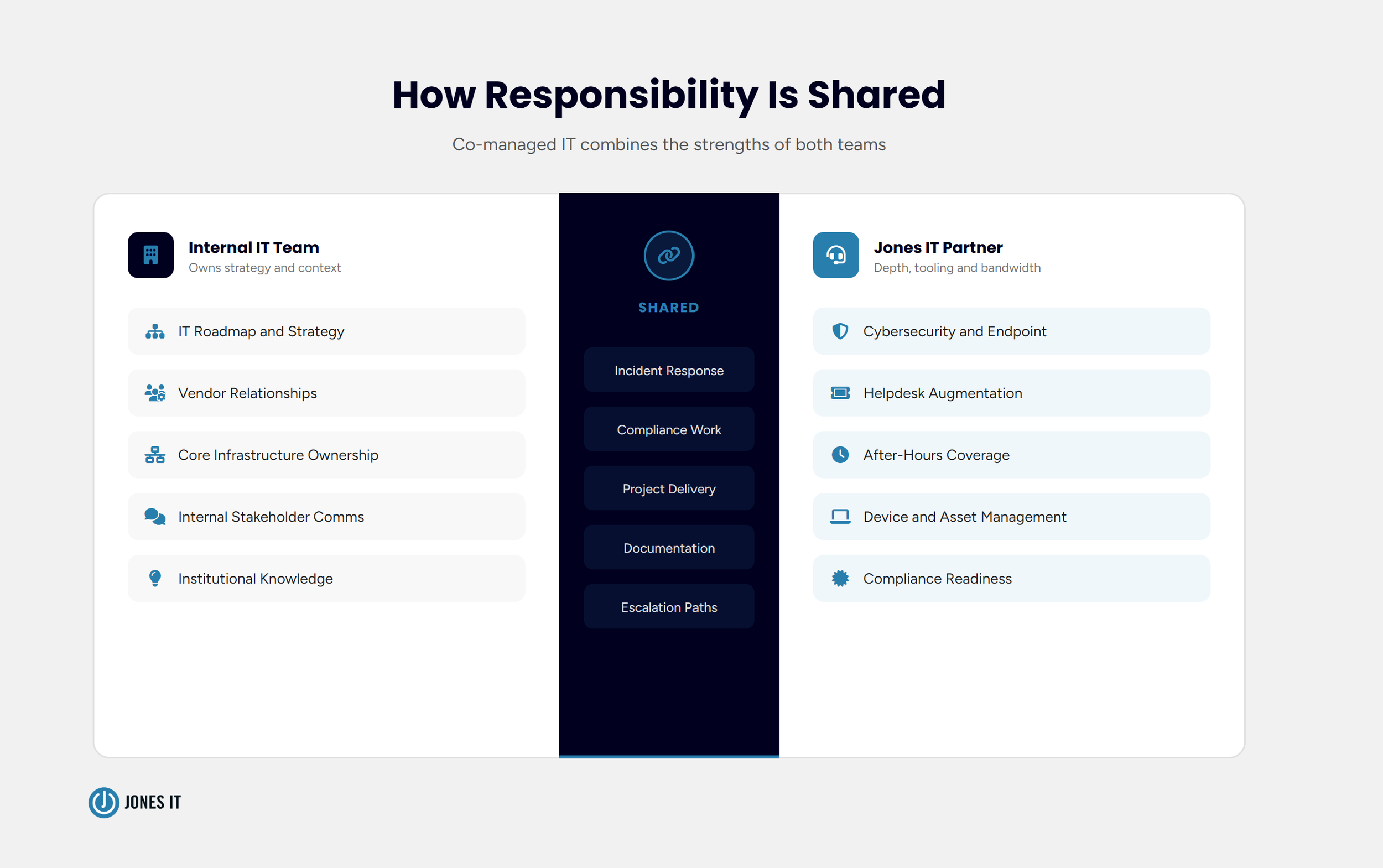
Co-managed IT services are a hybrid IT support model in which an organization’s internal IT team partners with an external managed service provider (MSP) to share responsibility for managing the company’s IT environment. The internal team retains ownership of the work it does best, while the MSP fills gaps in capacity, expertise, or coverage.
The division of responsibilities is customizable. Some companies hand helpdesk support to an MSP while keeping infrastructure and security in-house. Others do the reverse, with the internal IT person managing day-to-day user support while the MSP owns network monitoring, endpoint protection, and compliance readiness. The arrangement reflects the company’s actual gaps, not a pre-packaged service menu.
At Jones IT, our co-managed model is built around that principle, and it’s how we’ve structured most of our client relationships with companies that have internal IT staff. We work alongside your team, not instead of it. Your IT person or team keeps the institutional knowledge, the internal relationships, and the strategic direction. We bring depth, tooling, and bandwidth in the areas where you need it most.
Co-Managed vs. Fully Managed IT: What’s the Difference?
In a fully managed IT model, the MSP takes over the entire IT function, so there’s no internal IT team. The provider handles everything, including helpdesk, security, infrastructure, vendor management, and strategic planning. For companies with no in-house IT staff at all, or for those who have decided they don’t want to manage an IT department, fully managed is the right fit.
Co-managed IT is different in a few meaningful ways. First, you keep your internal team. That team holds context that an outside provider simply cannot replicate quickly: they know your product, your culture, your edge cases, and your people. Second, you keep control. The IT roadmap stays yours. The MSP’s role is to extend what your team can do, not to assume ownership of the entire function. Third, the cost profile changes because you are not replacing internal IT spend, but adding external capacity on top of it. For many companies, this is still more cost-effective than hiring one or two additional full-time engineers.
There’s no universal winner between the two models. Fully managed works well for companies without an IT function. Co-managed works well for companies that have one and want to make it more capable. The choice depends on the situation your company is in.
5 Signs Your IT Team Is Ready for a Co-Managed Model
The companies that get the most out of a co-managed arrangement tend to share a handful of recognizable characteristics. Here’s what to look for.
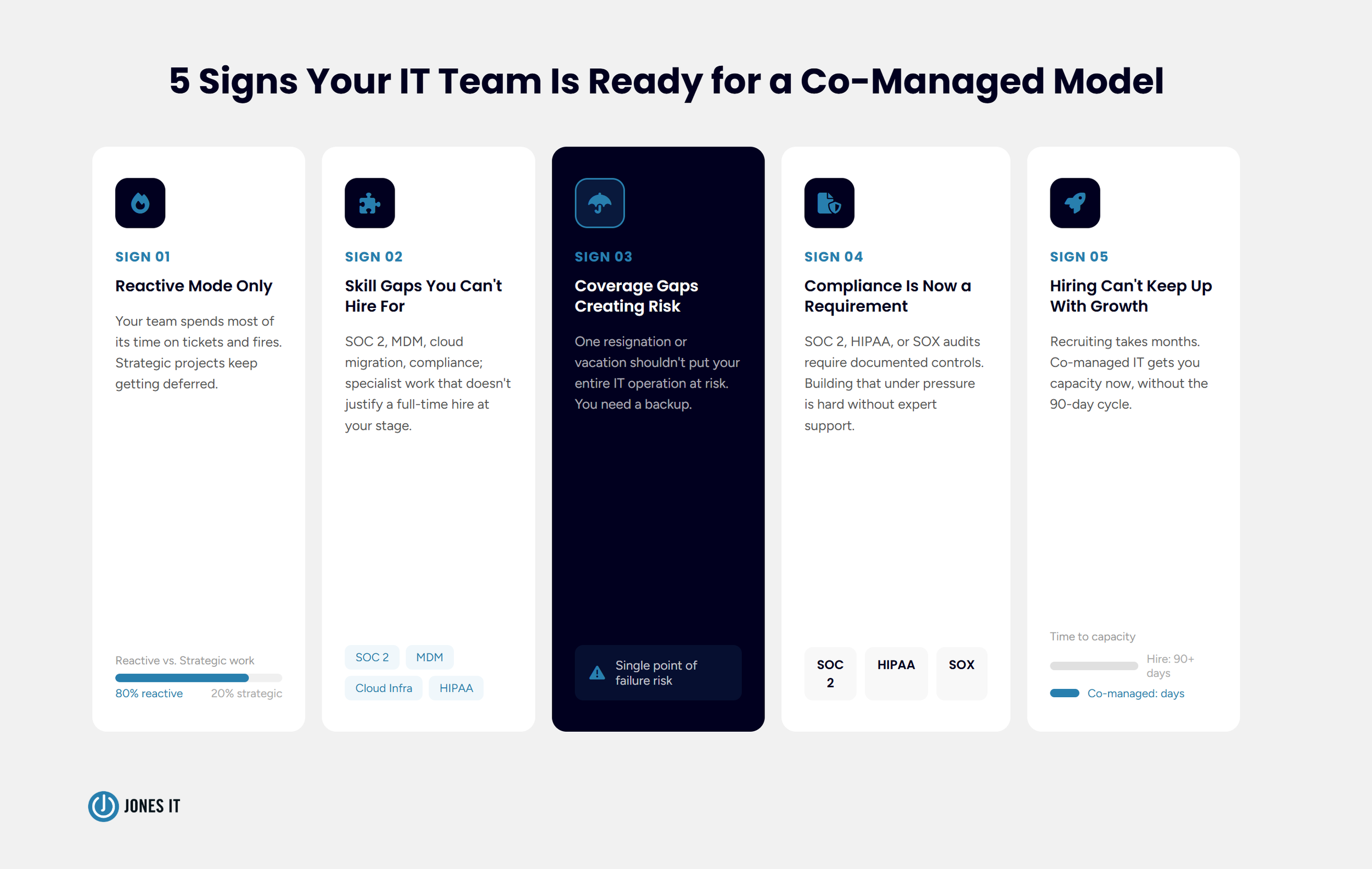
1. Is your IT team operating in reactive mode?
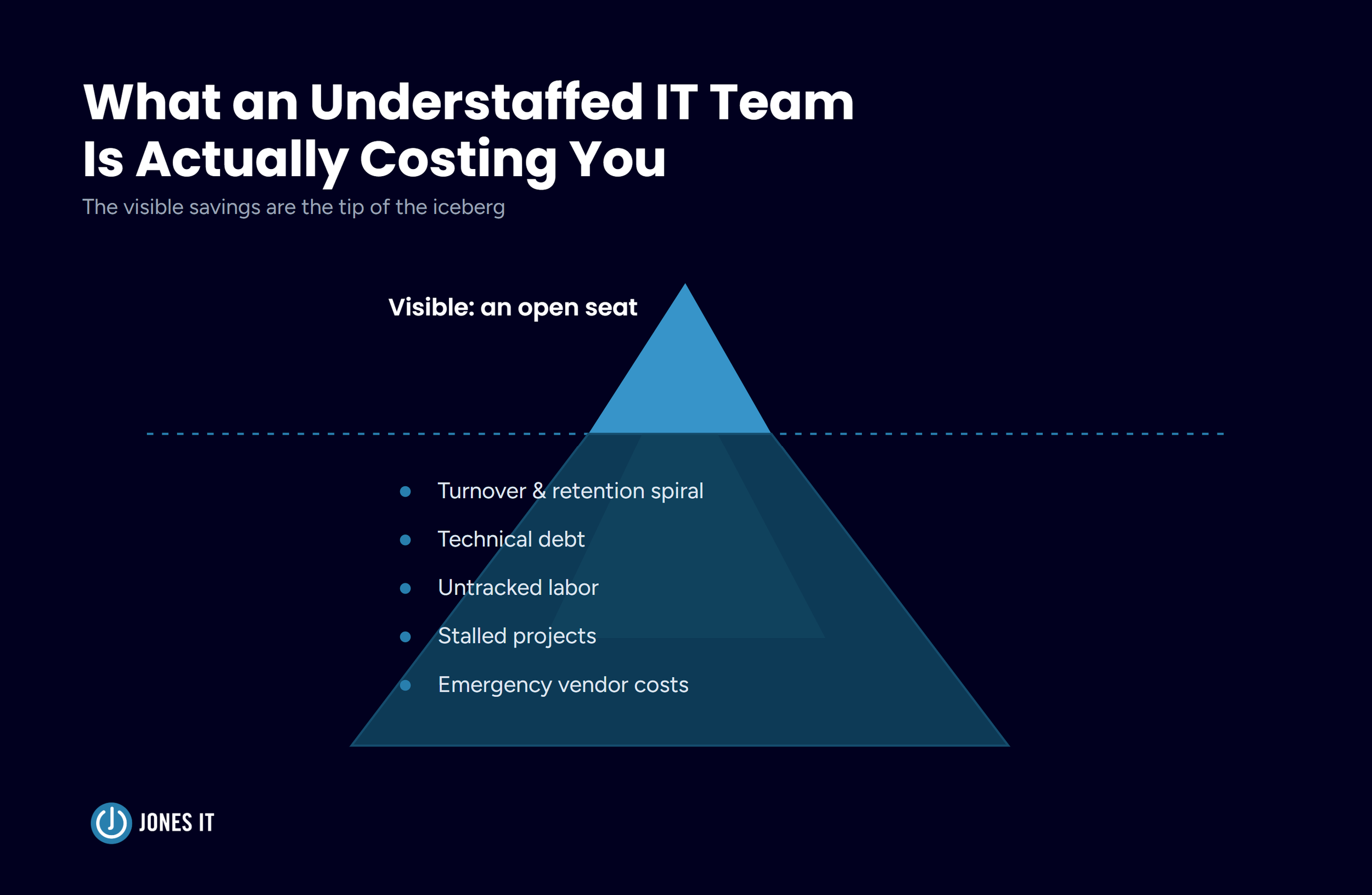
When your IT function is spending the majority of its time responding to tickets and putting out fires, strategic work gets deferred indefinitely. Projects like MDM policy rollouts, infrastructure upgrades, and compliance readiness keep getting pushed. This is a capacity problem, not a competence problem. Co-managed IT can absorb the reactive load, freeing your internal team to work on the things that actually move the company forward.
2. Do you have skill gaps you can’t justify hiring for?
A SOC 2 audit requires a specific kind of security expertise. So does a cloud infrastructure migration, or setting up a new office network in Dogpatch, or implementing a compliant MDM stack for a fintech company. These are not everyday tasks, and hiring a full-time specialist for each one is rarely the right answer at the Series A or B stage. A co-managed partner brings that depth on demand, without the salary, benefits, and ramp-up time of a new hire.
3. Are coverage gaps creating real risk?
What happens when your sole IT person takes a vacation? Or leaves? A small internal team with no external backup is one resignation away from a coverage crisis. Co-managed IT builds redundancy into your support structure. Your MSP team knows your environment, your tooling, and your escalation paths, so coverage doesn’t fall apart when someone is out.
4. Is compliance becoming a serious requirement?
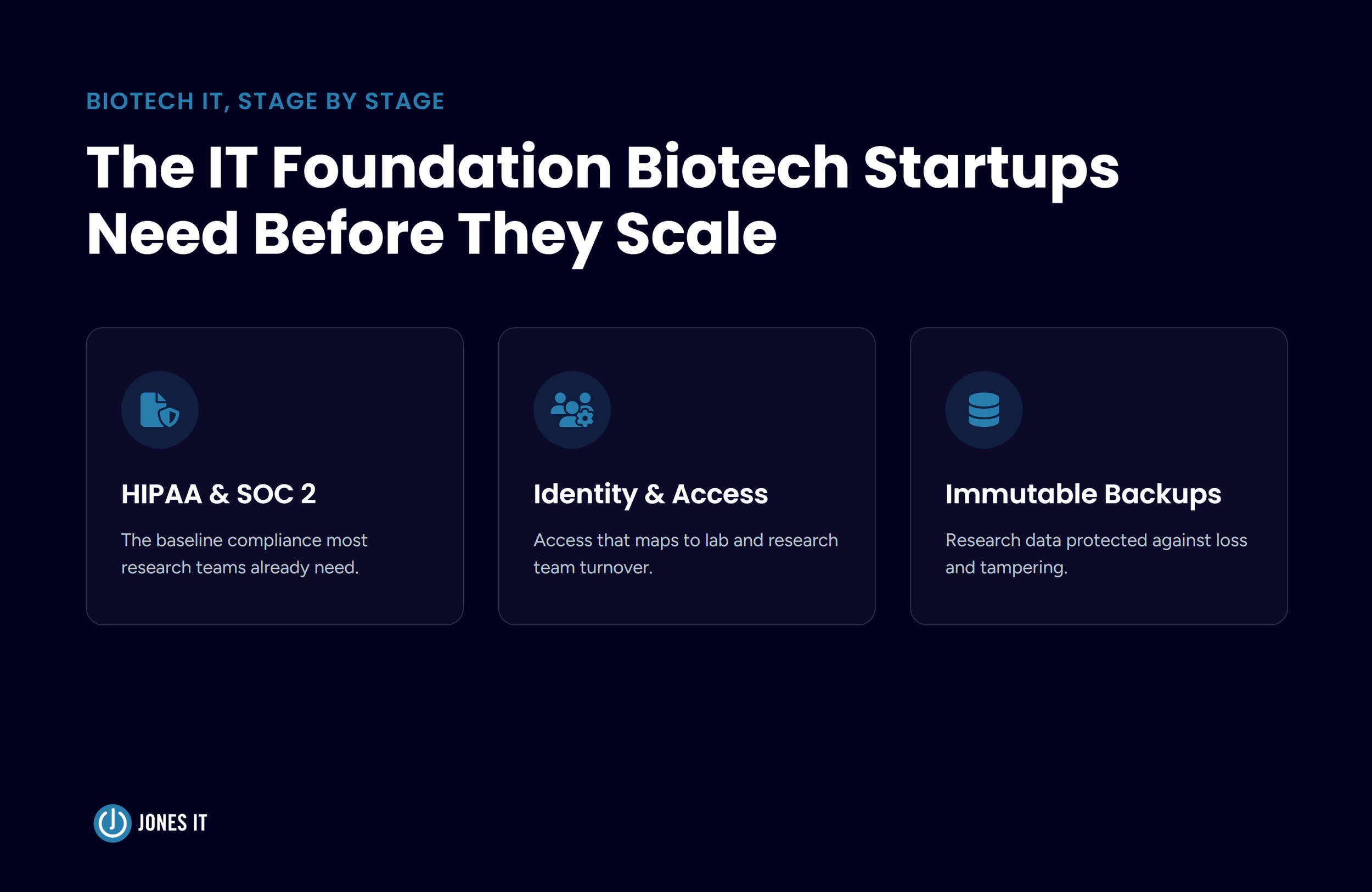
SOC 2, HIPAA, and SOX compliance all require consistent, documented IT controls. Many growing companies reach the point where a customer, investor, or auditor asks for evidence of those controls, and the internal IT team has to build them from scratch under pressure. A co-managed partner with compliance experience can handle the evidence gathering, policy documentation, and control implementation alongside your team, rather than leaving your IT person to figure it out alone.
5. Is hiring slow, and the work can’t wait?
IT hiring is genuinely hard. Qualified engineers are expensive, the interview process is long, and onboarding takes months. If your company is growing faster than you can staff up, a co-managed arrangement can bridge that gap. You get the capacity now, without the 90-day recruiting cycle.
What a Co-Managed IT Partnership Actually Looks Like
One thing that surprises companies about a co-managed engagement is how much it depends on the setup work upfront. We’ve seen arrangements like this go sideways, not because of technical problems but because nobody took the time to define who owns what. A good co-managed partnership begins with a clear delineation of responsibilities, including ticket routing, security incident handling, and vendor relationship management. Getting this right at the start prevents the confusion and duplication that make co-managed arrangements fail.
At Jones IT, we begin every co-managed engagement with a documentation and discovery phase. We map your existing environment, your tools, your processes, and your open gaps. We establish shared tooling, including a common ticketing system, endpoint monitoring, and a documentation platform, so neither team is flying blind. And we set a regular cadence of communication: weekly syncs with the internal IT contact, monthly reviews with leadership.
The day-to-day of a mature co-managed relationship is fairly quiet, which is the point. Your internal team focuses on the work they were hired to do. The MSP handles the areas for which it was brought in. Issues escalate cleanly, coverage is consistent, and nobody is scrambling.
Where Co-Managed IT Makes the Biggest Difference
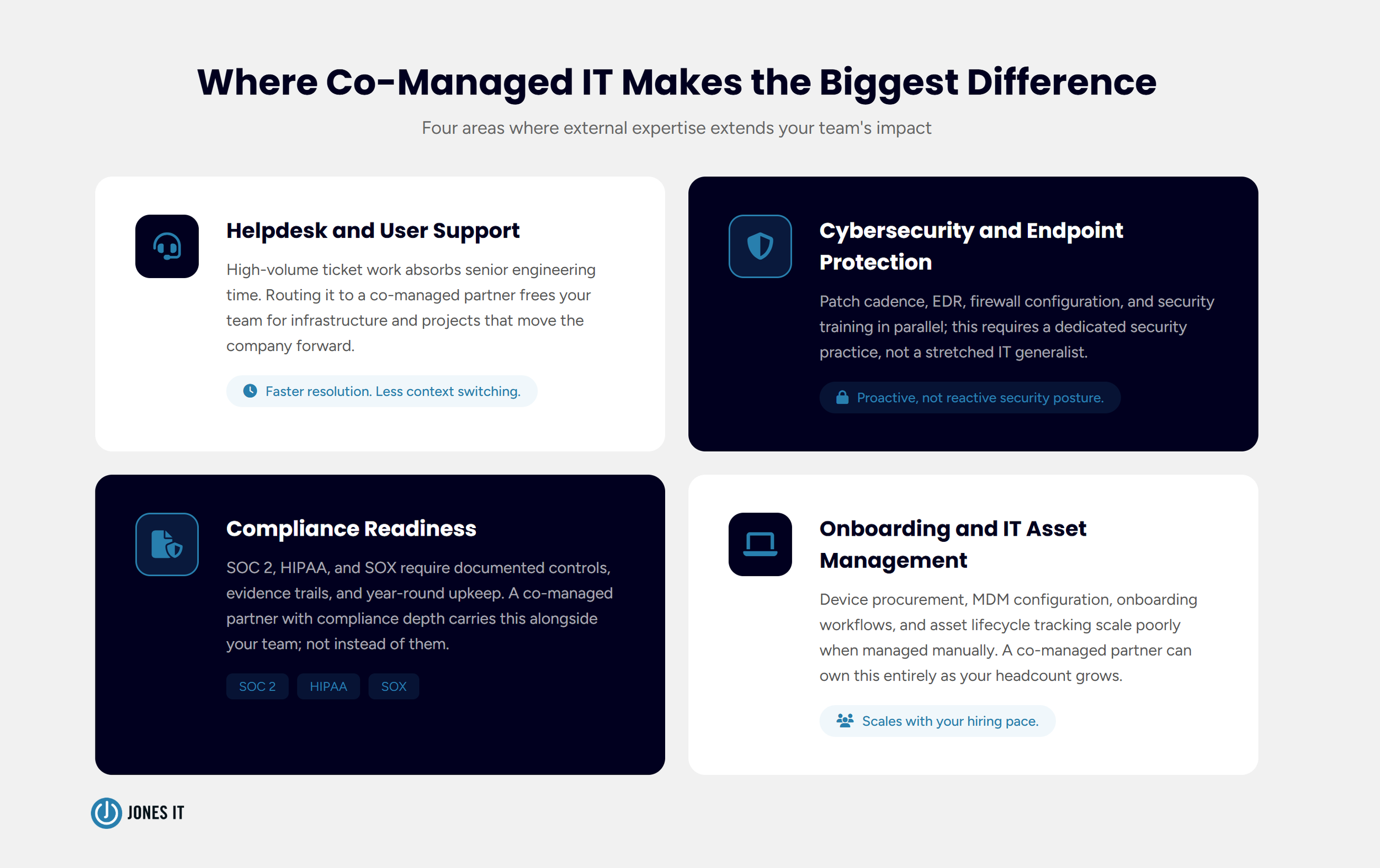
The use cases where we’ve seen co-managed IT deliver the most value tend to cluster around a few specific areas.
Helpdesk and user support
User support is high-volume, time-intensive, and often a poor use of a senior IT engineer’s time. Routing that work to a co-managed partner lets your internal team focus on infrastructure and projects while users still get fast, consistent support.
Cybersecurity and endpoint protection
Security is both technically demanding and high-stakes. Most small IT teams lack the time or specialized depth to manage endpoint detection, patch cadence, firewall configuration, and security awareness training in parallel with everything else they handle. A co-managed partner with a dedicated security practice can own this area or work alongside your team on it, depending on your needs.
Compliance readiness
Whether you’re pursuing SOC 2 Type II, HIPAA compliance, or SOX controls, the documentation and control-implementation work is substantial. We regularly work alongside internal teams at Bay Area fintech and SaaS companies to build the evidence trail, implement the required controls, and stay audit-ready year-round. This is exactly the kind of specialized, high-stakes work that doesn’t fit neatly into an internal IT backlog.
Onboarding and IT asset management
Fast-growing companies onboard a lot of people quickly, and IT asset management gets messy fast without the right systems in place. A co-managed partner can take ownership of device procurement, MDM configuration, onboarding workflows, and asset lifecycle tracking, freeing your internal team from a process that scales poorly when managed manually.
How to Choose the Right Co-Managed IT Partner
Not all MSPs are set up to work in a co-managed model. Some are built for full outsourcing and struggle with the shared-ownership dynamics that co-managed requires. When you’re evaluating partners, a few things matter more than anything else.
Experience working alongside internal IT teams. Ask whether they have active co-managed clients and how they structure those relationships. A provider who has only operated as a full outsourcer will treat your internal team as a complication rather than a partner.
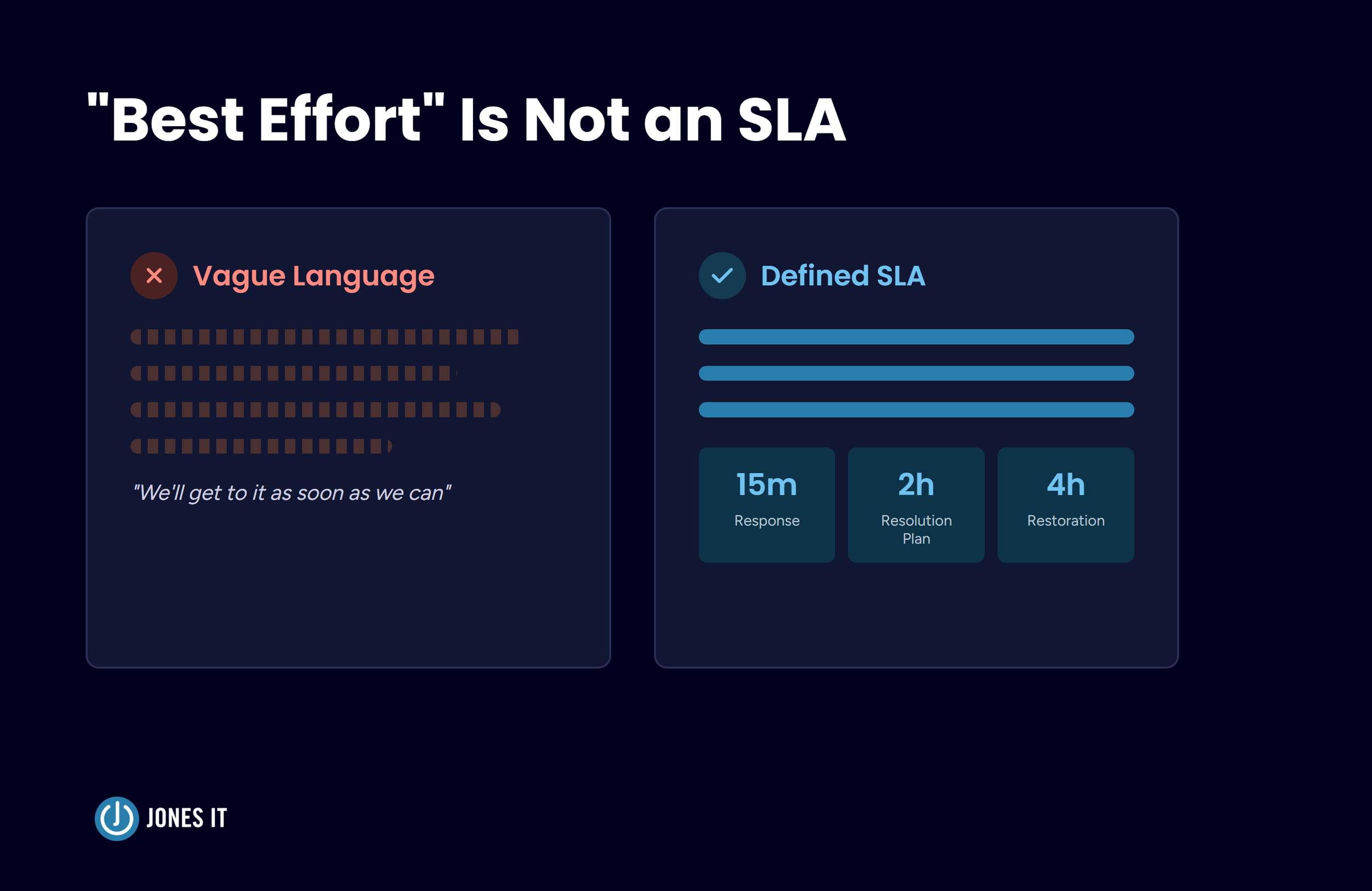
Clear role delineation. The best co-managed providers will insist on defining responsibilities before the engagement starts, not after a conflict arises. If a prospective partner is vague about how handoffs work, that’s a warning sign.
Industry familiarity. If you’re a fintech company with specific compliance requirements, or a biotech with HIPAA obligations, your MSP partner needs to understand that context. Generic IT support can handle tickets; specific compliance work requires domain knowledge.
Shared tooling and transparency. Your internal team should have visibility into everything the MSP is doing. Shared ticketing, shared monitoring dashboards, and shared documentation keep both teams aligned and prevent the information silos that erode trust over time.
One thing worth saying plainly is that co-managed IT works best when your internal IT team is capable and genuinely engaged with the work. The model assumes you have someone on staff who owns the IT function and wants to keep owning it. If that’s not the case, a fully managed model may serve you better until you’re ready to build that internal capacity. We’d rather tell you that upfront than set up an arrangement that doesn’t fit.
The Bottom Line
For a growing company with an existing IT team, co-managed services offer a way to get more done without giving up control. Your team stays in place. Your institutional knowledge stays intact. You just stop asking one or two people to handle a workload that realistically requires more.
Coming back to that IT manager in SoMa: within a month of starting our co-managed engagement, the open ticket count was under five, SOC 2 prep was on track, and the Mission office buildout had a dedicated project lead from our team. The IT manager was finally doing the strategic work that had been on the back burner for six months. I’ve seen this play out enough times that the pattern is pretty clear: the right support at the right time doesn’t just reduce workload, it changes what a small IT team can accomplish.
That’s what a good co-managed IT partnership looks like in practice.
If you’re wondering whether your IT team could benefit from this kind of support, we’re happy to talk it through. To learn more about how our co-managed IT services work, simply schedule a free consultation below.


About The Author

Evan JonesFounder and CEO of Jones IT
With over two decades of IT experience in San Francisco, Evan guides Jones IT's long-term strategy, finances, and culture, with a vision of building the city's highest-rated IT services firm. Outside of work, you'll find him on the golf course or running Bay Area Warriors, his non-profit connecting Bay Area kids to college through basketball.
Discover how to build a 3-year rolling IT roadmap for startups. Turn lumpy tech expenses into a predictable budget your CFO can plan against.