
Updated: July 13, 2026
A few months ago, an ops lead at a twelve-person biotech startup in Potrero Hill forwarded us a vendor quote with a one-line subject: "What is any of this?" The quote listed a 2U rack-mount chassis, dual Xeon Silver processors, iDRAC9 Enterprise, and RAID 10 across eight drives. She didn't need a lecture on server architecture. She needed to know if this thing would fix her actual problem, which was that her team's shared drive kept timing out during client calls.
That gap between "I need a server" and understanding what's actually being recommended is where a lot of small businesses get stuck. Vendors and IT providers throw around specs assuming a shared vocabulary that most founders and ops leads never had reason to build. The result is either decision paralysis or, worse, a purchase based on whichever quote sounds the most impressive.
This guide is our attempt to close that gap. We'll cover what a server actually is, what's inside one, the form factors and deployment models you'll run into, and how to think about choosing the right one. We've written dedicated posts on several of these topics already, so we won't go deep on any single piece here. We'll point you to the full breakdown where it's useful. For what it's worth, that biotech startup's quote turned out to be solid for what she needed, just mildly over-specced on drives. That one conversation is basically why this guide exists.
What Is a Server, and Why Does Your Business Need One
A server is a computer built to provide a service, resource, or piece of data to other computers on a network, continuously and reliably. Where your laptop is built around occasional heavy use, a server is built to run around the clock, handling requests from multiple people at once without slowing down. That difference in purpose is what separates server-grade hardware from a repurposed desktop, even when the two look similar on paper.
So why not just keep using a laptop or a desktop pushed into service as a makeshift file server? Consumer hardware isn't built for sustained, simultaneous use. It lacks the memory error correction, the redundant components, and the uptime expectations that come standard on server-grade equipment, and it tends to show its limits at exactly the moment your team is relying on it most, usually during a client call or a deadline.
For a SaaS company, that might mean a database server sitting behind the product. For a fintech or healthcare startup, it might mean a file server holding documents that fall inside SOC 2 or HIPAA scope. Whatever the industry, the reason usually comes down to reliability, control over where sensitive data lives, and centralizing something that email attachments and shared drives handle poorly once a team passes a certain size.
Not every small business needs one. Plenty of ten-person companies run entirely on Google Workspace and cloud tools and never touch a physical server, and that's a completely reasonable setup. The question isn't whether a "real business" needs a server. It's whether your specific workload, your file volume, or your applications have started to outgrow what consumer tools and ad hoc storage can reliably handle.
The Core Components Inside a Server
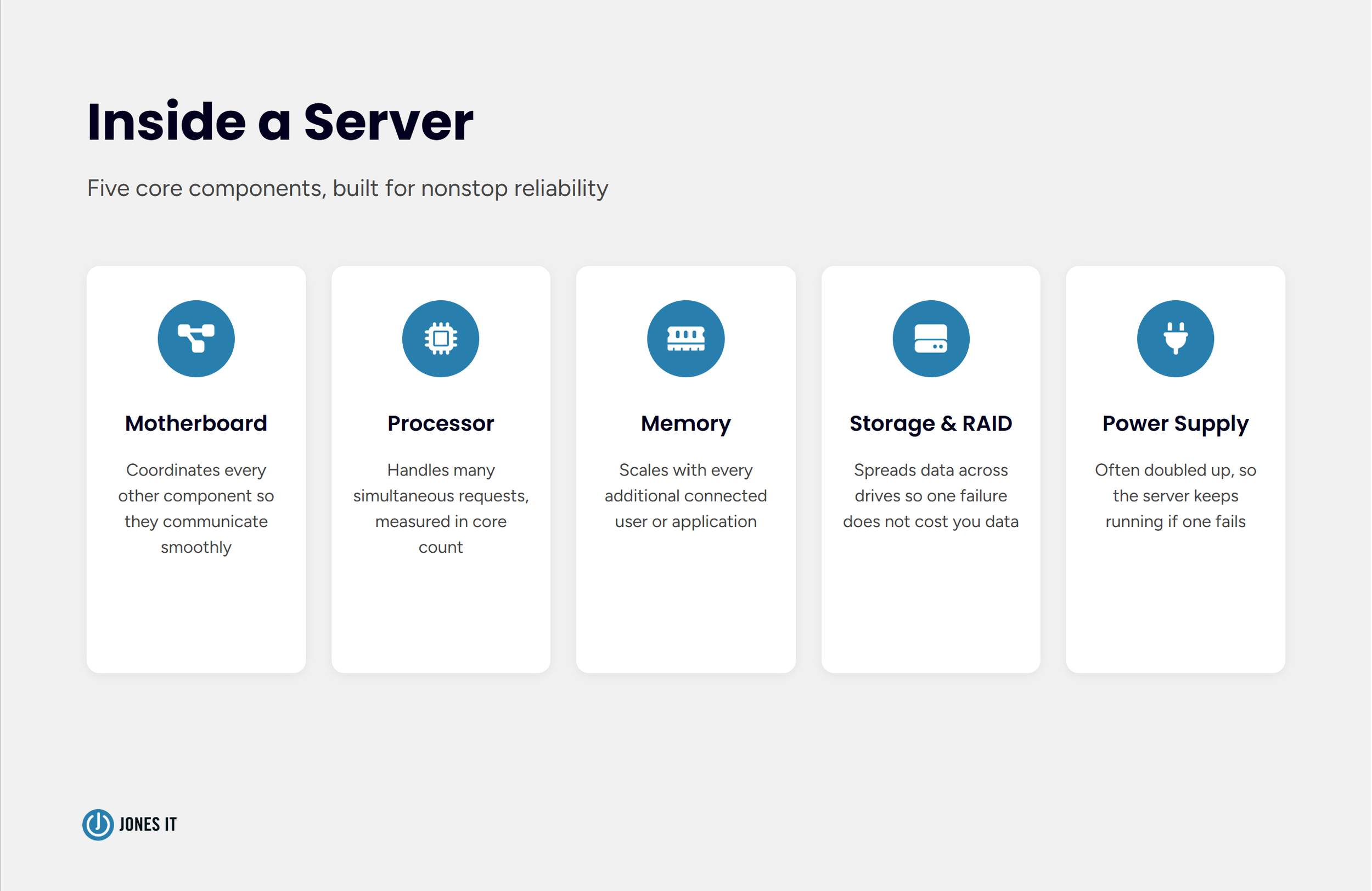
Strip away the marketing and a server is built from the same basic parts as any computer: a motherboard, a processor, memory, storage, and a power supply. What's different is how those parts are specified and built.
Motherboard: coordinates communication between every other component, and server motherboards typically support more memory and more expansion slots than a consumer board.
Processor (CPU): server CPUs are built to handle many simultaneous requests rather than a single demanding task, which is why server chips are usually measured in core count rather than raw clock speed.
RAM: servers generally carry far more memory than a desktop, since every additional connected user or running application draws on it.
Storage and RAID: most business servers spread data across multiple drives in a RAID configuration, so a single drive failure doesn't take data down with it.
Power supply: business-grade servers commonly ship with two power supplies, so the server keeps running if one fails.
None of this needs to be memorized. It's useful mainly so that a vendor quote reads as a set of tradeoffs instead of a wall of acronyms.
Tower, Rack, or Blade: Server Form Factors Explained
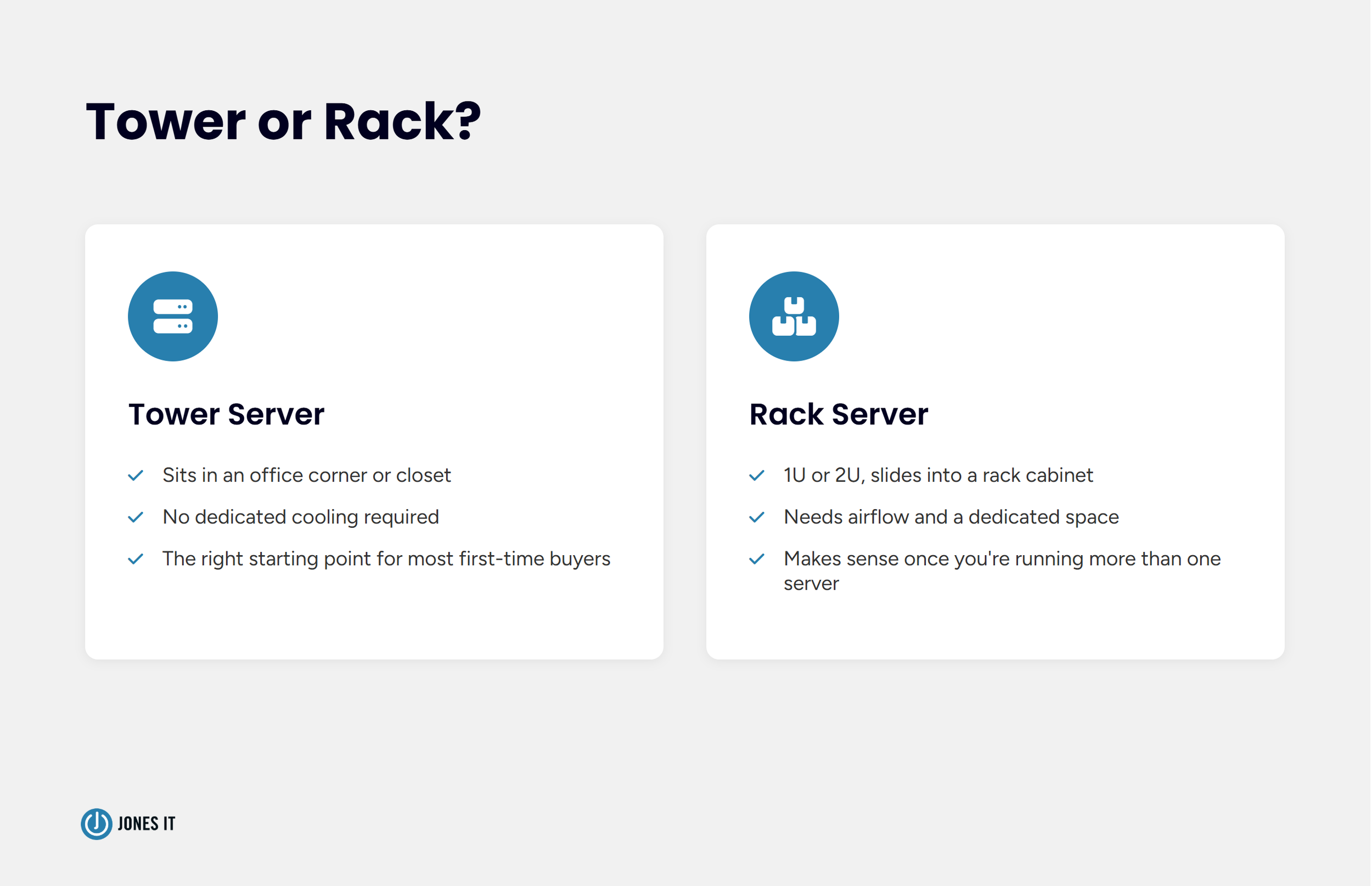
Form factor is really a question about physical space and how much you're running. A tower server looks like a large desktop tower, sits in an office corner or closet, and doesn't need dedicated cooling. It's the right starting point for most businesses buying their first server.
A rack server is a flatter unit, usually 1U or 2U, designed to slide into a rack cabinet alongside other equipment. Rack servers make sense once you're running more than one server, need serious storage density, or have outgrown what a tower can comfortably handle. The tradeoff is that a rack needs a proper space with airflow, and often supplemental cooling. We've walked into more than a few office closets doubling as server rooms with no ventilation plans at all, which shortens the life of everything in there, not just the servers.
Blade servers pack multiple thin server units into a shared chassis that provides power, cooling, and networking to all of them at once. This is a data center solution built for running dozens of servers in a small footprint, and we don't recommend it to small businesses. If a vendor is pitching you a blade system for a fifteen-person company, that's worth a second opinion. The economics only work at a scale most small businesses will never reach, and the shared chassis becomes a single point of failure for everything plugged into it.
If you're at the point of comparing actual hardware, we keep a running list of the servers we recommend most for small and medium businesses, broken down by tier and budget.
On-Premises, Cloud, or Hybrid
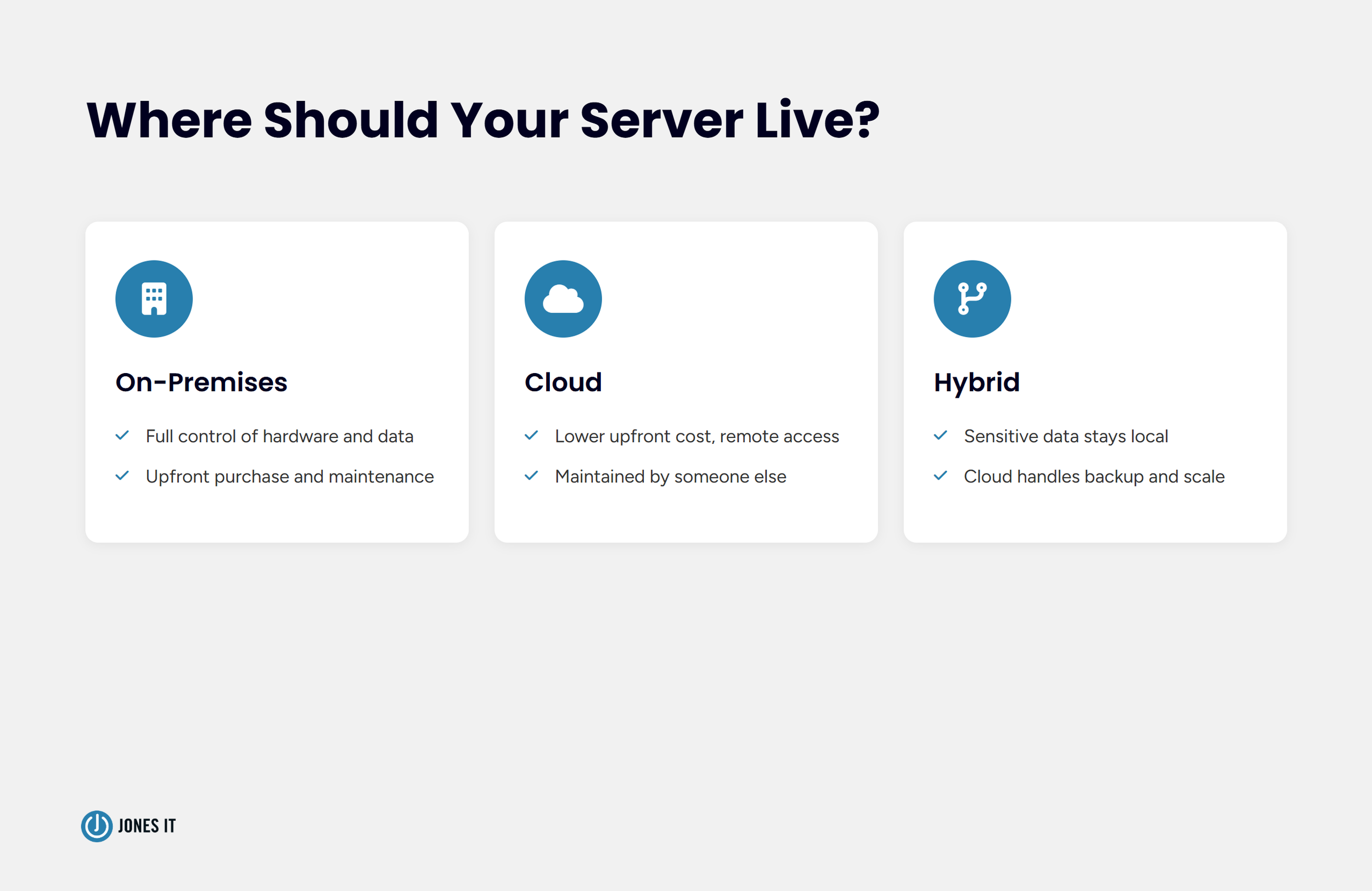
Beyond physical form factor, there's a separate decision about where your server actually lives. An on-premises server sits in your office and gives you full control over the hardware and the data, at the cost of the upfront purchase and the maintenance that comes with owning physical equipment. A cloud server runs on infrastructure someone else owns and maintains, which trades that control for flexibility, remote access, and a lower upfront cost. A hybrid setup keeps sensitive or frequently accessed data local while using the cloud for backup, scalability, or remote access. Hybrid sometimes also acts as a bridge for businesses transitioning away from aging on-prem hardware.
These aren't mutually exclusive categories in practice. A lot of the businesses we work with end up running a physical file server locally, backing it up to the cloud, and using cloud-hosted SaaS tools for everything else. The decision usually comes down to how sensitive your data is, whether your workload involves large files that are expensive to move over the internet repeatedly, and how comfortable you are depending on someone else's infrastructure for uptime.
We've written a full breakdown of this decision, including where NAS devices fit into the picture, in our comparison of NAS, server, and cloud storage.
Build Your Own or Buy Pre-Configured
Once you know roughly what you need, there's a build-versus-buy question underneath the hardware itself. Building a custom server from individually sourced components can be cheaper upfront and lets you match specs to your exact workload. It also means you're the one responsible for compatibility, and you're managing warranty claims across however many different component vendors you bought from, rather than one.
Pre-configured servers from Dell, HPE, or Lenovo cost more per unit, but they come with a single point of support, a bundled warranty, and remote management tools like iDRAC, iLO, or XClarity built in from the factory. I've never recommended a fully custom build to a company under fifty people, and I probably never will. The support model alone makes pre-configured hardware worth the premium for most small businesses. When something goes wrong at 11pm and you don't have in-house hardware expertise, a single phone number to call matters more than the money saved on individually sourced parts.
How to Choose the Right Server for Your Business
With the vocabulary out of the way, the actual decision comes down to a handful of practical questions.
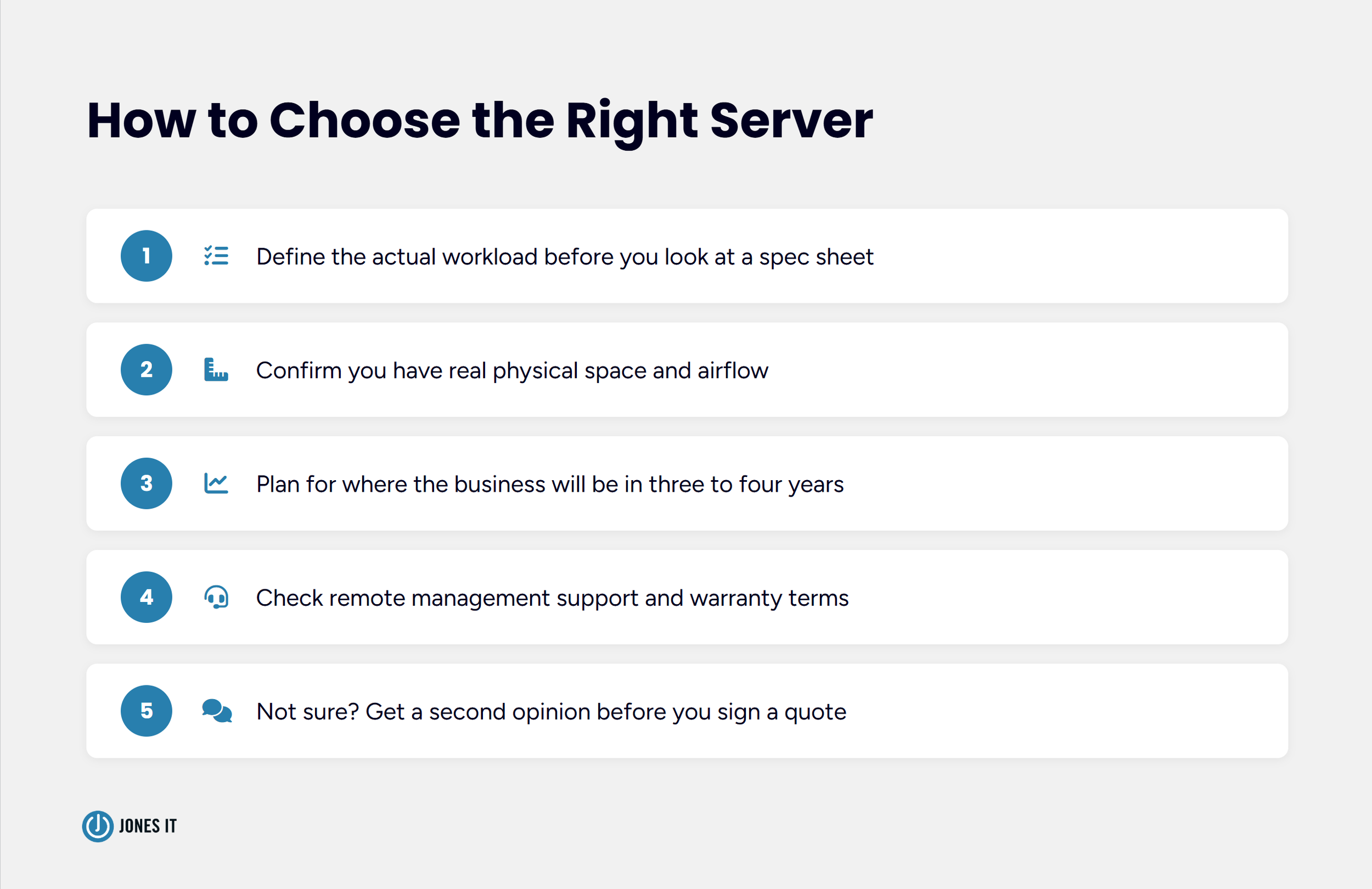
What's the workload? File sharing and a shared printer need something very different from five virtual machines or a database the product depends on. Write down what the server actually needs to run before you look at a single spec sheet.
How much physical space do you actually have, and does it include real airflow or a dedicated closet? A rack server dropped into a windowless supply closet will run hotter and fail sooner than the same hardware given proper ventilation.
Where will you be in three to four years? Server hardware has a realistic useful life in that range, and buying for today only gets you so far. Hiring plans and product roadmaps matter as much as current headcount.
Does it support remote management, and does the warranty include onsite support if something fails? This is the difference between an IT provider fixing an issue remotely and someone driving to your office to diagnose it in person.
If you're not confident answering the first four questions, get a second opinion before you sign a quote. A twenty-minute conversation is a lot cheaper than hardware you didn't need.
For businesses on a tight budget needing offline, air-gapped backups, consider internal LTO tape drives. While slower than modern cloud syncing, they provide a reliable, low-cost way to store critical data off-site every night, a crucial insurance policy against ransomware.
When you're ready to look at specific models, our guide to the best servers for small and medium businesses walks through current picks across budget tiers.
And once hardware is chosen, our walkthrough on configuring a network server covers what happens after it arrives.
None of This Needs to Be Complicated
Most of what makes server buying feel confusing isn't the technology itself. It's the vocabulary gap between people who spec servers for a living and people who just need their shared drive to stop dropping mid-call. Once you can read a quote and know roughly what each line means, the rest is a normal business decision about budget, growth, and how much control you want over your own infrastructure. There's no prize for buying the most impressive-sounding hardware, and there's no shame in asking someone to translate a quote before you sign it.
Reach out to us if you'd like a second opinion on a quote you've already received, or if you're not sure where to start. We can look at your workload and your growth plans and tell you plainly what you actually need.




Master the device reassignment process. Learn how to securely reset, verify, and reissue Mac and Windows company laptops while meeting compliance standards.