
IT Staff Augmentation vs Managed Services: Which IT Model Fits Your Startup
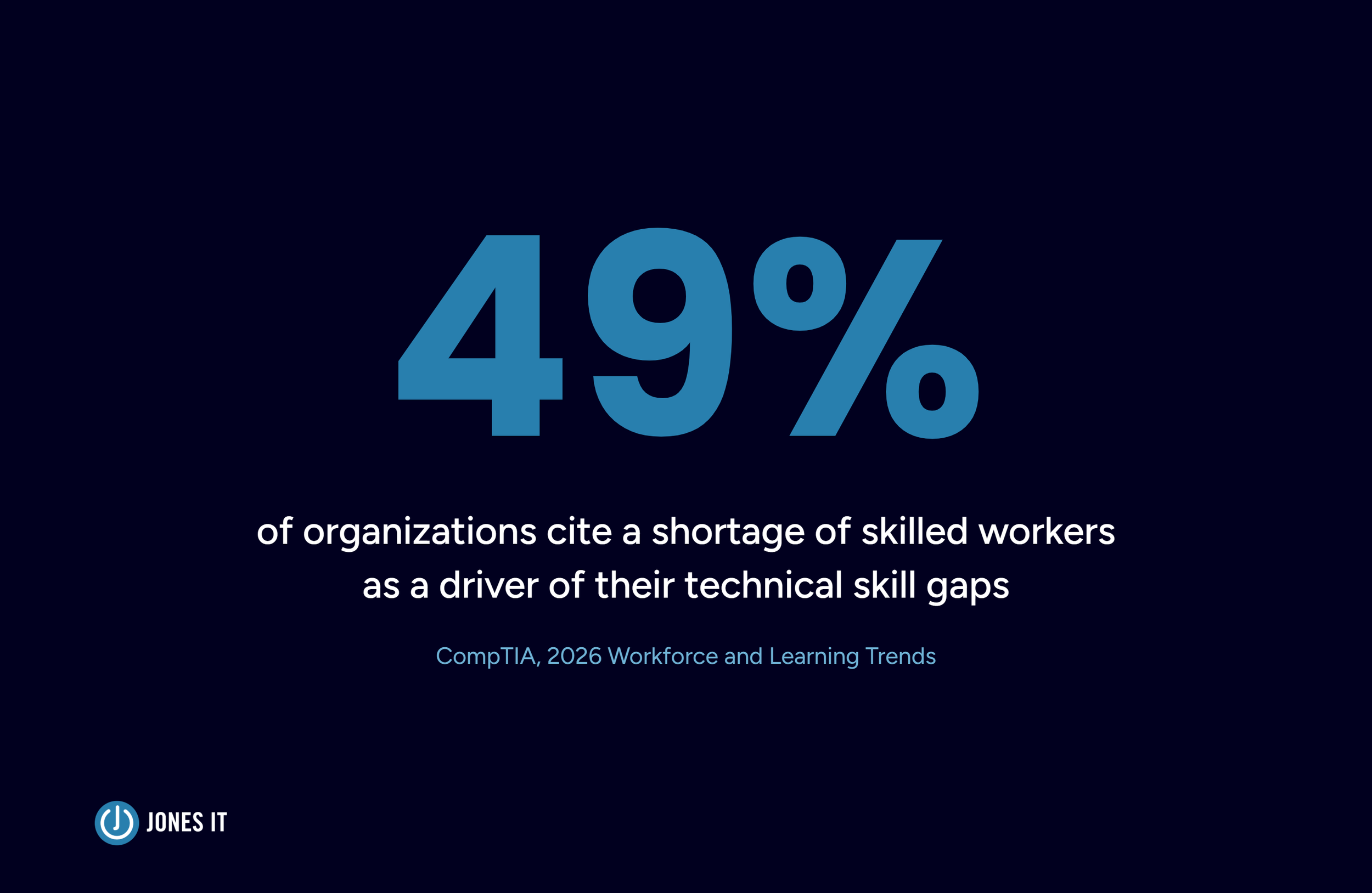
Forty-nine percent of organizations point to a shortage of skilled workers as a driver of their technical skill gaps, according to CompTIA's 2026 Workforce and Learning Trends research. For a Series A SaaS company with fifteen employees and no dedicated infrastructure engineer, that shortage shows up as a decision: bring in contractors to fill the gap, or hand the entire function to a provider.
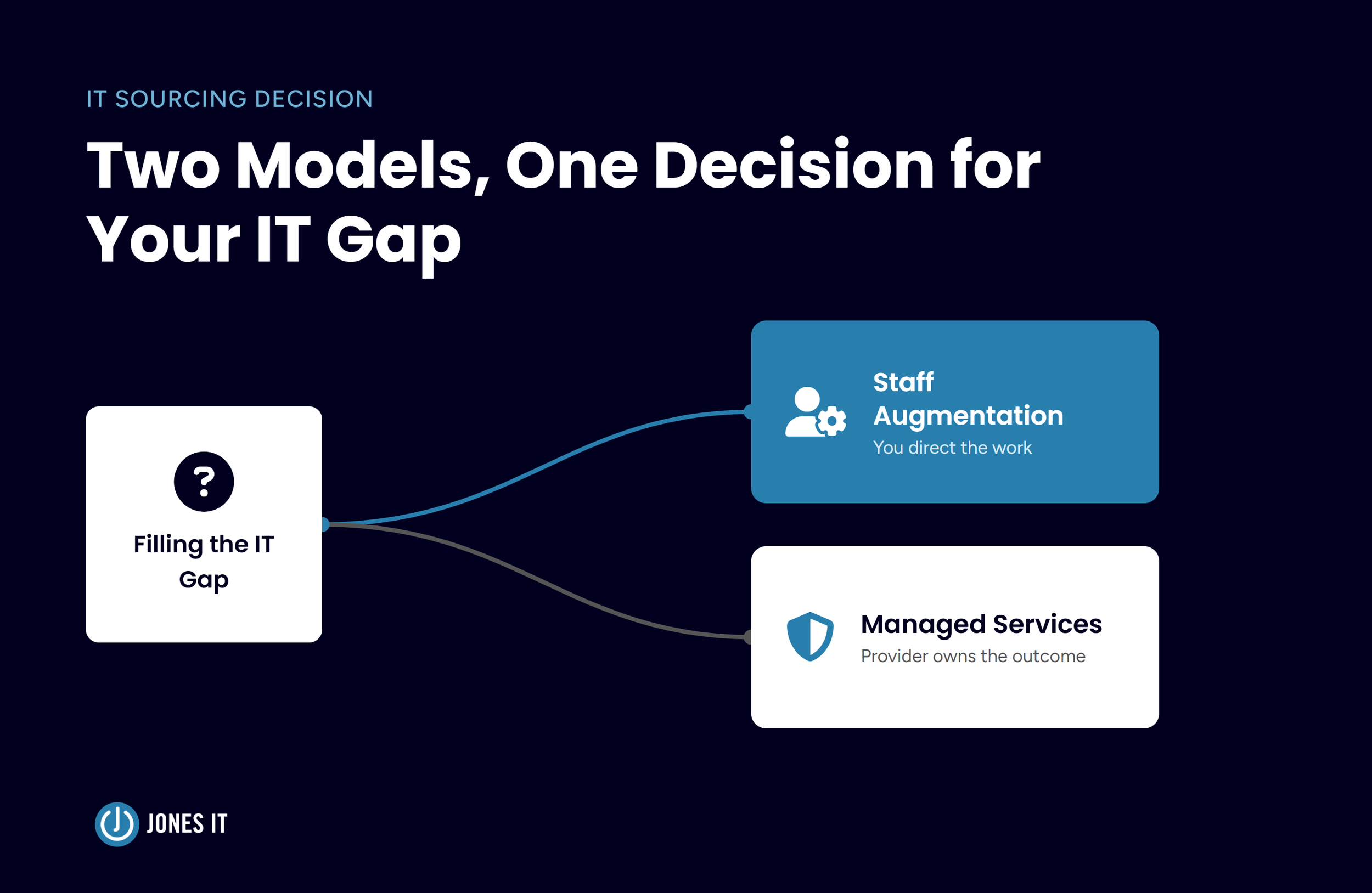
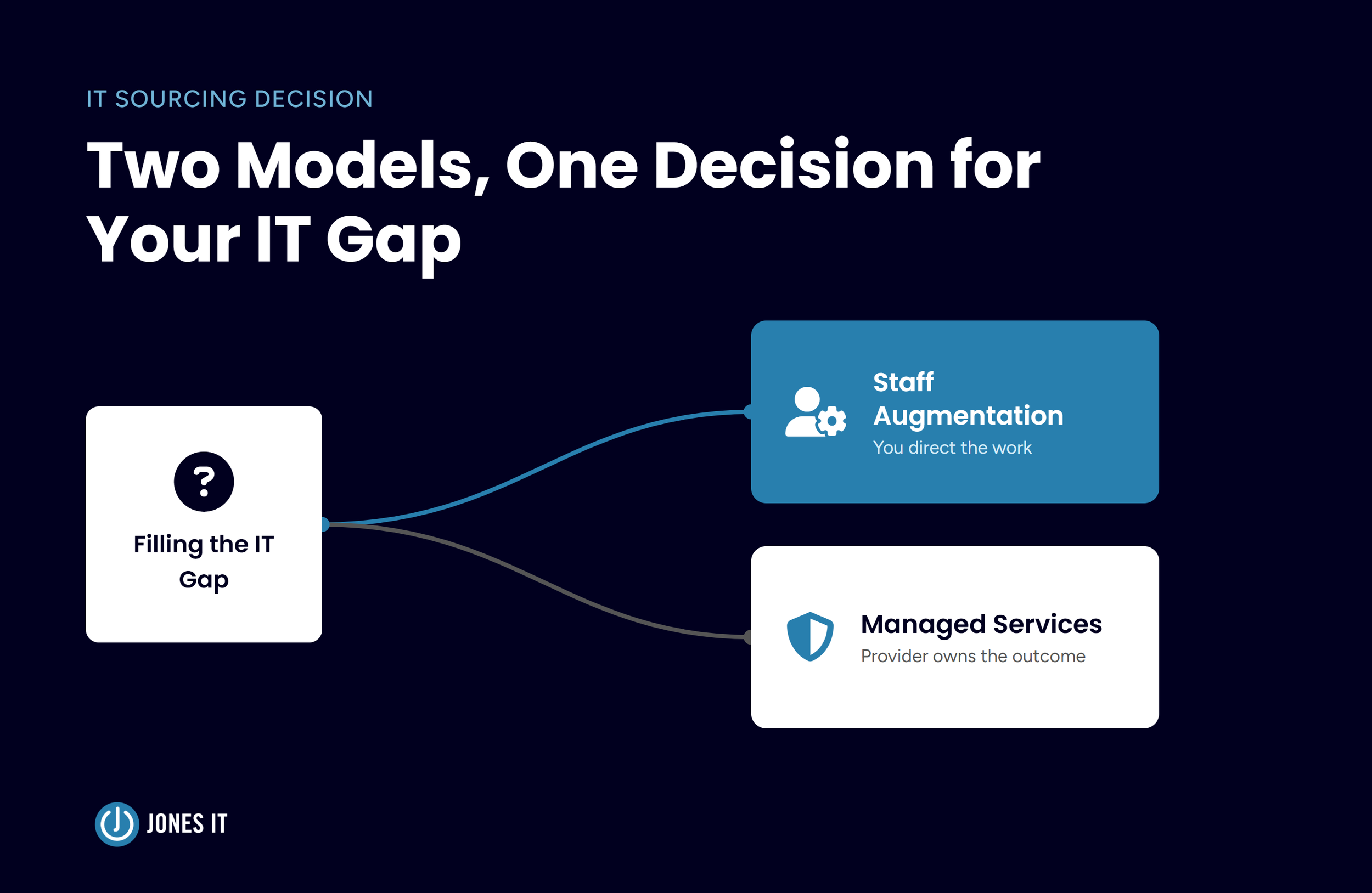
Most founders we talk with have heard both terms, staff augmentation and managed IT services, and assume they're two flavors of the same thing. They're not. The staff augmentation vs managed services choice for startups determines who directs the work, who owns the outcome, and who eats the risk when something breaks at 2 am. Get it wrong, and you find out after months, usually right when you need the arrangement to hold.
The Talent Squeeze Behind Every IT Sourcing Decision
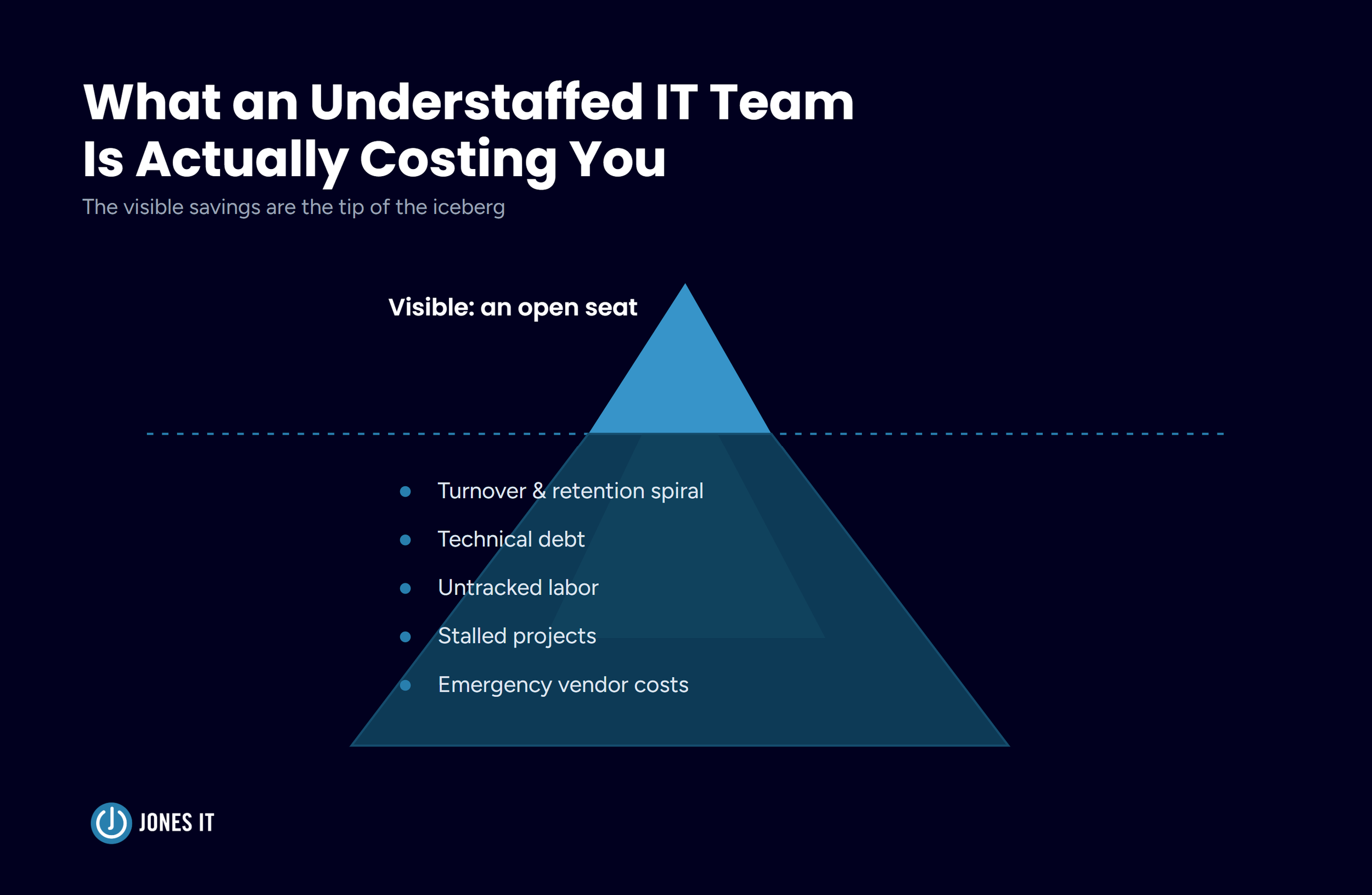
Specialized IT skills rarely sit where startups need them. Cloud architecture, security engineering, and compliance-adjacent infrastructure work concentrate in a handful of markets, and Bay Area startups compete with every other well-funded company for the same small pool of people. A hiring freeze or tight runway makes a permanent salary commitment feel risky, even when the need is real. A standard hiring cycle, which includes sourcing, interviewing, offer, onboarding, can easily run two to three months. That's a long time to leave a server unpatched or ignore a growing backlog.
The squeeze itself isn't a reason to panic. It's a reason to be deliberate about which sourcing model actually fits the gap you're trying to close. That's where staff augmentation and managed IT services diverge.
What IT Staff Augmentation Actually Buys You
IT staff augmentation means bringing in individual contractors who work inside your environment, under your direction, using your tools and your processes. You're not buying an outcome. You're renting capacity, and you keep the steering wheel.
Staff augmentation works well for short, well-defined problems: a data migration with a hard deadline, a security audit that needs a specialist for six weeks, a busy season that needs an extra set of hands on the helpdesk. The contractor plugs into your sprint, reports to your manager, and leaves when the work is done. Because the work happens inside your own systems, your intellectual property stays behind your own security controls the whole time.
The engagements companies bring on typically break down a few ways: short-term coverage for a leave or a seasonal spike, long-term augmentation used as a flexible alternative to a full-time hire, and skill-based engagements brought in for a single phase of a project, like a data scientist for a three-month model build. The common thread across all of them is where the direction comes from. It comes from you.
The Hidden Management Tax
Here's what gets left out of most staff augmentation pitches: augmented staff still need direction. Someone on your team has to onboard them, assign their work, review what they produce, and catch mistakes before they ship. That someone is usually your most senior internal engineer, the person who was supposed to be working on your actual roadmap. The Bureau of Labor Statistics puts the median annual wage for a computer and information systems manager, the kind of role most often pulled into directing contractor work, at $171,200 as of May 2024. That's the general price tag on the time now going toward oversight instead of building.
I've seen this pattern often enough that I don't think it's an edge case. It's closer to the default outcome when a company brings on augmented staff without first deciding who owns the quality bar.
What Happens When the Contract Ends
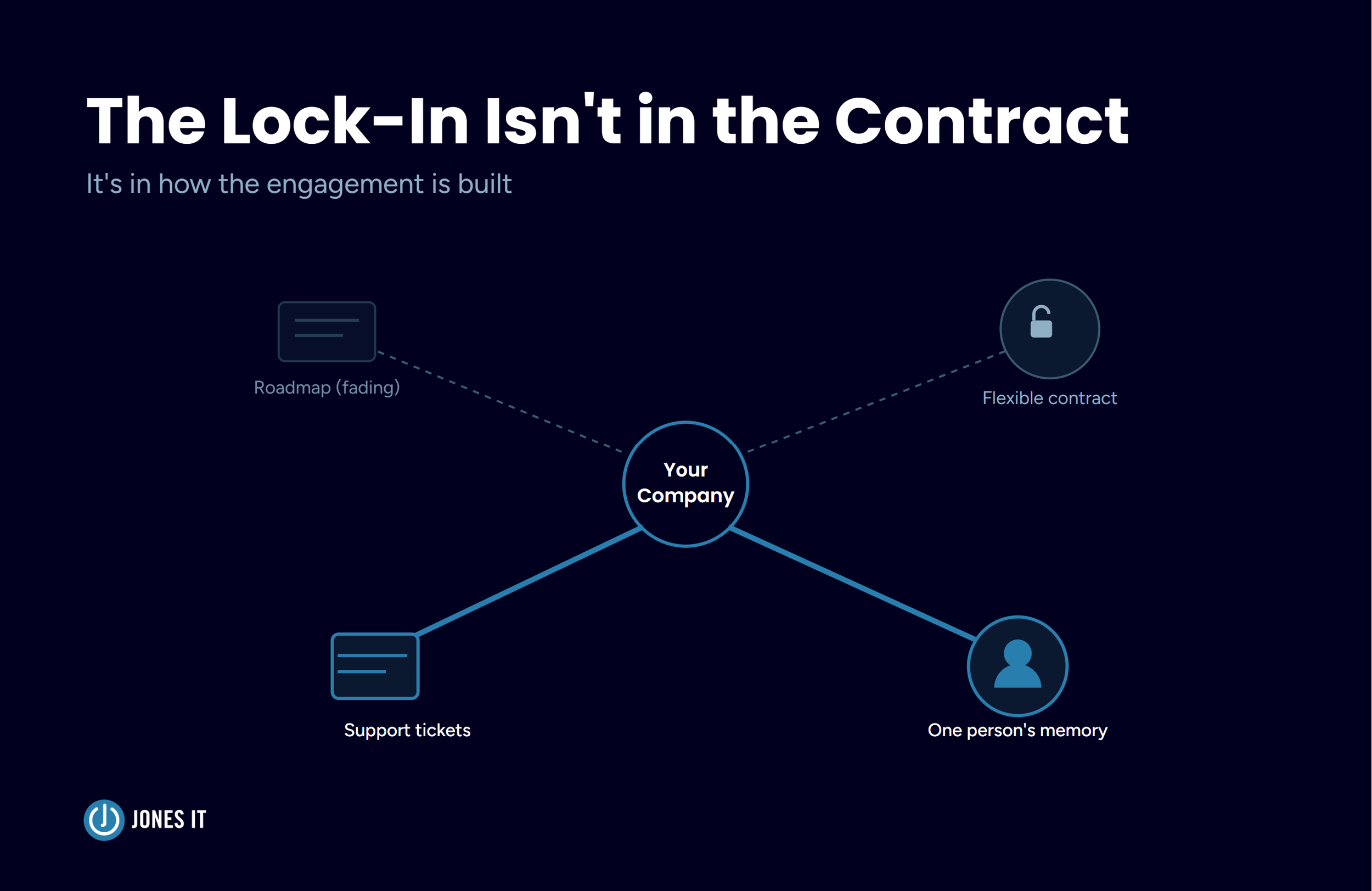
Contractors don't carry the same long-term stake in your company that a full-time hire does, and that shows up most clearly at the end of the engagement. When the contract wraps, the knowledge they built up usually leaves with them: the config choices, the workaround that fixed the last production incident, the context nobody wrote down. Unless your team documented everything in real time, you're paying to rebuild that context the next time something in that system breaks.
What Managed IT Services Actually Buys You
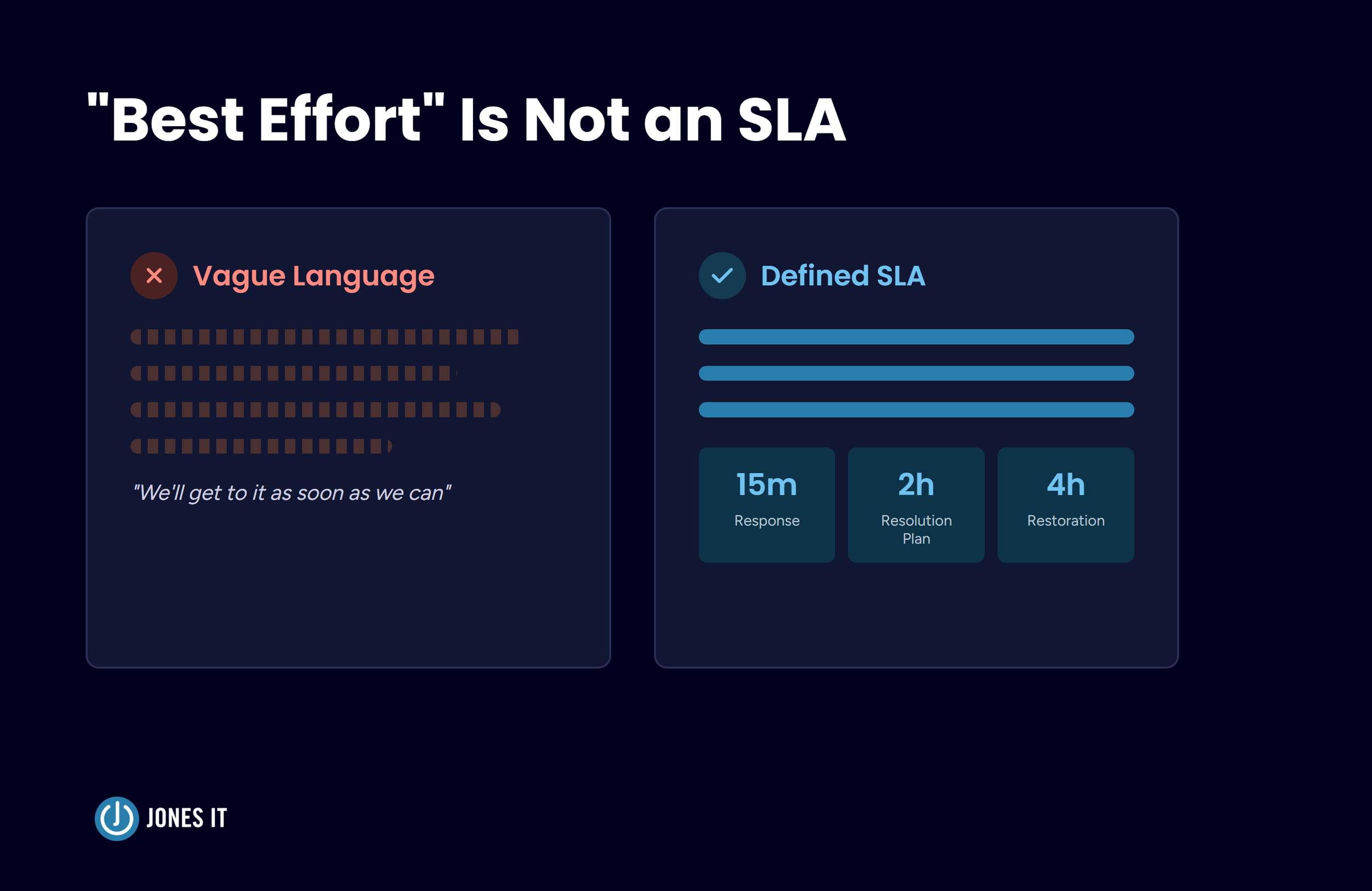
Managed IT services work differently. Instead of renting people, you're outsourcing an entire function. A managed service provider takes on a defined slice of your IT environment, such as security monitoring, backup and disaster recovery, compliance documentation, help desk, whatever you've scoped, and operates under a service level agreement (SLA) that spells out what "working" means. If the concept is new to you, learn more about Managed IT Services and When Your Startup Needs One.
The scope varies by what you've bought. Some engagements cover infrastructure monitoring and patching. Others extend into managed security, compliance reporting for frameworks like SOC 2 or HIPAA, or backup and disaster recovery with a guaranteed restoration window. Co-managed IT is its own version of this model, where the provider takes a defined slice of the environment while your internal team keeps the rest. We'll get into that setup further down.
The SLA Trade-Off
The SLA is the whole point. It shifts accountability from your team to the provider. If uptime drops or a patch gets missed, that's the provider's problem to fix and often their financial liability, not an internal fire drill. Fixed monthly fees also make budgeting predictable in a way that contractor day rates never do. You know what next quarter costs before it starts.
Where Managed Services Gets Rigid
The trade-off is flexibility. An SLA that was scoped six months ago doesn't automatically bend when your roadmap changes direction. Moving away from a provider later can also be more disruptive than people expect, especially once your team has built workflows around that provider's tools and ticketing system. Ask about data portability and offboarding terms before you sign, not after you've decided to leave.
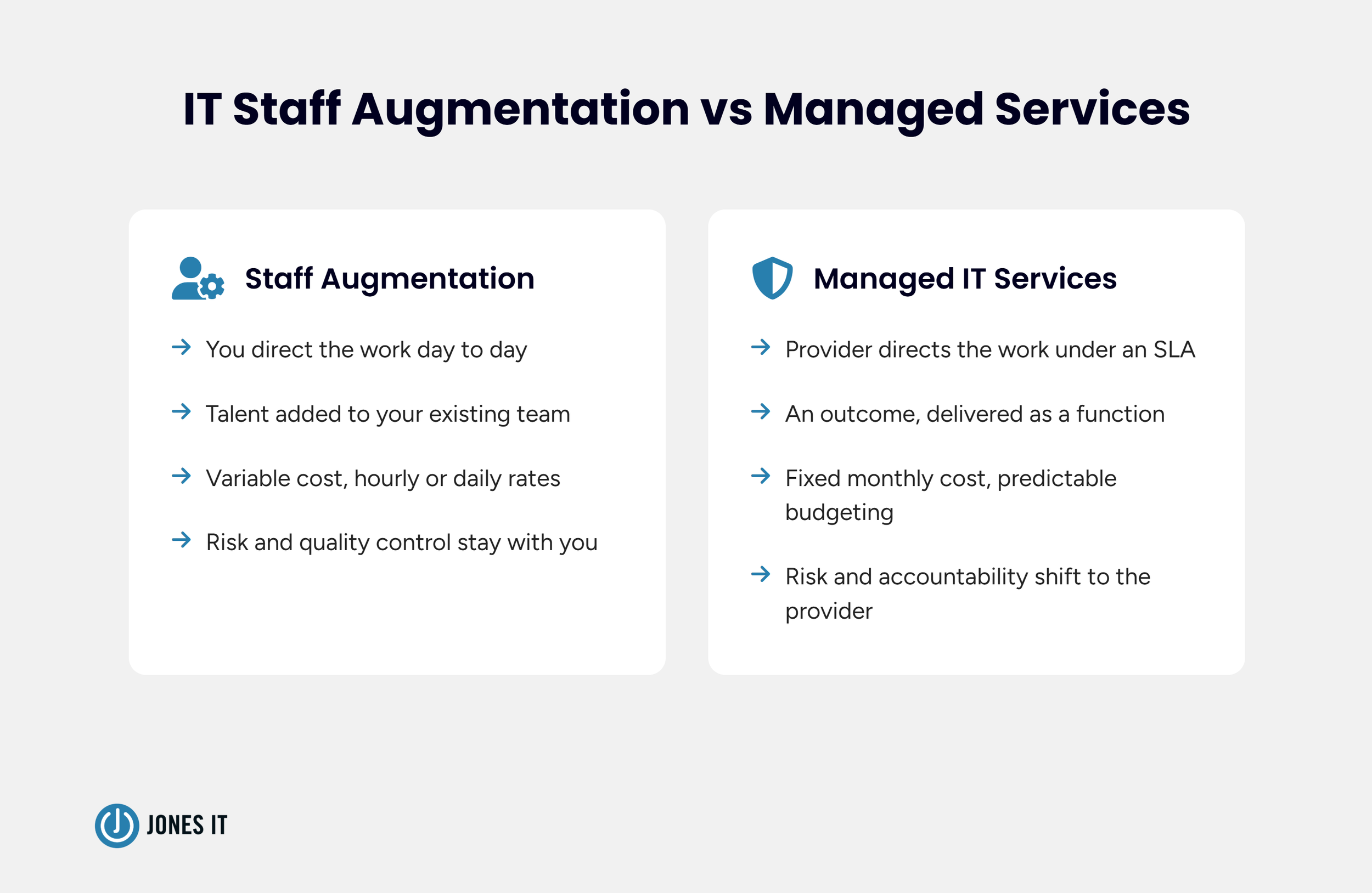
IT Staff Augmentation vs Managed Services: Side by Side
| IT Staff Augmentation | Managed IT Services | |
|---|---|---|
| What you're buying | Talent, added to your team | An outcome, under SLA |
| Who directs the work | You | The provider |
| Who owns the risk | You | The provider |
| Cost structure | Variable, hourly or daily | Fixed, predictable |
| Knowledge after the engagement | Often leaves with the contractor | Stays with the provider's documented processes |
| Best fit | Short, well-scoped gaps with strong internal leadership | Ongoing, business-critical functions |
What This Looks Like Once You're Actually Running It
The comparison above is clean, but real deployments rarely are.
Teams that bring on staff augmentation sometimes find that contractors want to use the tools they already know. That preference can create parallel systems your internal team now has to reconcile. Teams that move to managed services run into a different friction, where providers often standardize on their own remote monitoring and management tooling, and some of it is intentionally difficult for internal staff to modify or remove. That's by design, since it protects the provider's ability to guarantee the SLA, but it can feel like losing sovereignty over your own environment if nobody explained it up front.
There's also a tooling gap that catches teams off guard when they're moving from a legacy, on-prem setup toward a managed provider. Internal teams that grew up on a traditional VPN often find that MSP tooling is built cloud-first. That's usually the right long-term direction, but it requires a real migration rather than a simple vendor swap.
Support expectations shift too. A team used to walking down the hall to grab their in-house engineer has to adjust to a ticketing queue and a support line, even a good one. That adjustment can be a challenge, and it's worth setting expectations with your team before the transition rather than after the first frustrated Slack message.
One more friction point is that not every provider delivers the same bench strength. Teams that switch to managed services sometimes trade a known internal engineer for a rotating cast of support agents, and the handoffs between them can lose context fast. That's not a reason to avoid managed services. It's a reason to ask a prospective provider how they staff your account and how much continuity you can expect from one ticket to the next.
None of the friction above should scare you off either model. Ask pointed questions before you sign anything instead: which tools will be mandatory, how offboarding works, and who on your side owns the relationship day to day.
When a Hybrid, Co-Managed Model Is the Better Answer
Most of the startups we work with don't actually need a single, pure model. They need a split: core product work and unique business logic stay internal or augmented, because that's where institutional knowledge matters most, while repeatable, utility-grade functions, patching, monitoring, tier-one helpdesk, move to a managed provider.
A co-managed model is one version of a hybrid IT staffing model, built around that split, and it works when the split stays explicit. Framed as co-managed IT vs staff augmentation, the two can look like competitors, but in practice, the split above uses both at once. The failure mode isn't the hybrid structure itself; it's ambiguity about who owns which ticket. If leadership never draws that line, your internal team ends up spending its time cleaning up after the provider's mistakes instead of doing the strategic work the hybrid model was supposed to free them up for.
A hybrid model built to avoid a hard headcount decision tends to fail for a different reason than a badly scoped contract. It fails because nobody treated it as an architecture decision in the first place. If your internal documentation and planning were weak before you brought in outside help, adding a provider or a contractor won't fix that. It will just give the gaps more surface area to hide in. We wrote more about what a well-scoped split looks like in practice in Internal IT Team Stretched Thin: Close Gaps with Co-Managed IT, and about the signs your team is ready for one in Co-Managed IT Services: 5 Signs Your IT Team Is Ready for One.
How to Decide
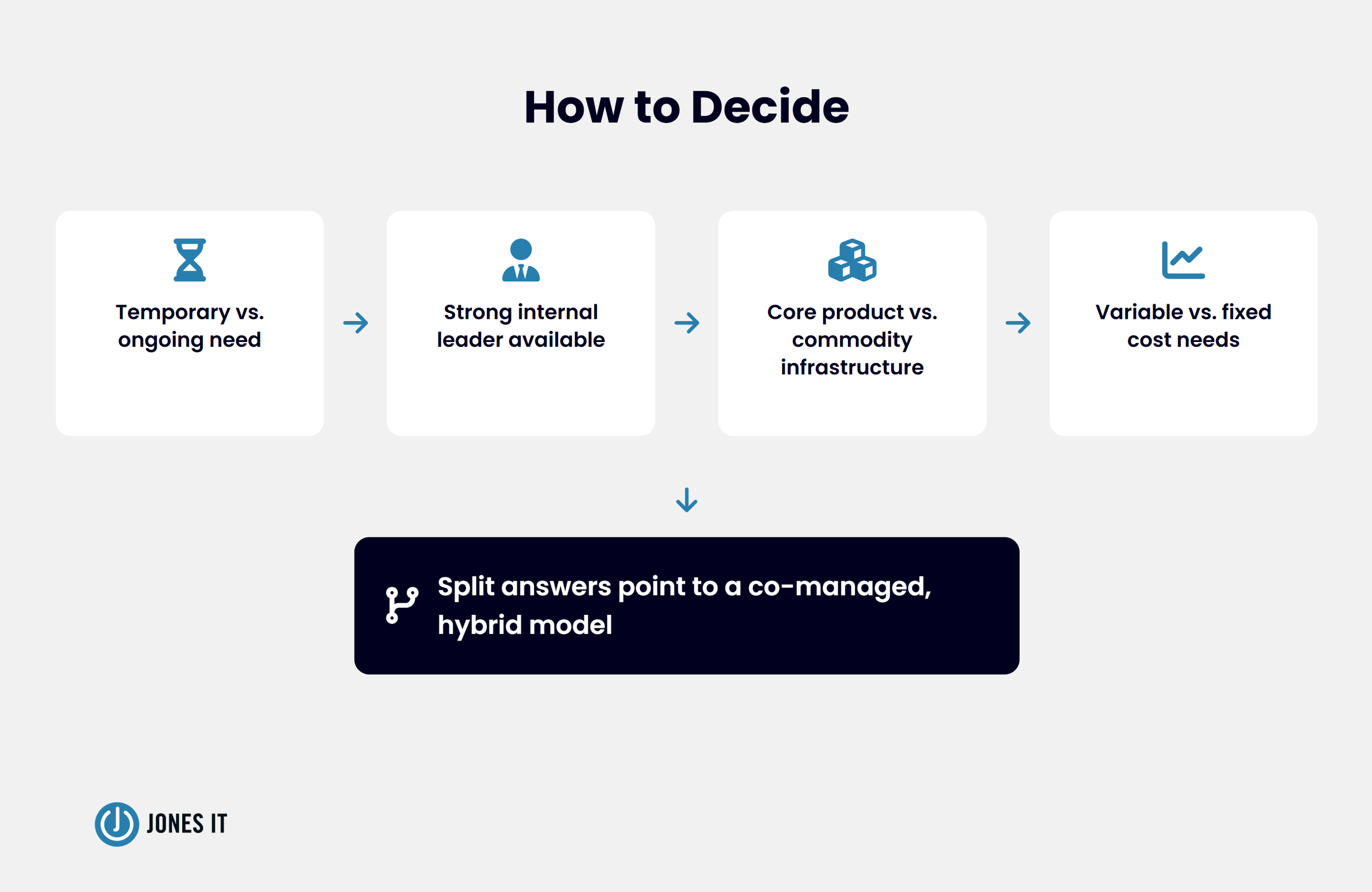
Ask these four questions to determine whether to hire contractors or outsource your IT:
Define the duration: Is the work temporary and scoped (choose augmentation) or ongoing and operational (choose managed services)?
Assess your leadership: Do you have a strong internal leader, with sufficient bandwidth, who can direct contractors day-to-day? If not, augmentation will cost more in oversight than it saves in flexibility.
Evaluate the function: Is this work core to your product or commodity infrastructure? Keep core work in-house; send commodity work to a provider.
Consider your budget: Can your team absorb variable costs, or do you need the predictable, fixed spend that managed services offers?
If your answers split across both categories, don't worry; this suggests a co-managed model is likely the better fit.
Getting the Model Right the First Time
The talent shortage isn't going away, and the pressure to move fast without overextending your team is constant. But you aren't just choosing a vendor; you’re choosing an architectural foundation for your company’s growth. Whether you rent capacity through augmentation or outsource an outcome through managed services, the goal remains the same: ensure your engineering team spends its cycles on your product, not on managing the underlying infrastructure. Getting the model right the first time saves you the high cost of an expensive pivot later.
Unsure which model fits your current infrastructure? We help startup founders map their IT gaps against their technical roadmap to identify exactly where to augment and where to outsource. Let’s identify the right model for your specific growth stage.



About The Author

Evan JonesFounder and CEO of Jones IT
With over two decades of IT experience in San Francisco, Evan guides Jones IT's long-term strategy, finances, and culture, with a vision of building the city's highest-rated IT services firm. Outside of work, you'll find him on the golf course or running Bay Area Warriors, his non-profit connecting Bay Area kids to college through basketball.
Mac vs. PC for startups isn't a company-wide choice; it’s a per-role one. Use this framework to match hardware to software needs and efficiently manage a mixed fleet.